Synology DS109 NAS Review
- Synology DS109 NAS Review
- Page 2 - Closer look
- Page 3 - Installation, software
- Page 4- Tests
- Page 5 - Conclusion
Page 3 - Installation, software
Page 3 - Installation, software
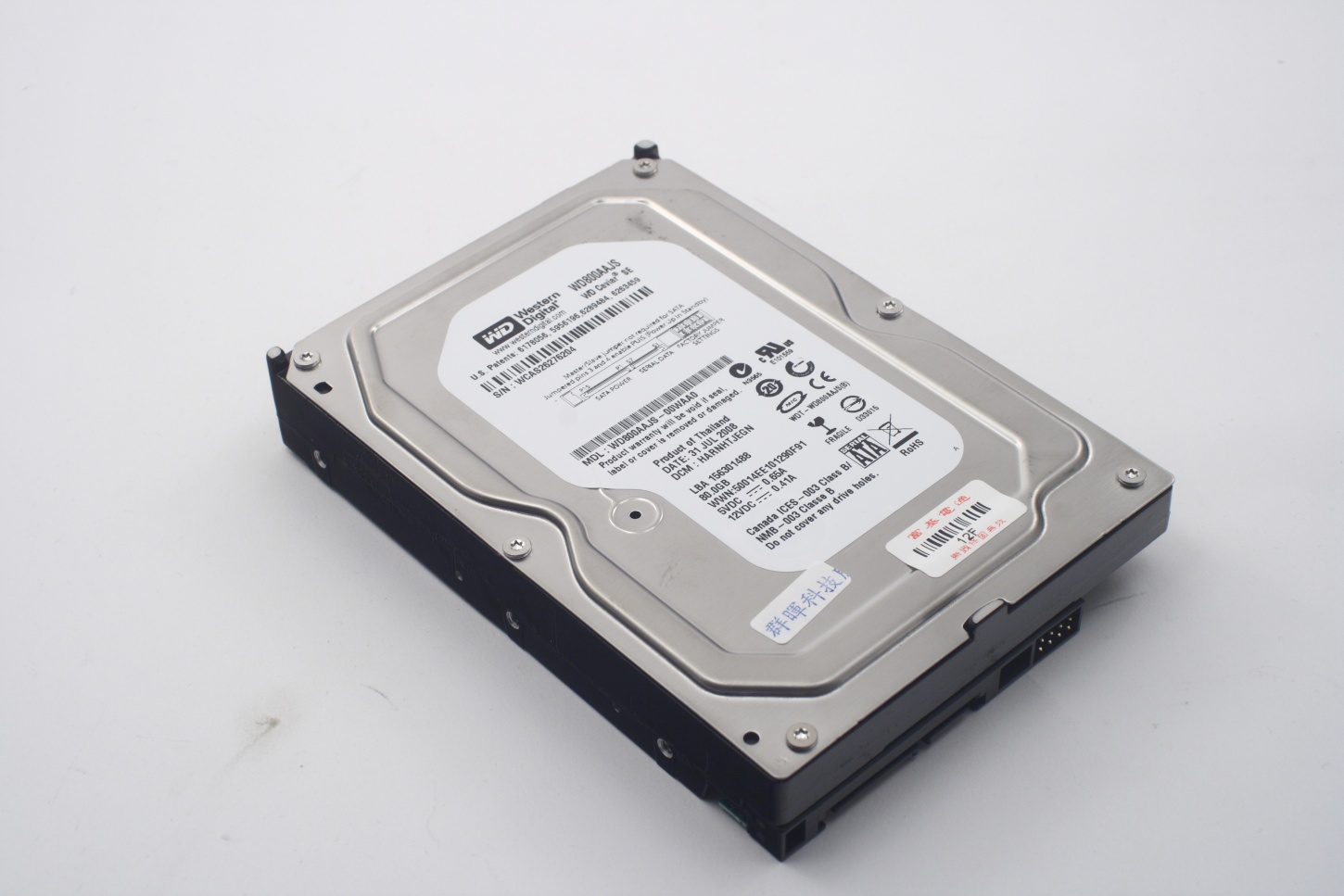
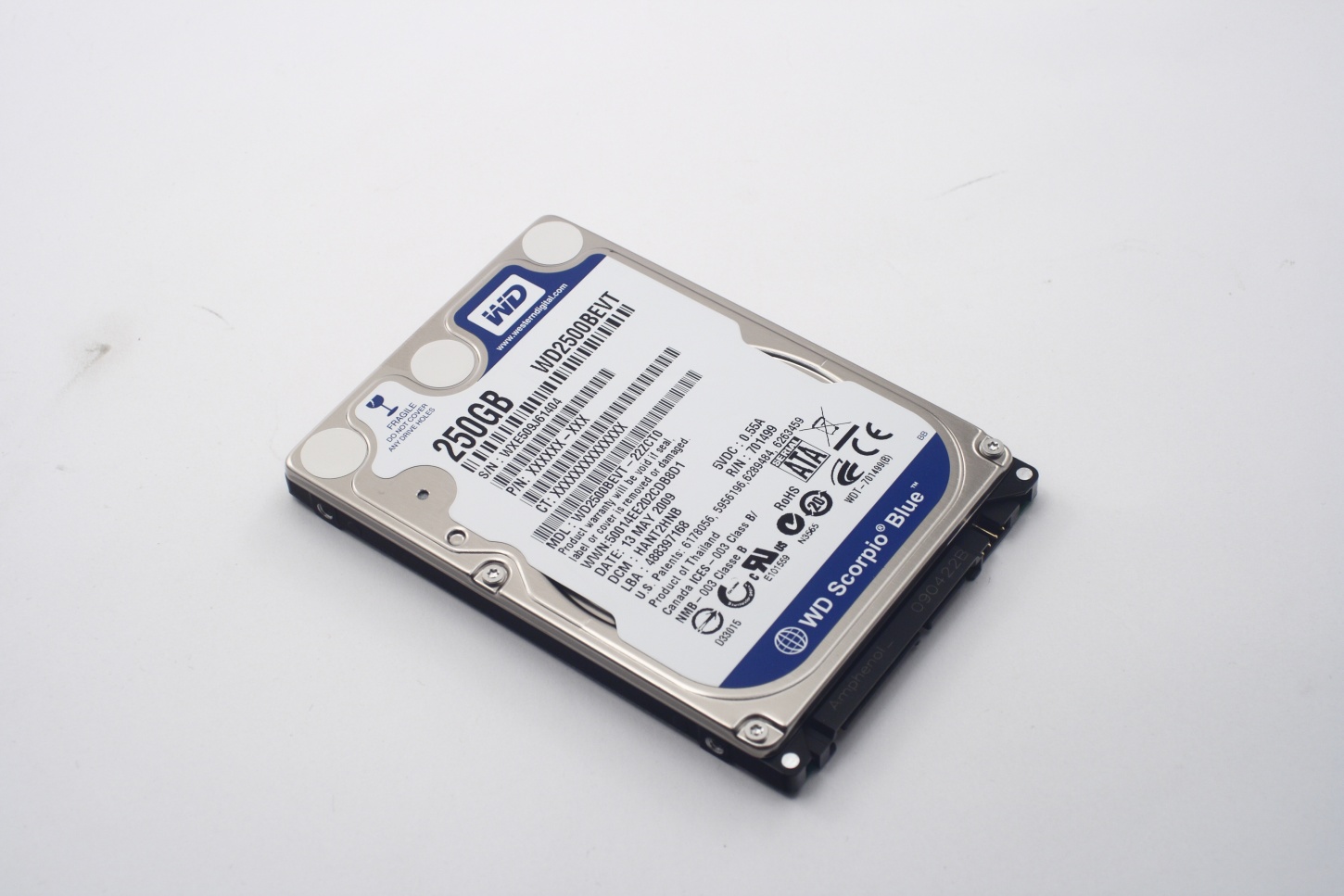
We used these hard drives in our tests:
- Western Digital Caviar WD800AAJS – 80 GB SATA II, 3.5”
- Western Digital Scorpio Blue WD2500BEVT – 250 GB SATA II 2.5”
Installation
Installing a 3.5” hard drive is easy – put it in place, tighten the four screws, close the case and tighten its screws in turn. That's it.
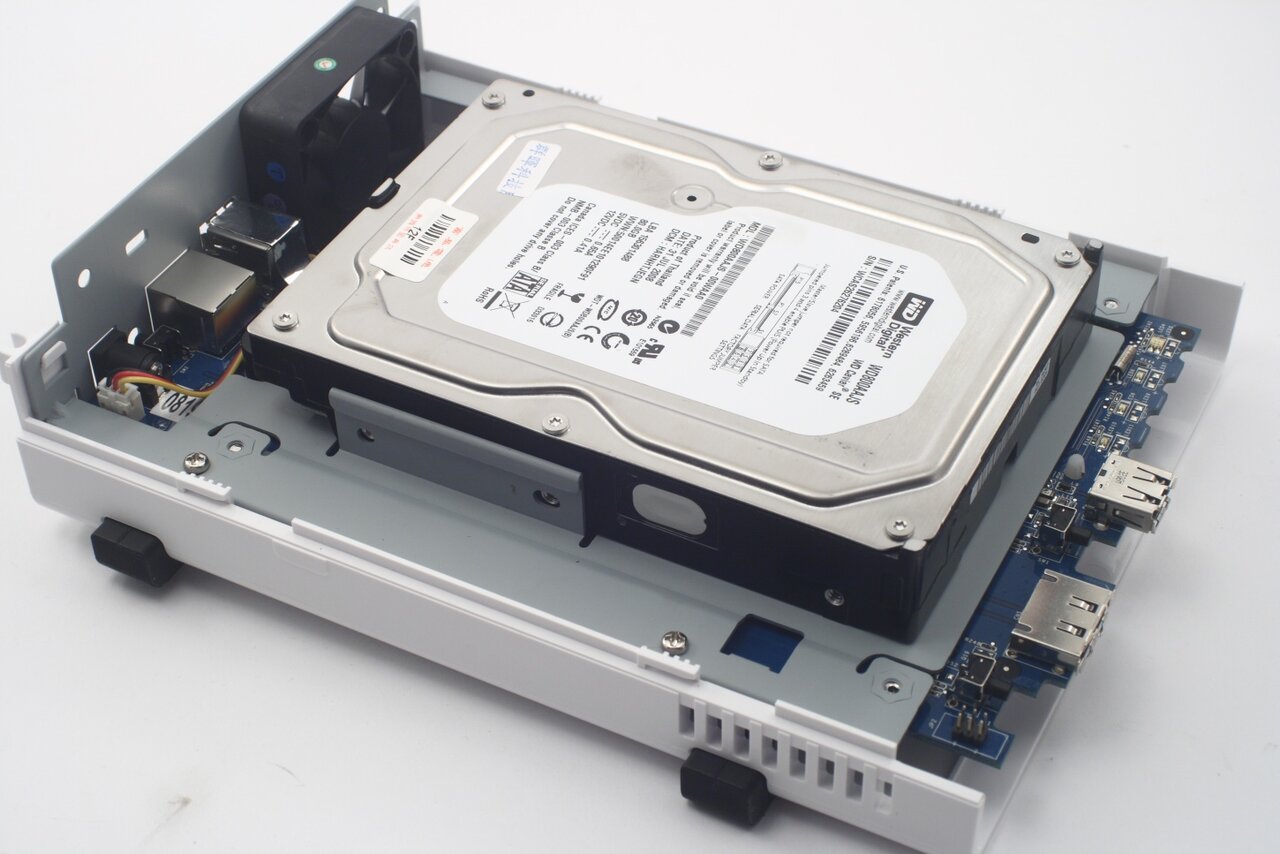
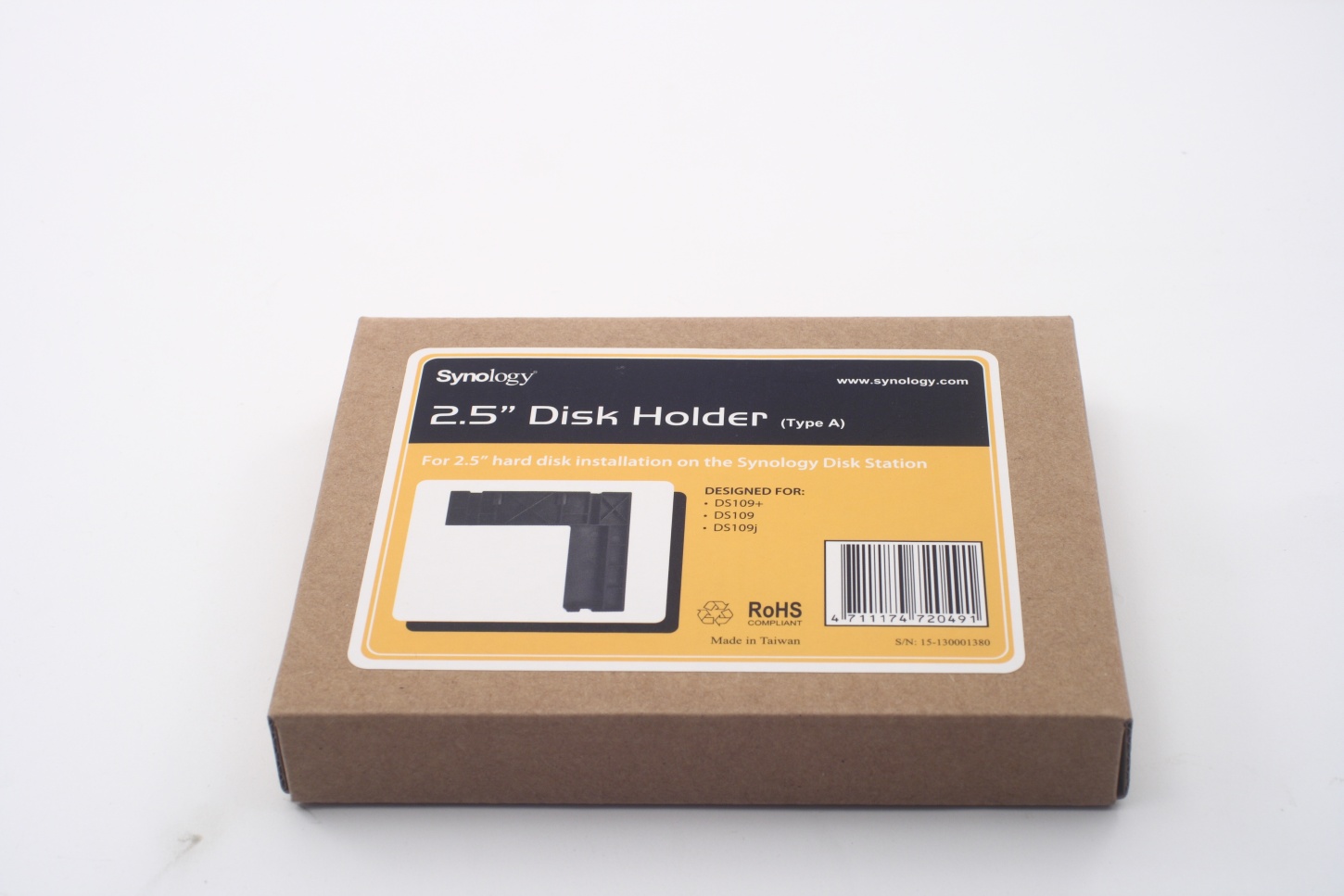
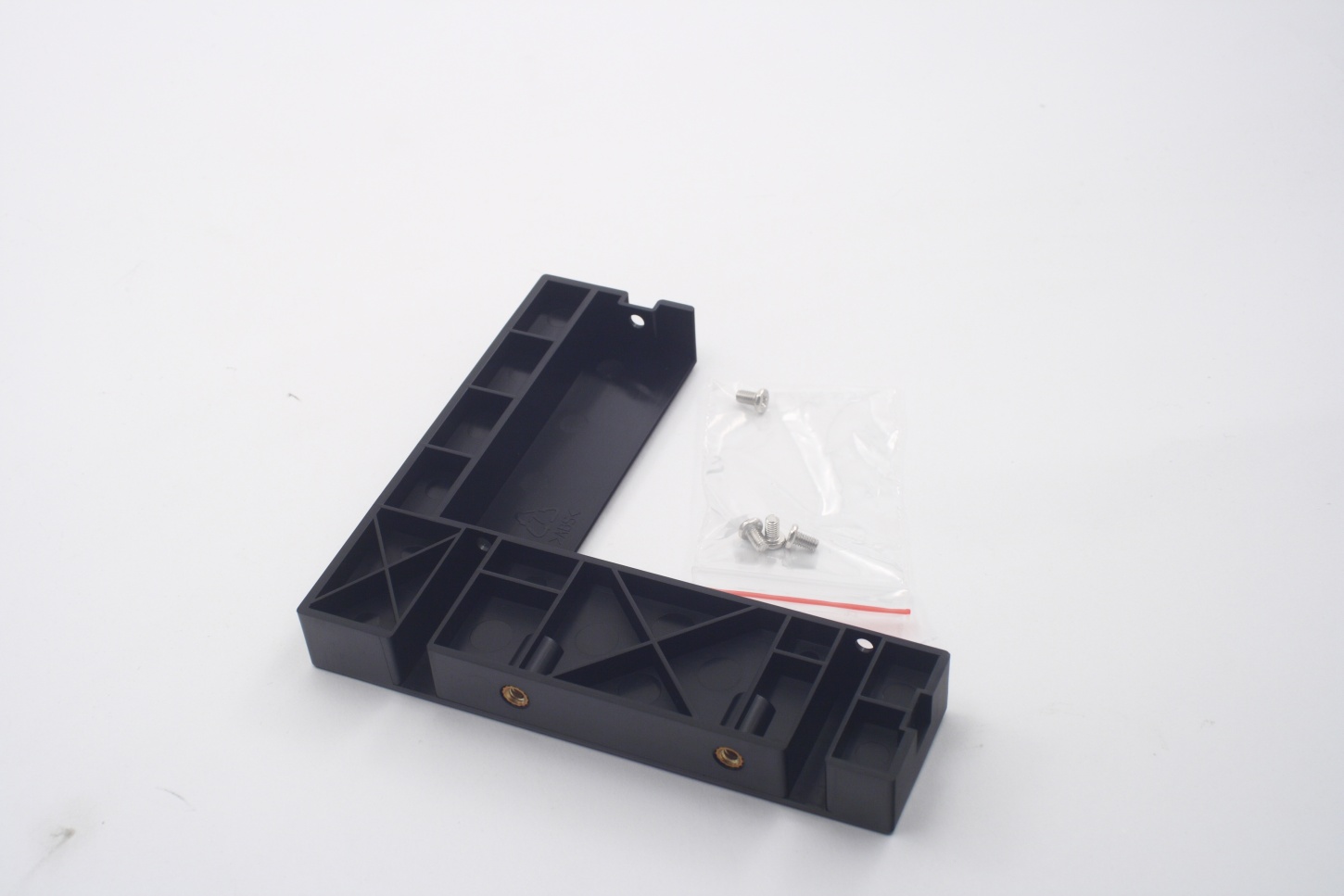
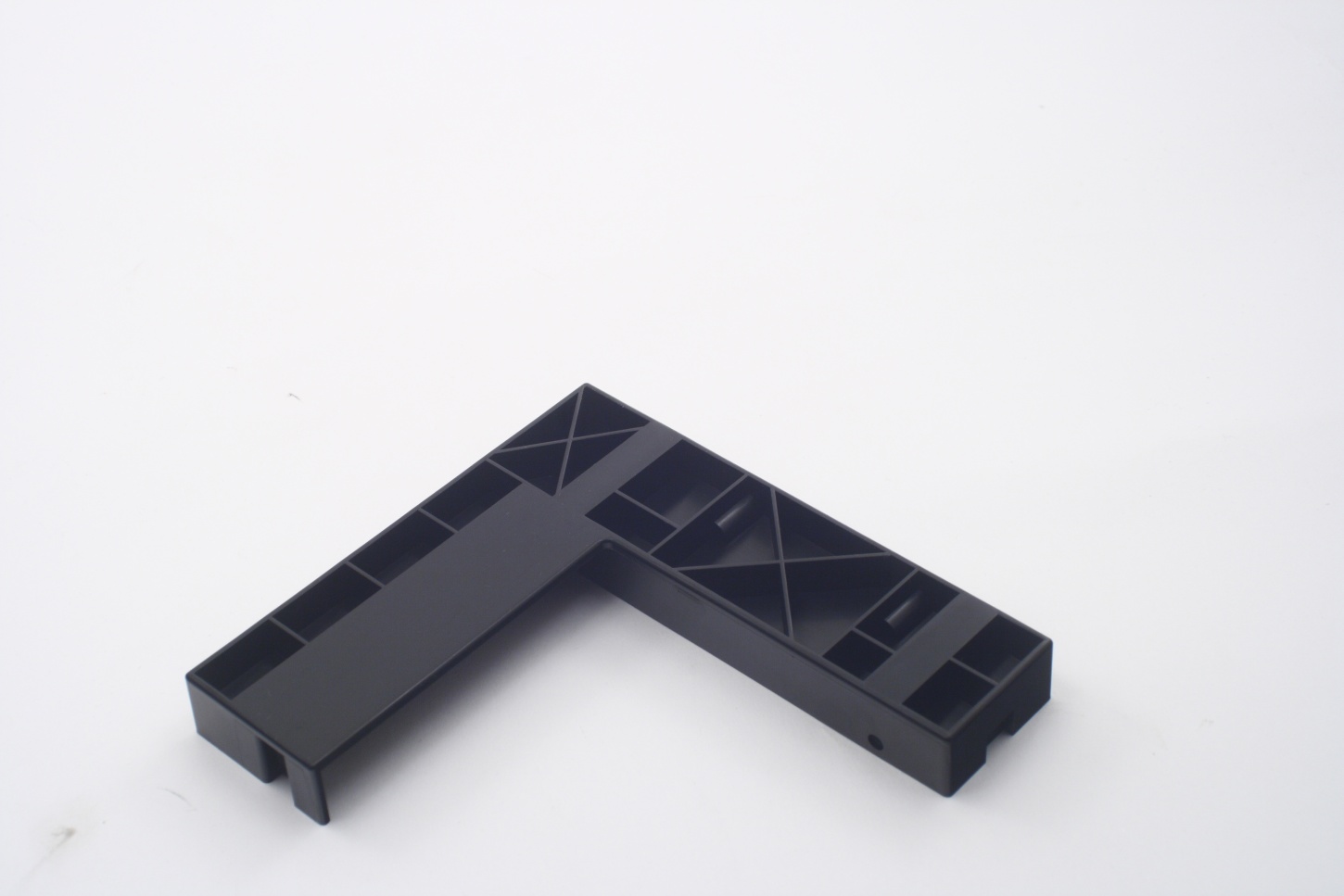
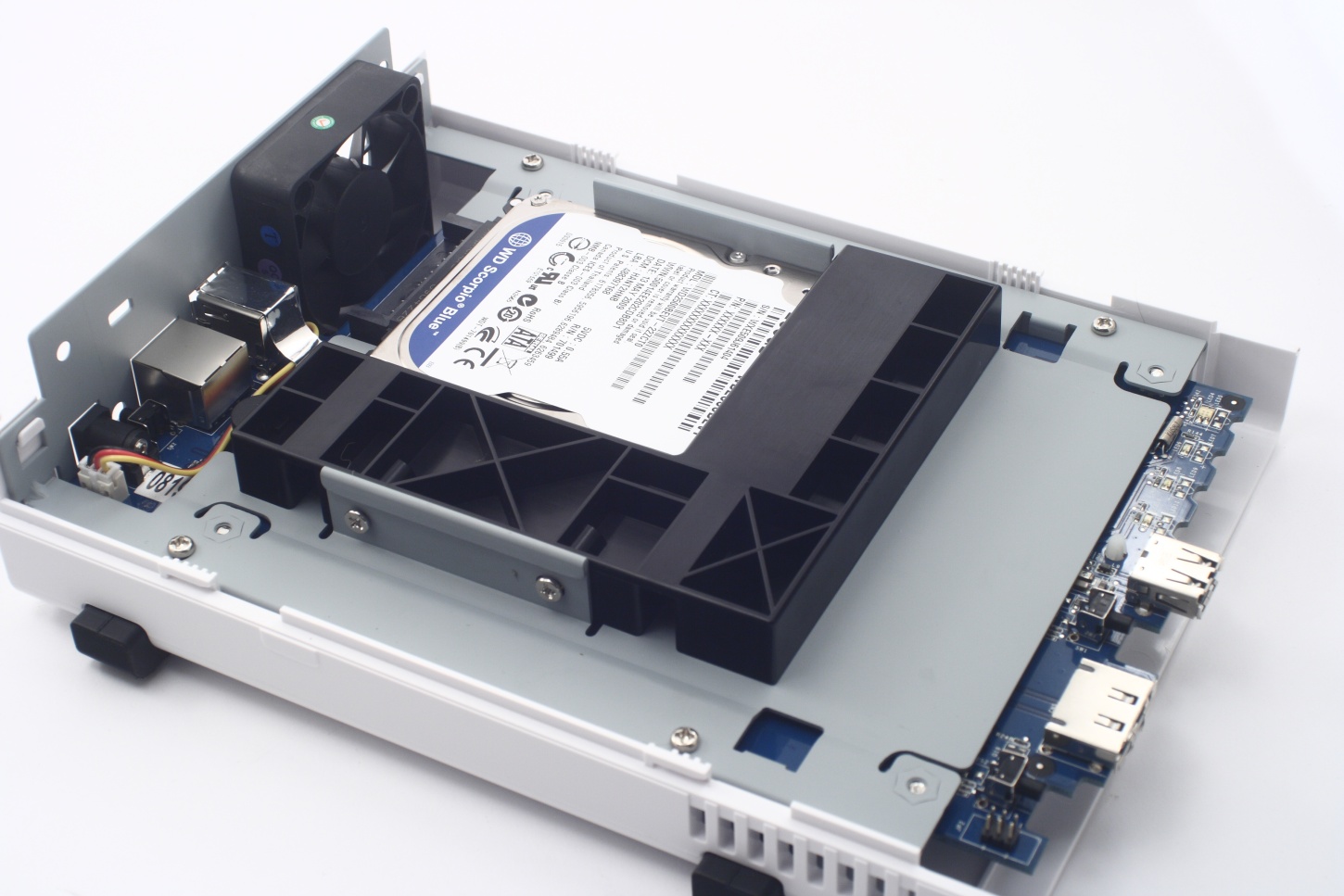
A 2.5” hard drive could be used should you choose to. The main reason for that being the lower power consumption. In order to do that Synology provide an additional product which essentially fills the space around a 2.5" device to the size of a 3.5" one:
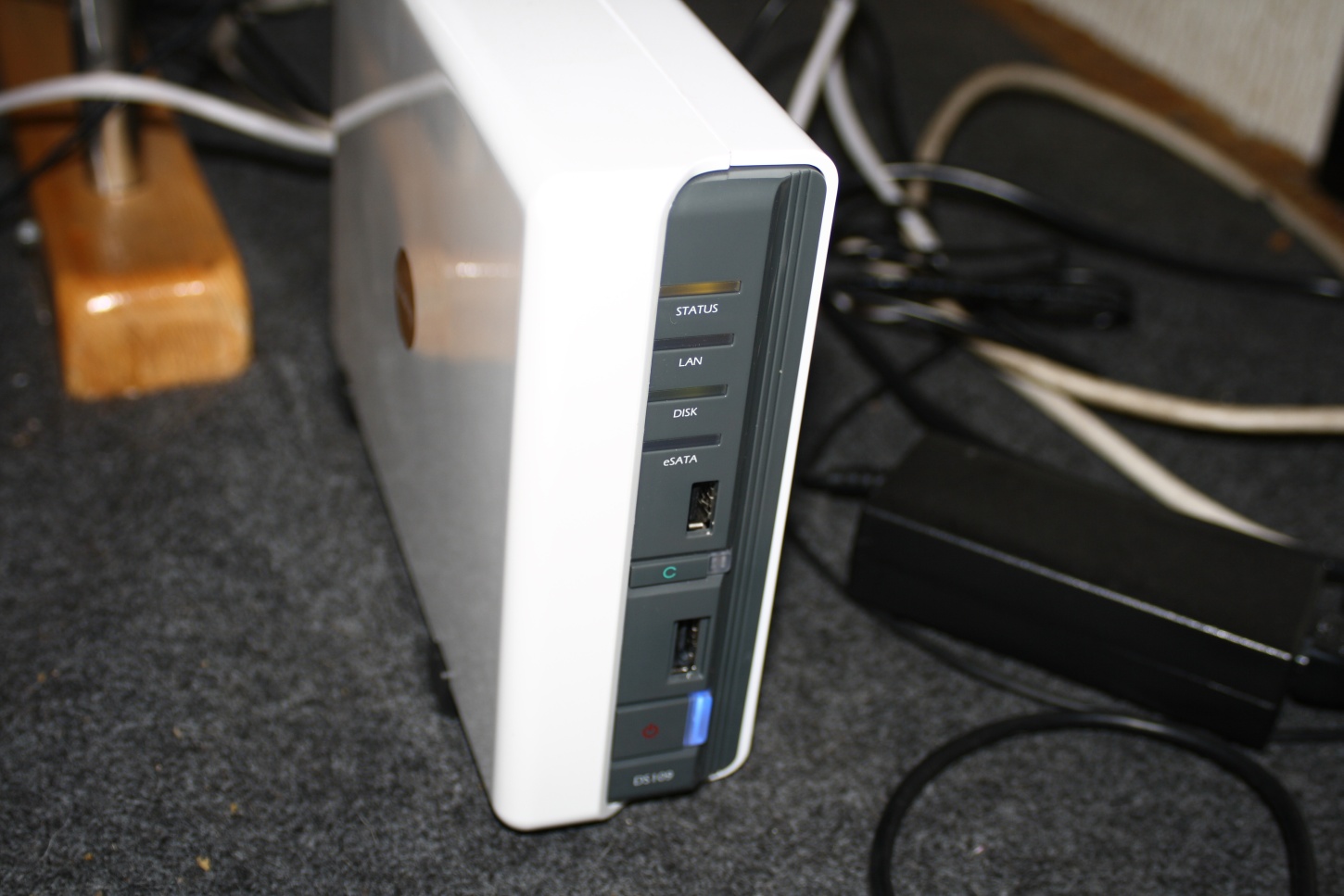
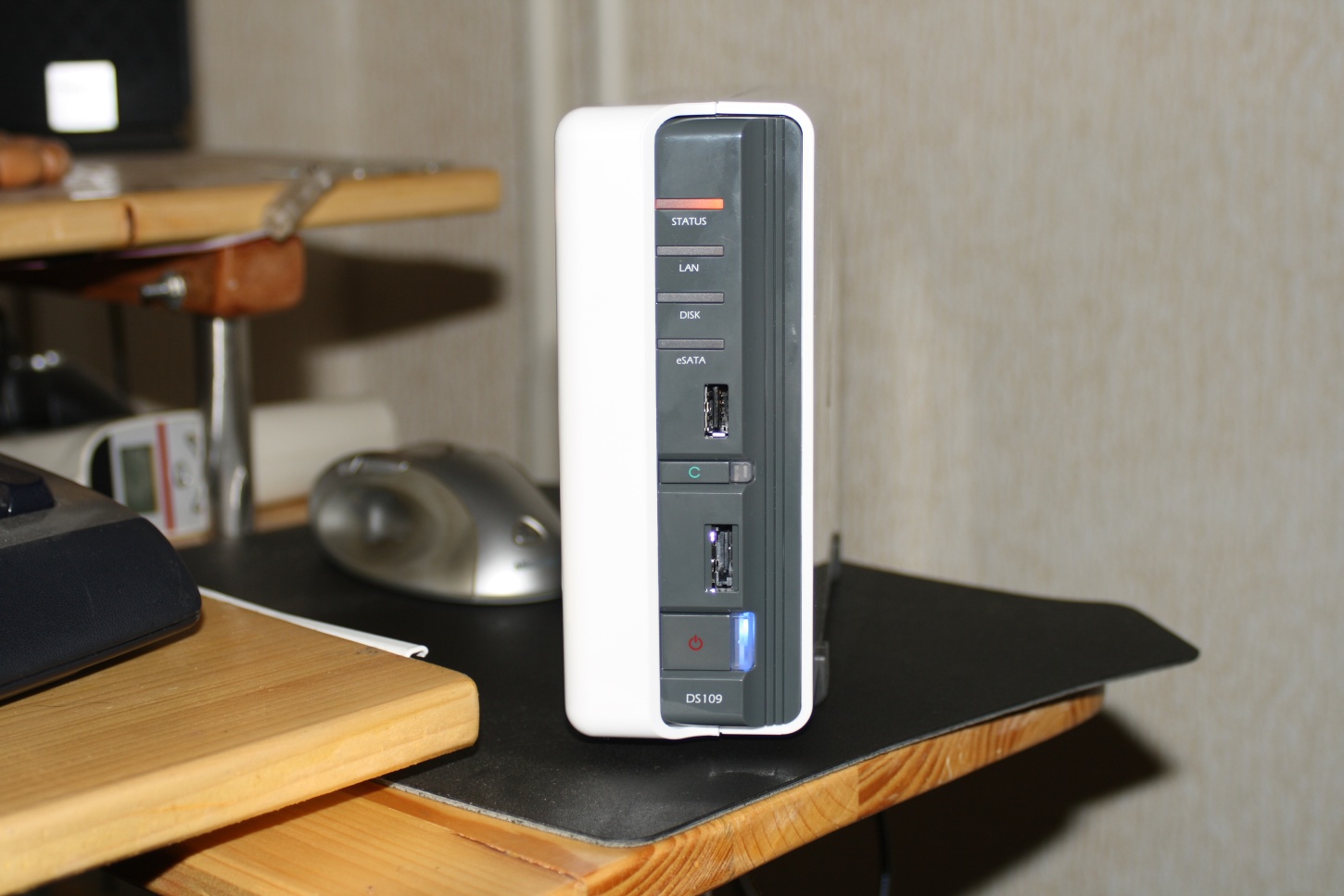
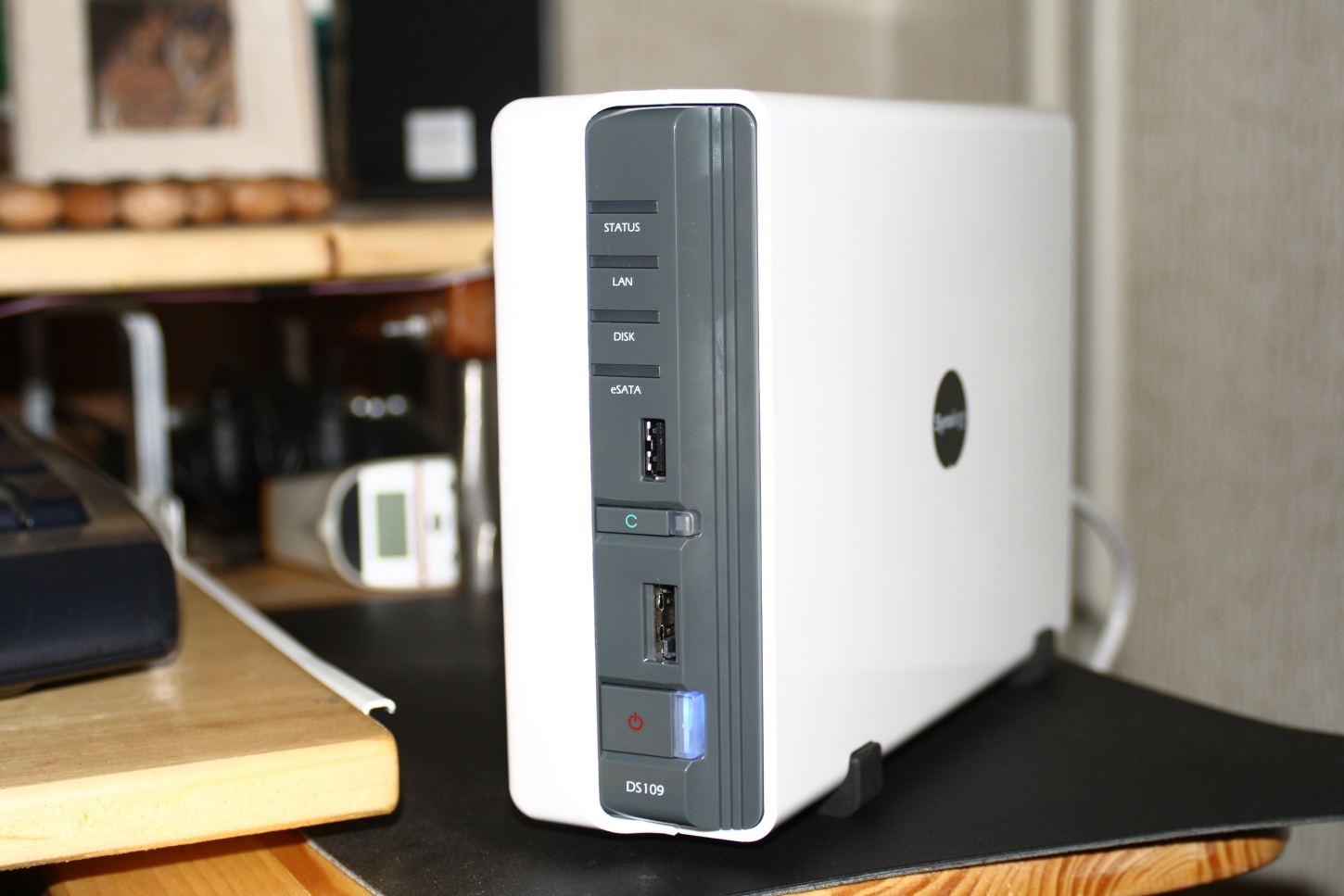
There it is the DS109 in running mode with lights flashing even. We must note that because of its flashing lights (that aren't "cool" to look at) and the 50mm fan (not exactly noisy, but clearly audible), we are even more convinced this device is to be left to perform its duty out of sight:
Software
In order to use the DS109, besides plugging it in the local network, you'll have to format the hard drive. After you turn the device on it acquires an IP address on its own (provided you have DHCP server running). After this simply run the installation application (provided on a CD) in order to format the hard drive and go through the basic settings:
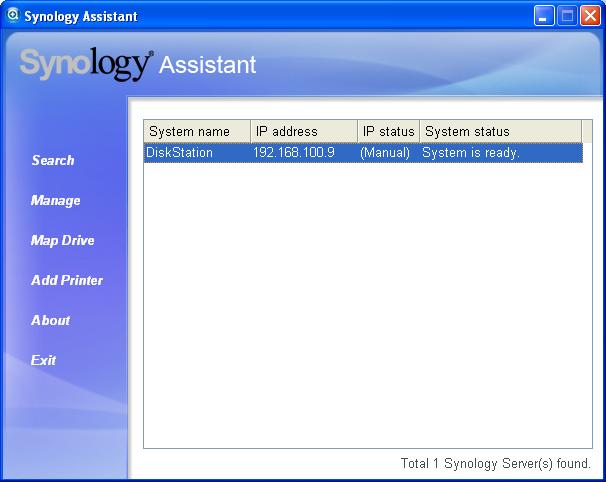
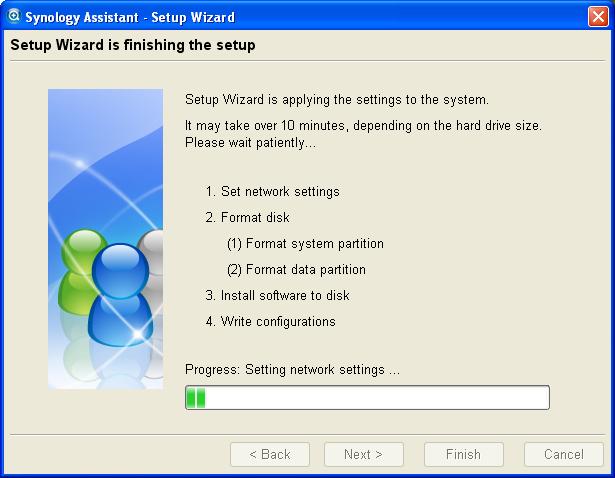
Amongst the additional software is one for making backups – Synology Data Replicator 3. The pictures below will give you a clear idea of its capabilities:
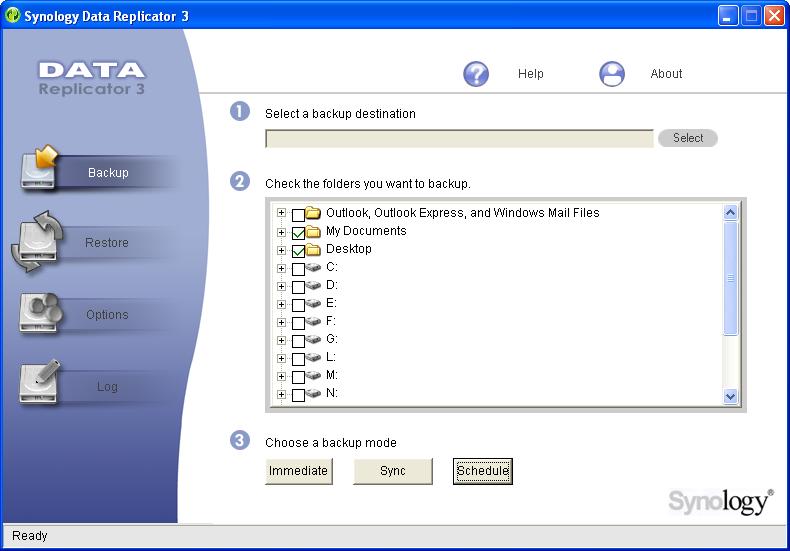
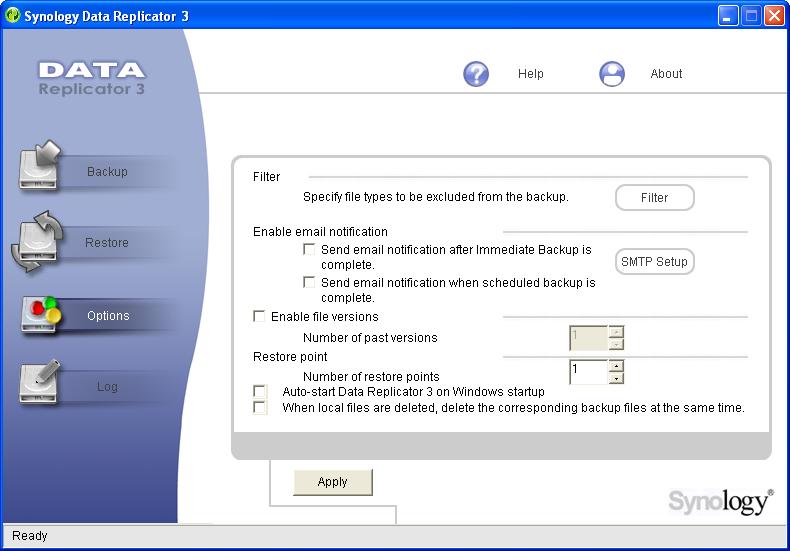
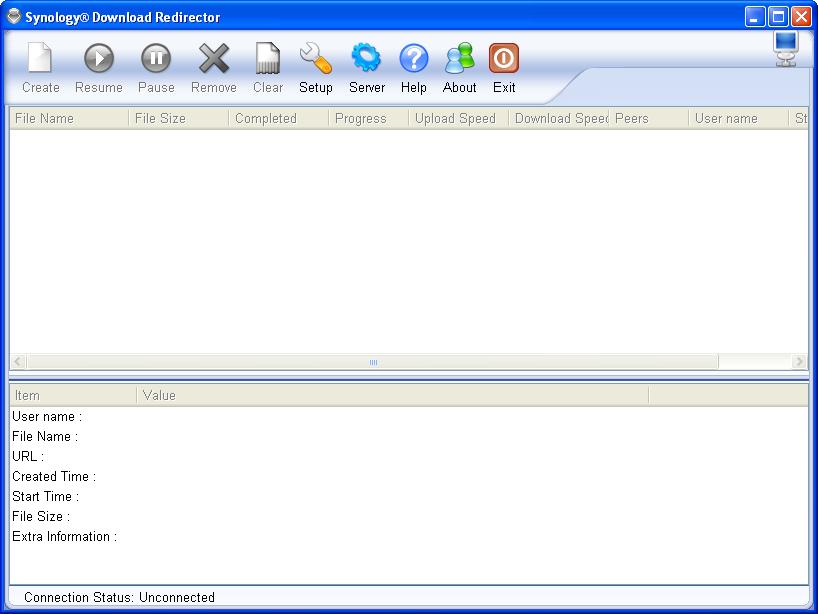
You also get another useful application – Synology Download Redirector. Generally it aids you in managing download tasks delegated to Synology DS109:
But as would any telemarketer would say - „That's not all!!!” The DS109 software is quite complex and provides even more functions, ones that we won't be reviewing though. But for a quick glance look at the pictures below. And for a more complete list - the links in the beginning of the article is where you need to go.