Synology DS109 NAS Review
- Synology DS109 NAS Review
- Page 2 - Closer look
- Page 3 - Installation, software
- Page 4- Tests
- Page 5 - Conclusion
Page 2 - Closer look
Page 2 - Closer look
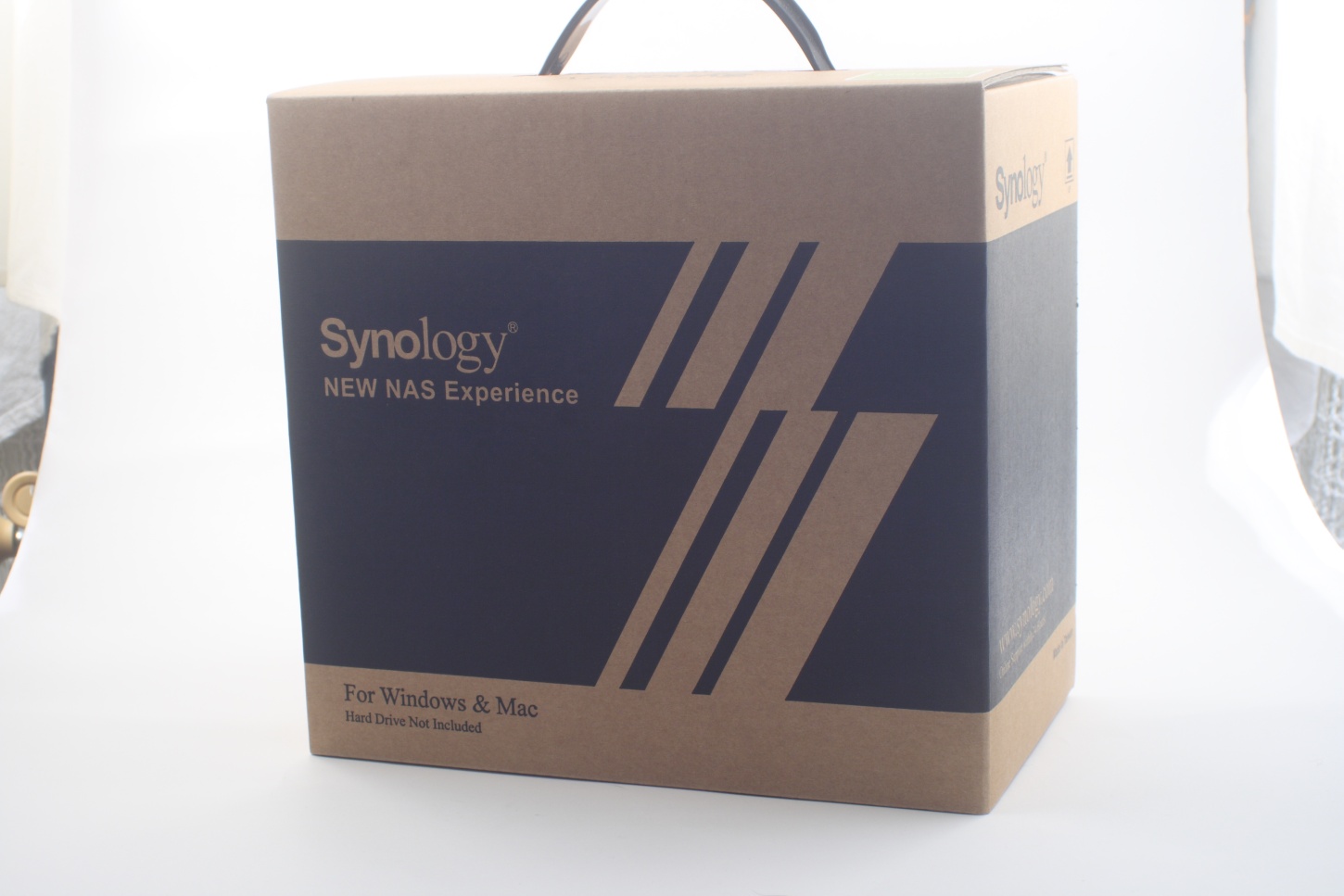
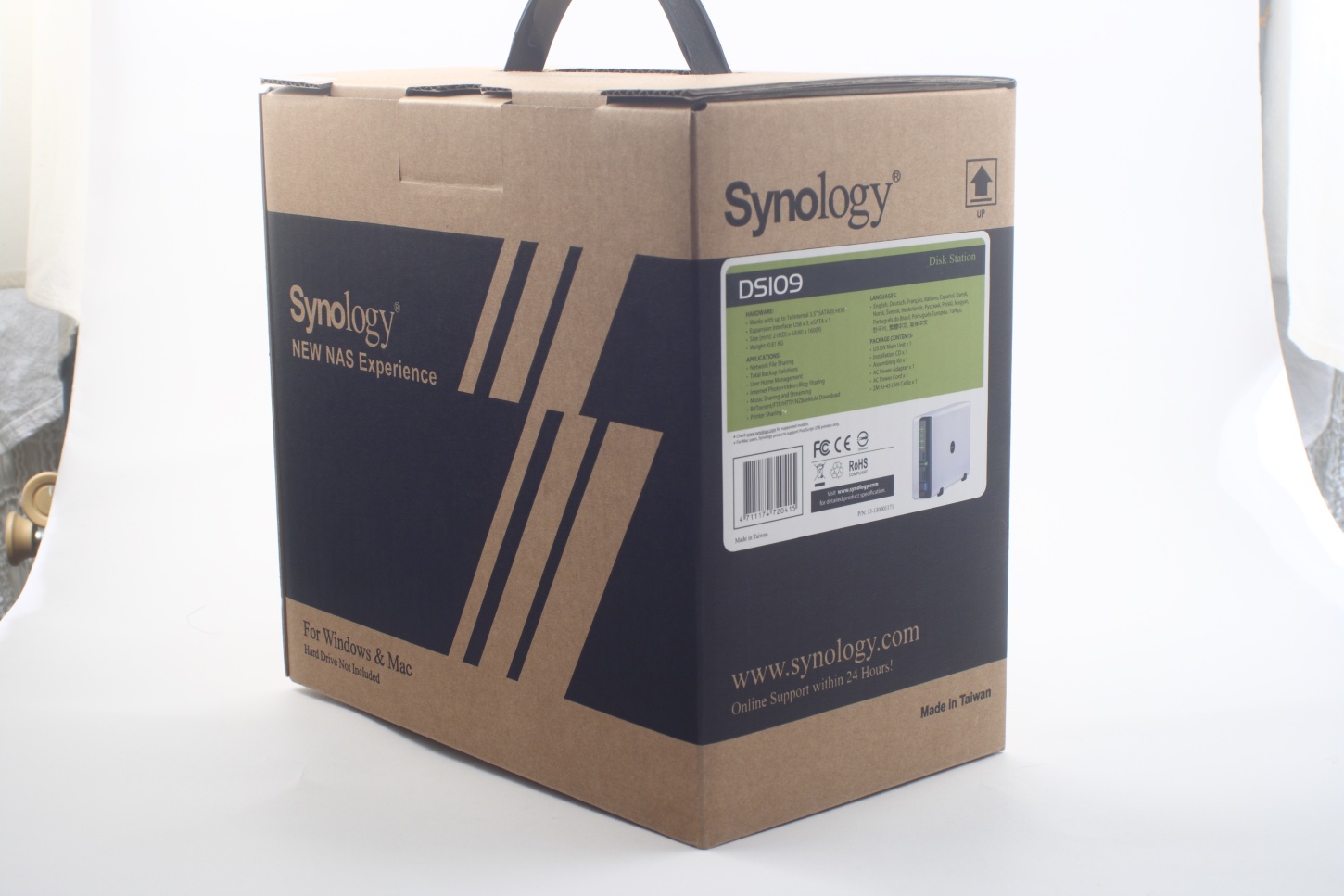
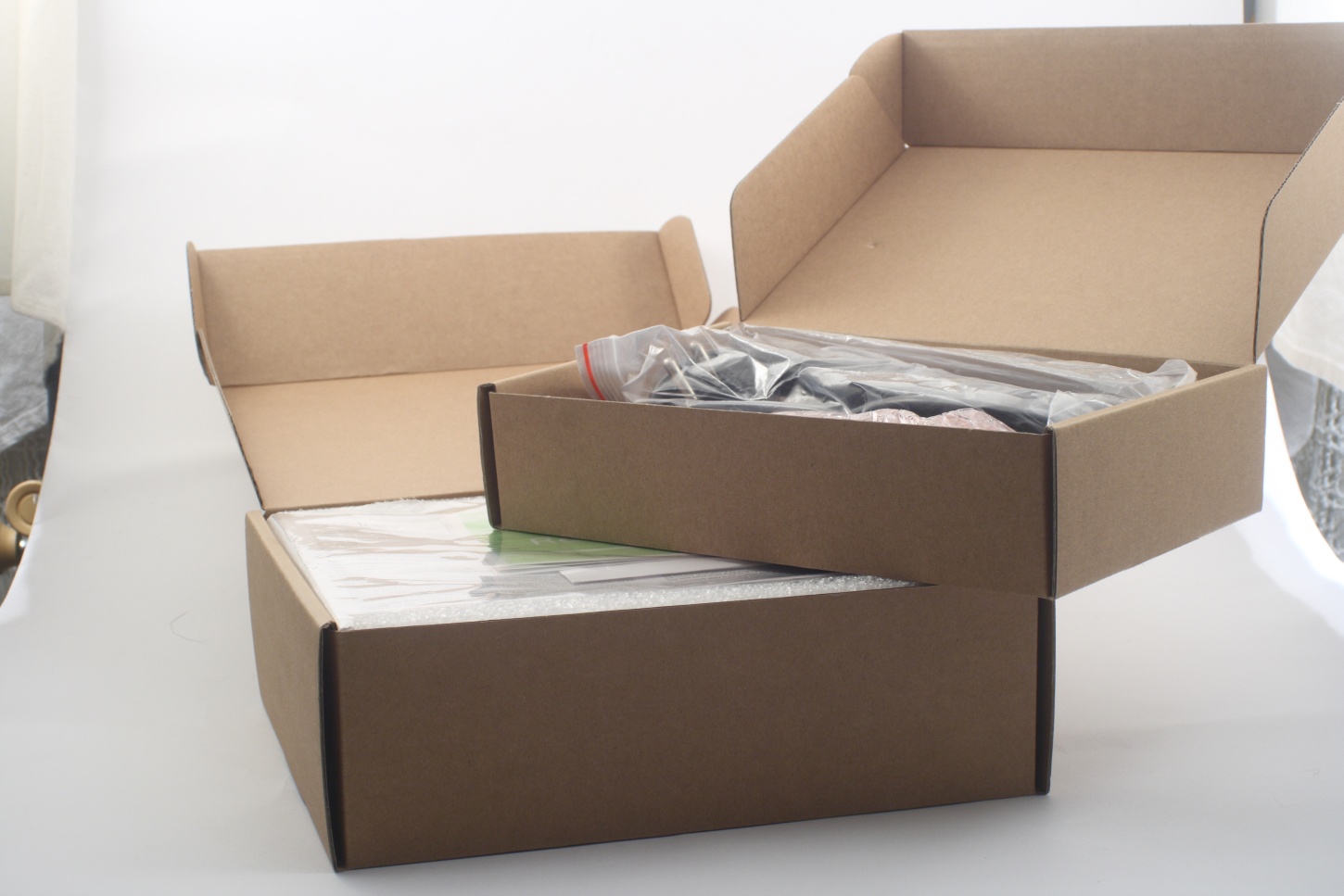
Synology DS109 is packed in somewhat large box (with a handle attached even), with a single sticker on one of its sides as indication of what's the product inside. That type of packaging is not very commonly used for consumer products, nevertheless it still looks nice, although it leaves you wondering about its contents:
Inside it there are two smaller boxes holding the entire contents of the set, which besides the DS109 itself includes power adapter, power cable, network cable, nuts and screws and some booklets:
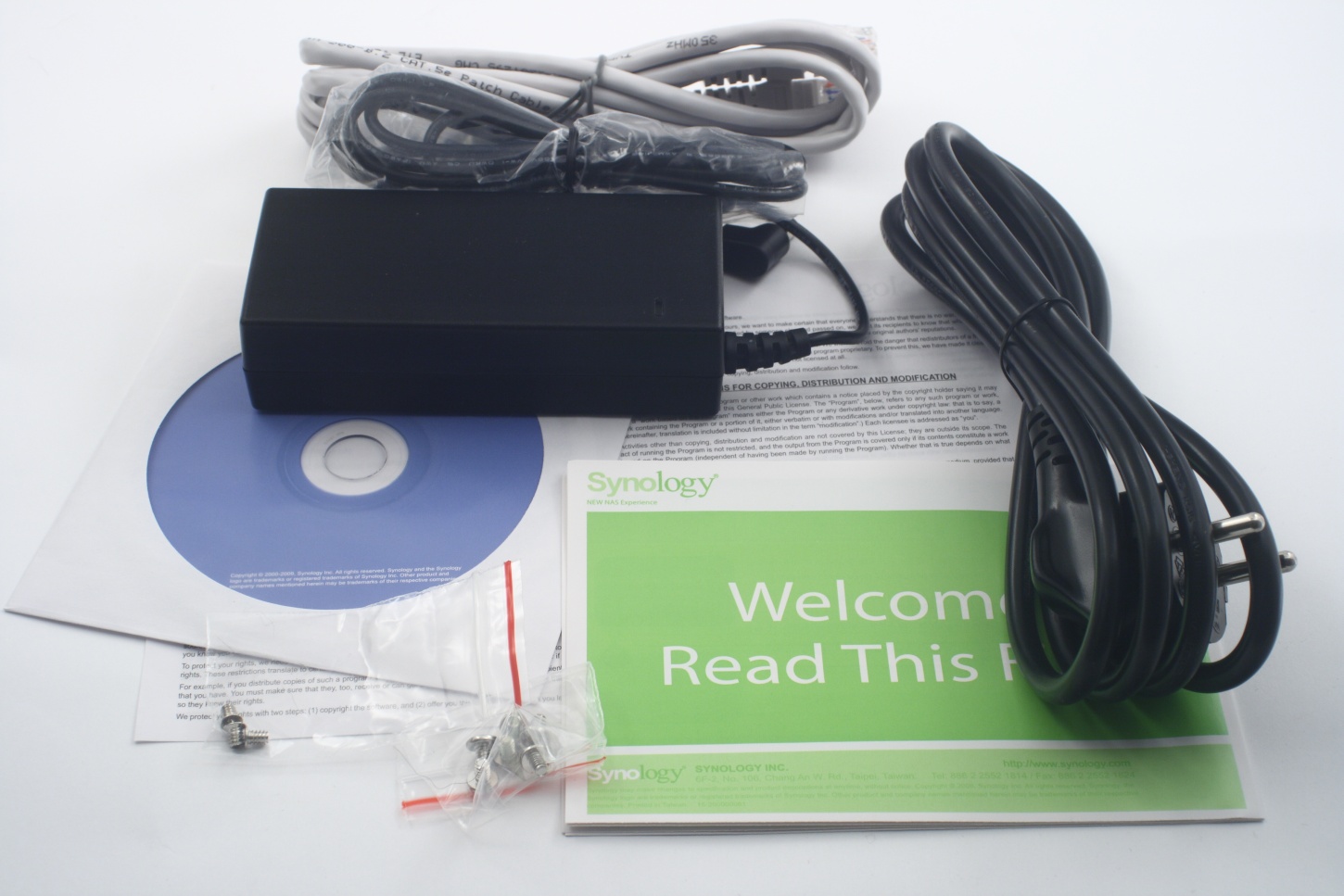
Time to take a look at DS109. Essentially it is a moderately large white case with asymmetric front panel. And with not much of an eye-catching design in our opinion either, but then again it is clearly meant to safely store your data out of sight:
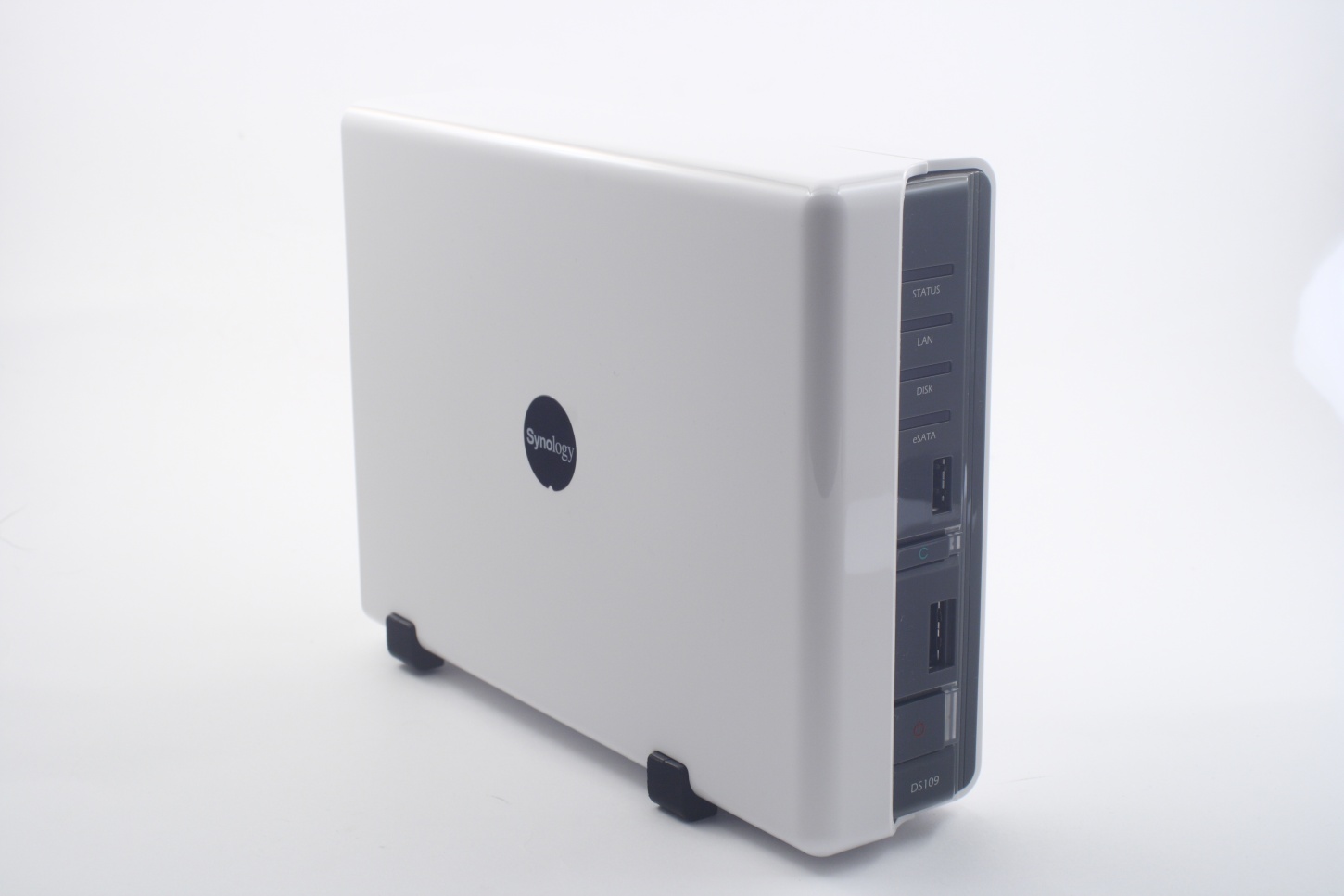
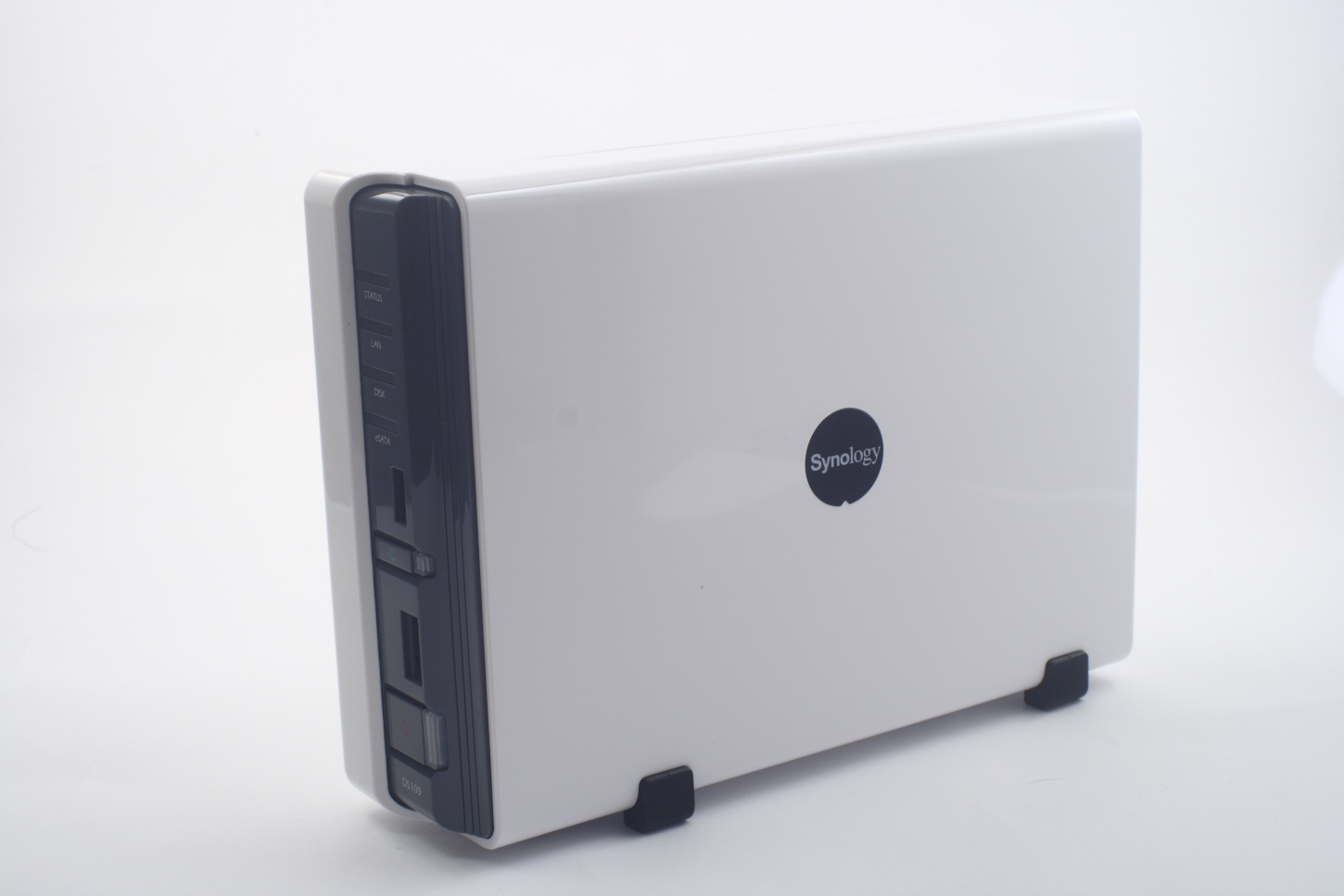
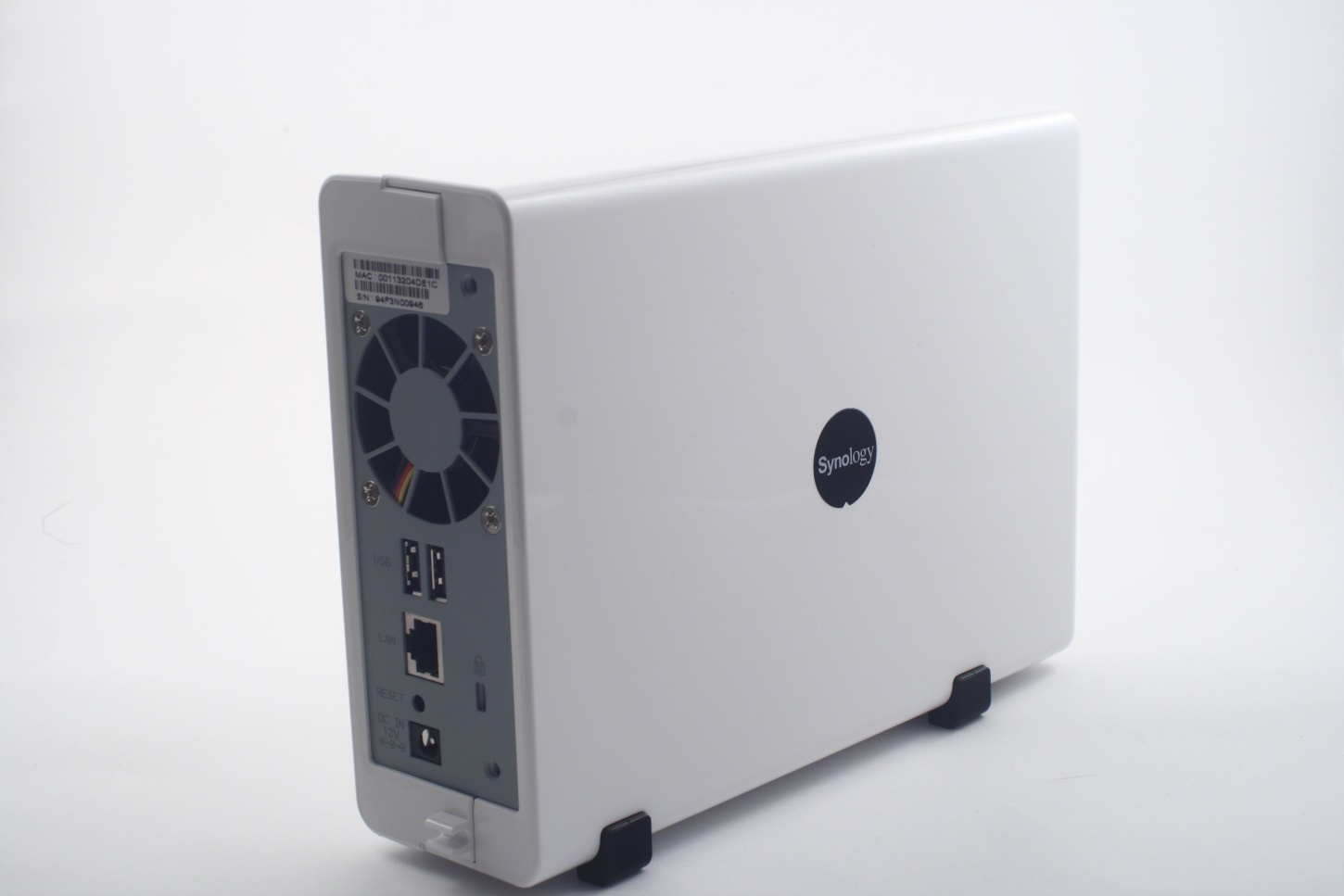
Thats the case back panel. There is also a Synology logo on either side of the device:
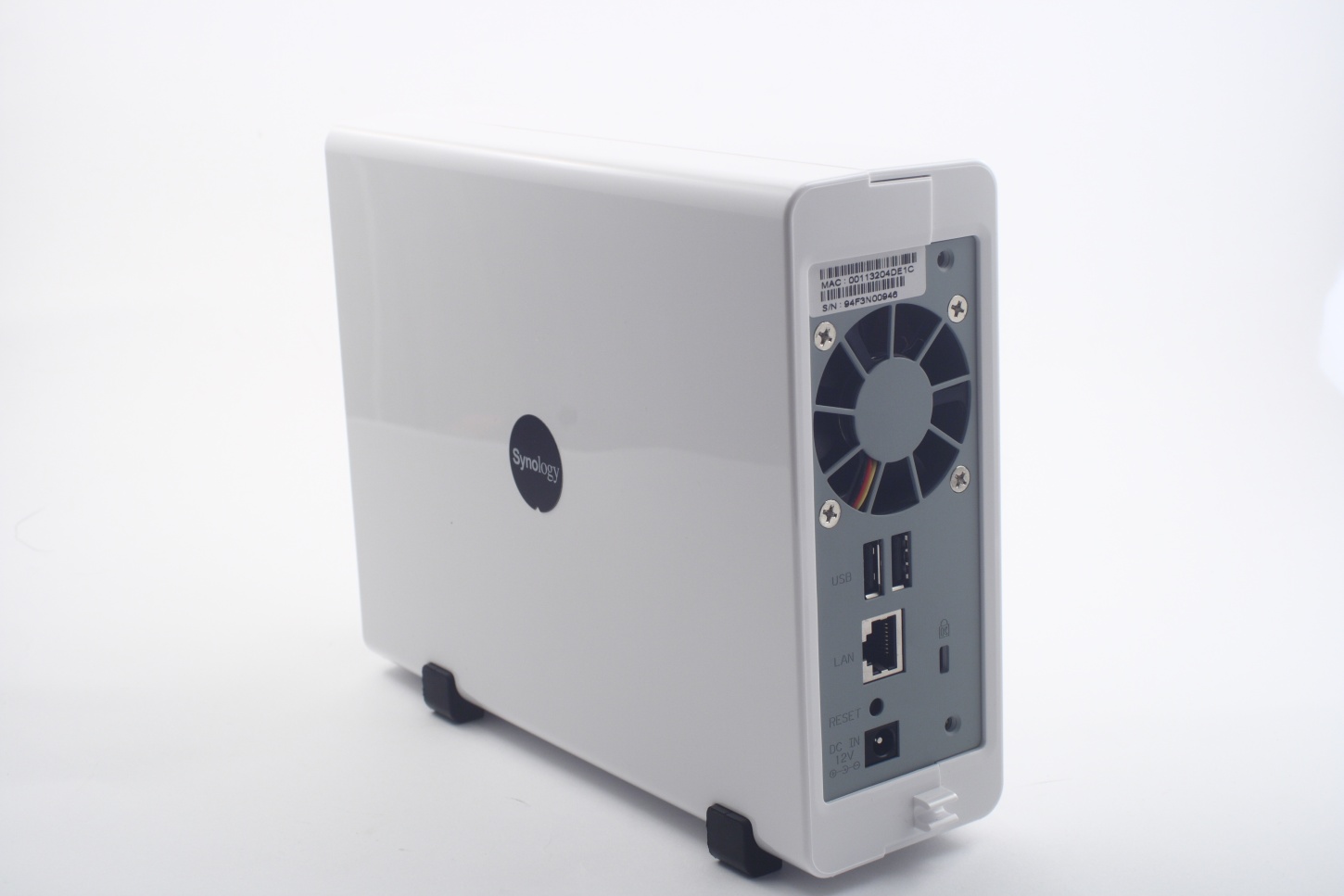
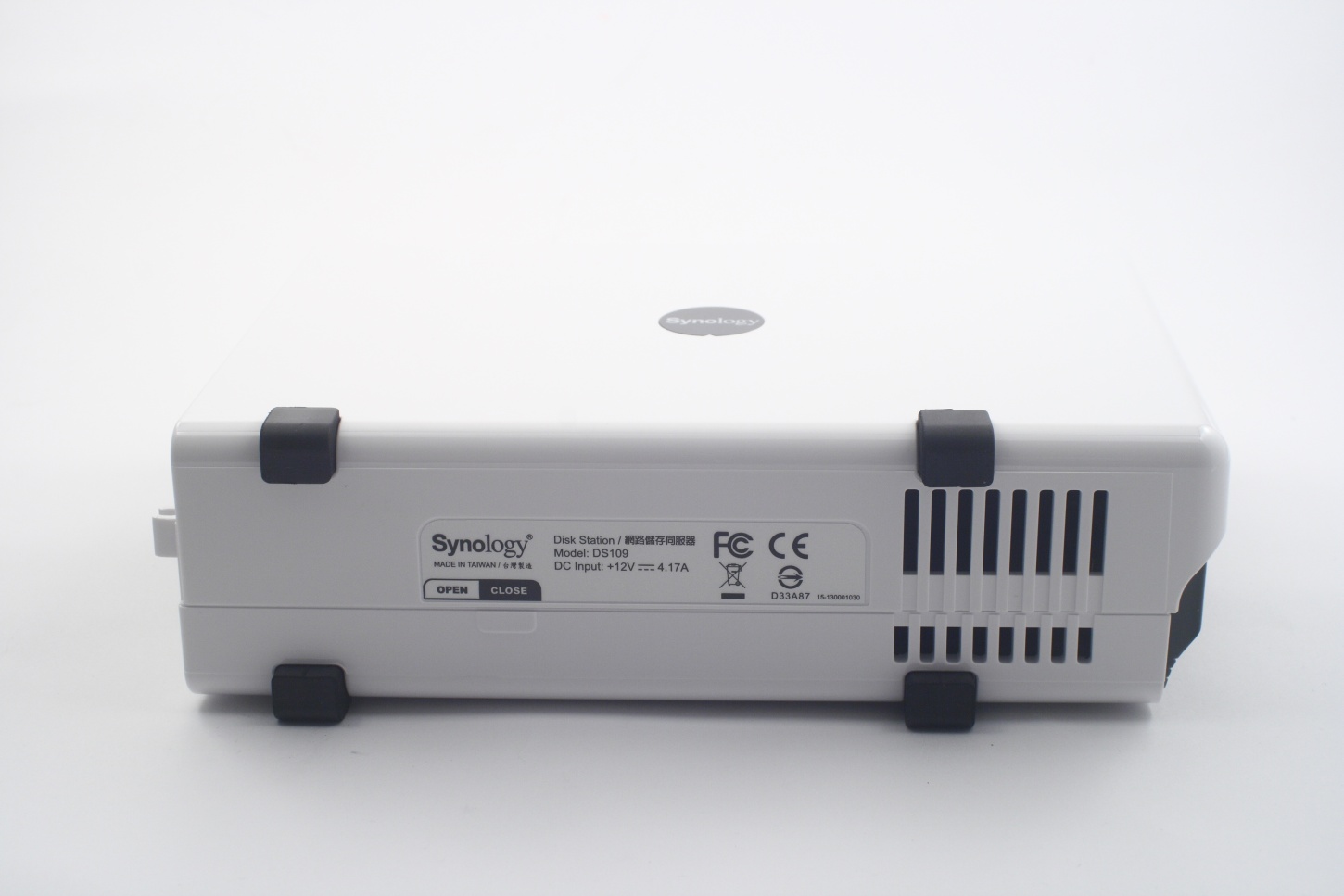
The bottom of the case has an opening for cooling, 4 rubber feet for vibration dampening and a product description sticker:
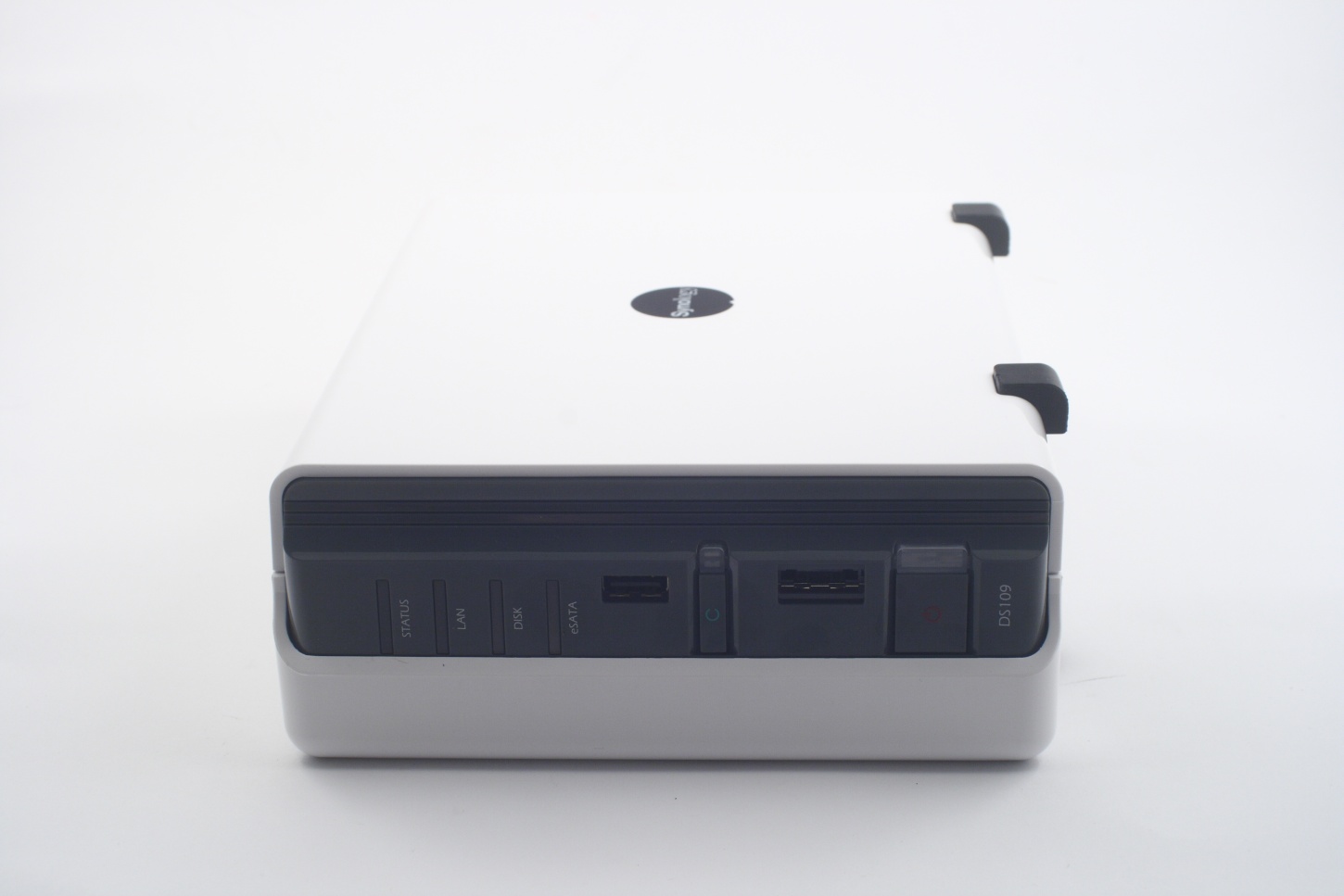
The front panel is partially covered by the left case cover. There is a power on/off button on it, button for making a quick copy of a flash drive, eSATA, USB ports and few light indicators:
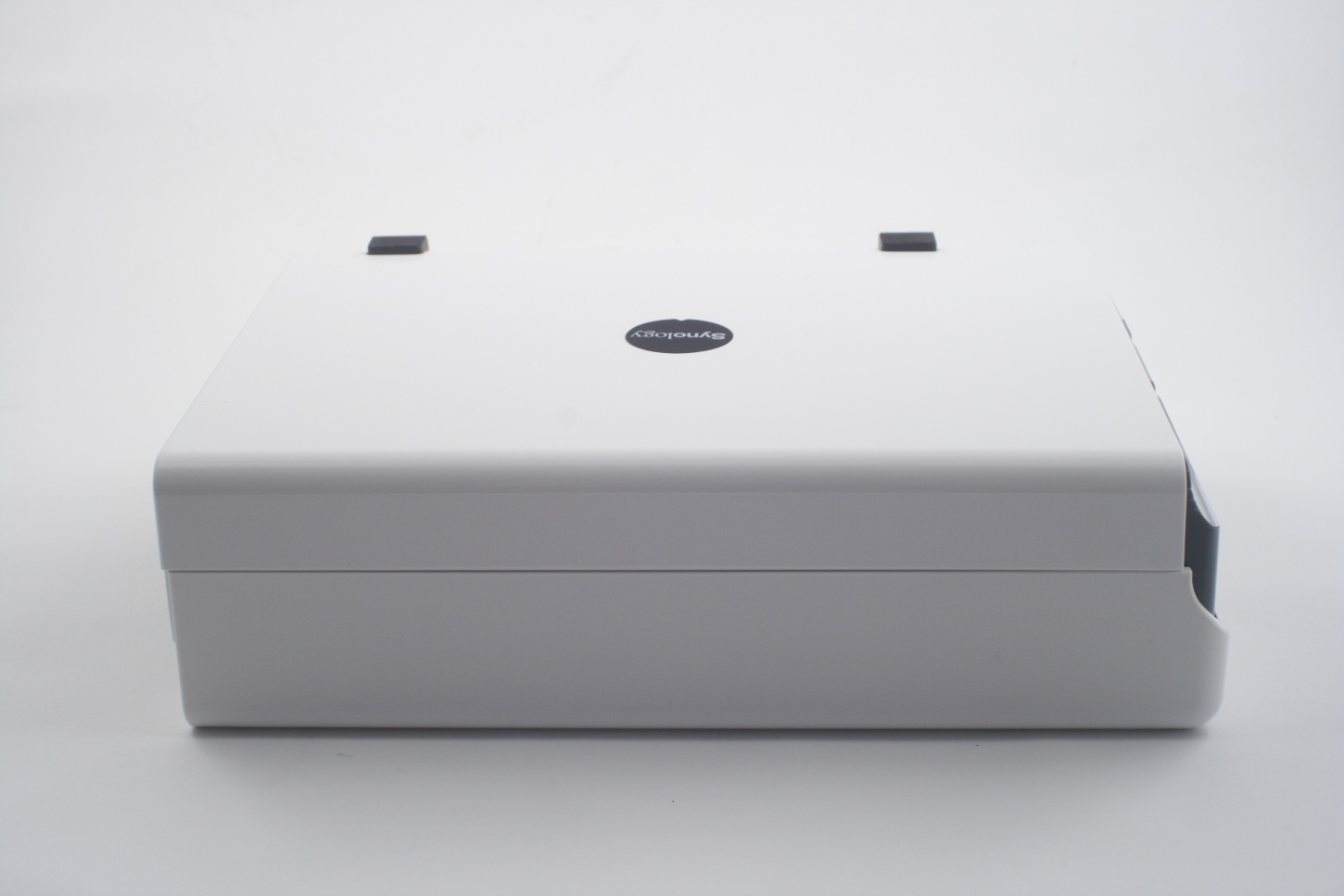
The top has nothing interesting on it. Nothing at all.
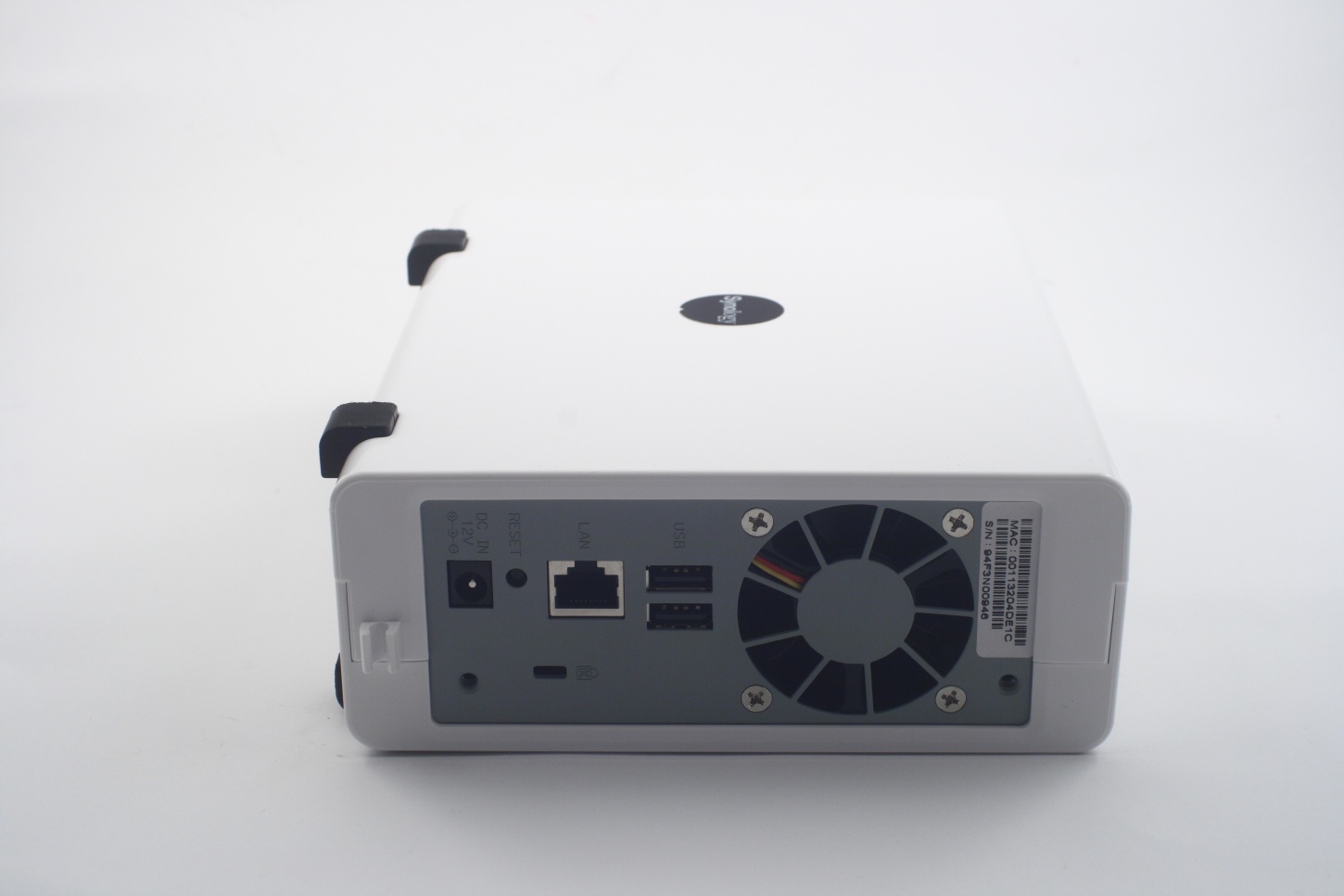
The back panel provides access to: 2 х USB ports, the network connector, reset button, Kensington lock, power jack and the cooling fan. You can also see two holes, through which two screws pass in order to secure in place the left cover. Also on the bottom there is a plastic clip that holds the power cable preventing accidental unplugging:
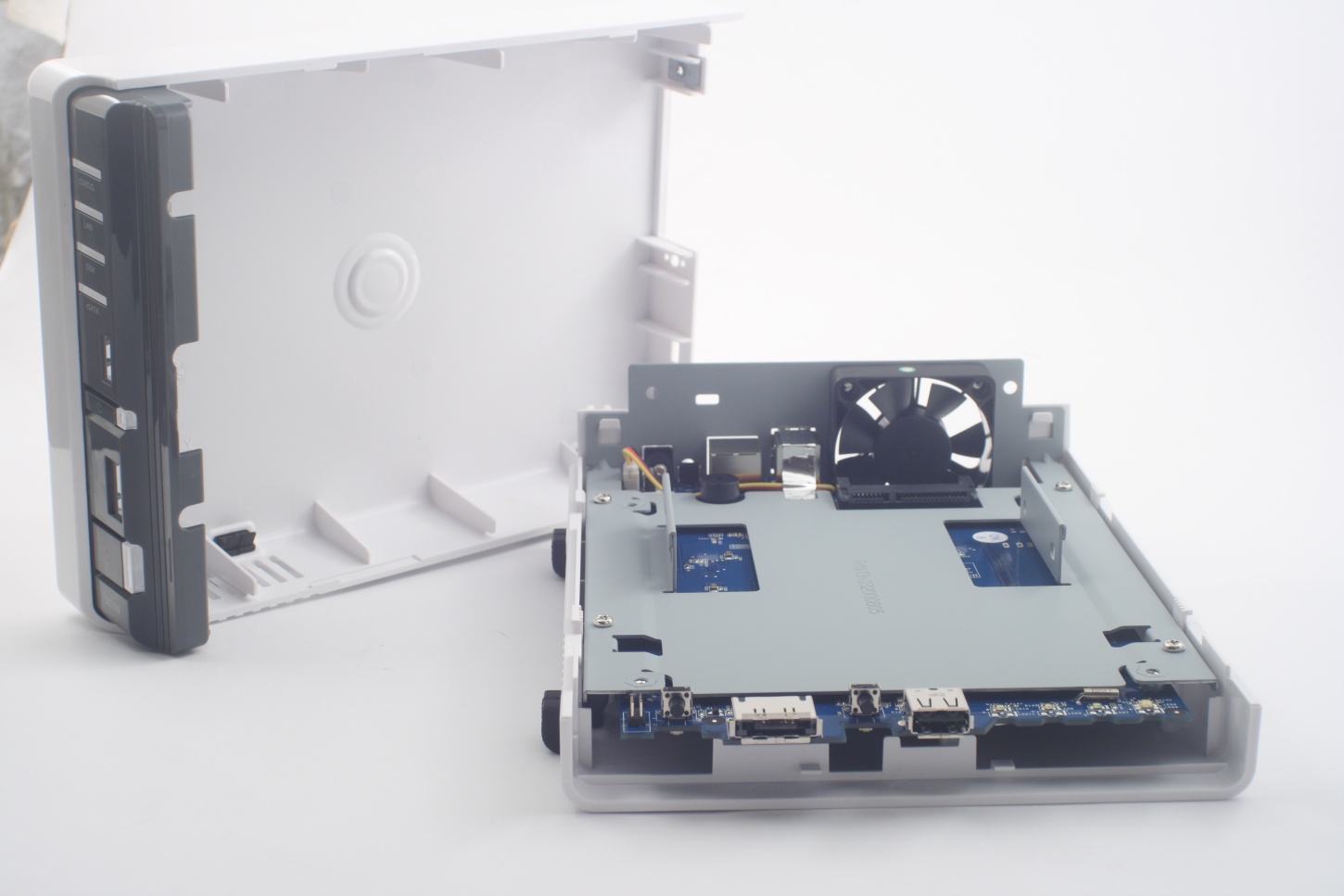
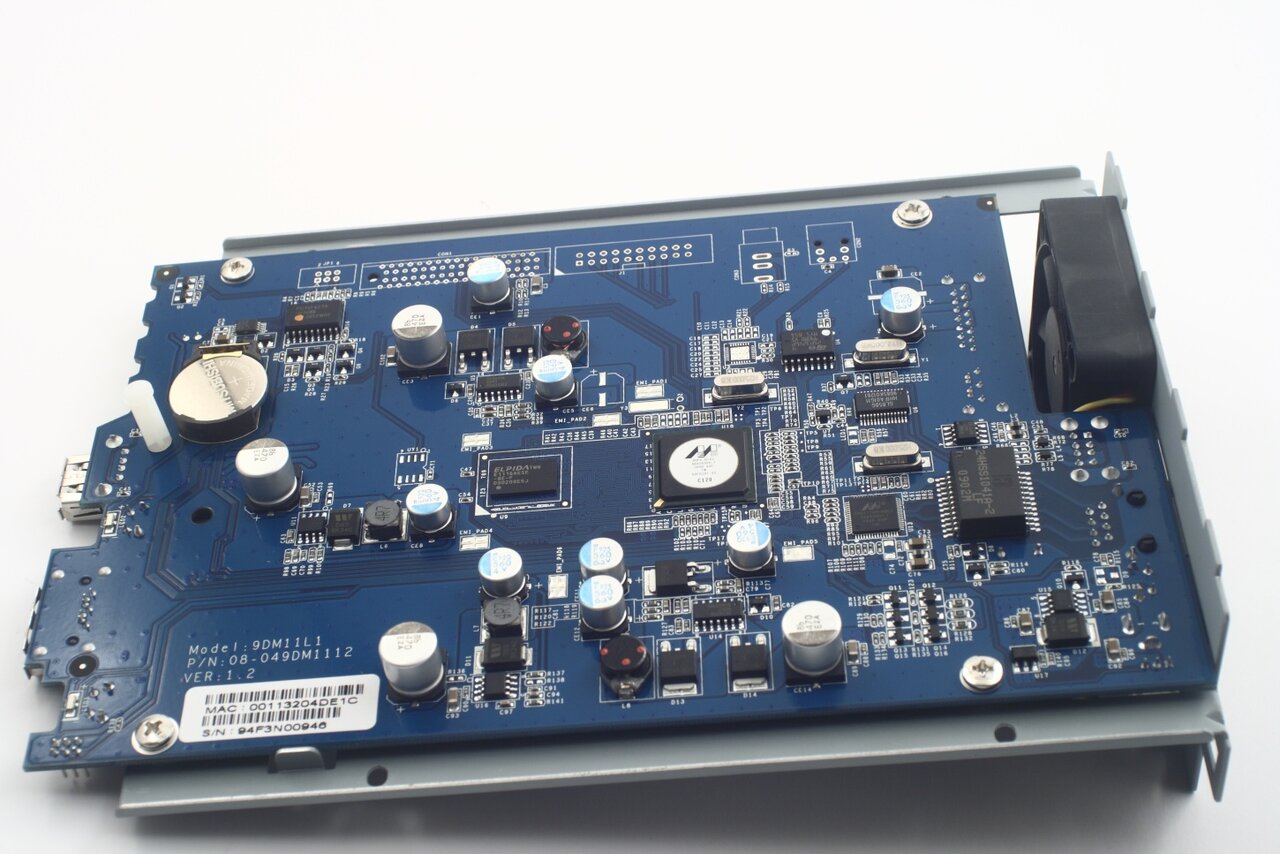
Time to disassemble DS109 and see what lies inside it. The NAS generally consists of a single PCB (quite compact too). The pictures clearly show it: