
Edimax BR-6324nL Wireless Router Review
- Edimax BR-6324nL Wireless Router Review
- Page 2 - Closer look
- Page 3 - Software
- Page 4 - Tests
- Page 5 - Conclusion
Page 3 - Software
Page 3 - Software
Software is probably one of the most important things in a router. So lets check the one used by Edimax BR-6324nL. After the initial log-in we see the following screen
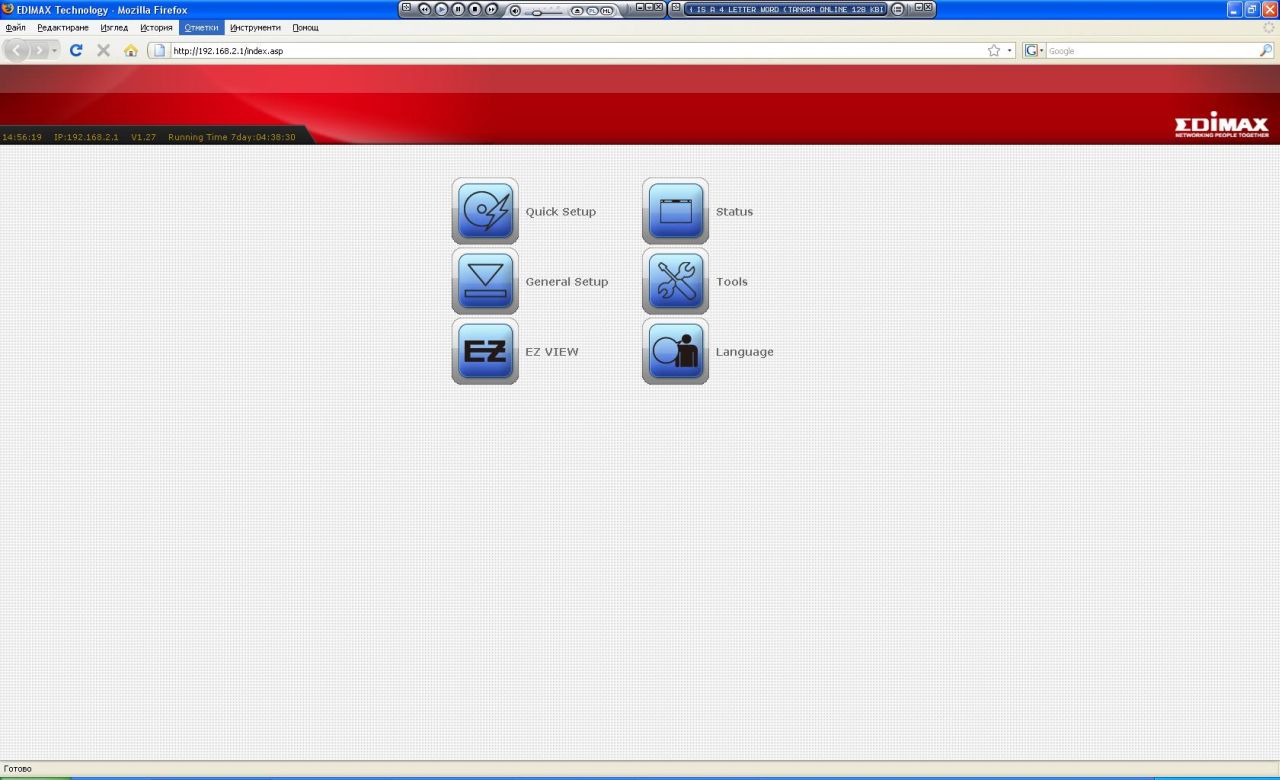
It might seem a tad strange to you, should you are used to the more common visual configurations in other devices. This one is meant for the more common user, providing a tad different orientation and navigation, all the settings hide behind the big buttons:
There is (naturally) a quick setup configurator, but being professionals we will not use it:
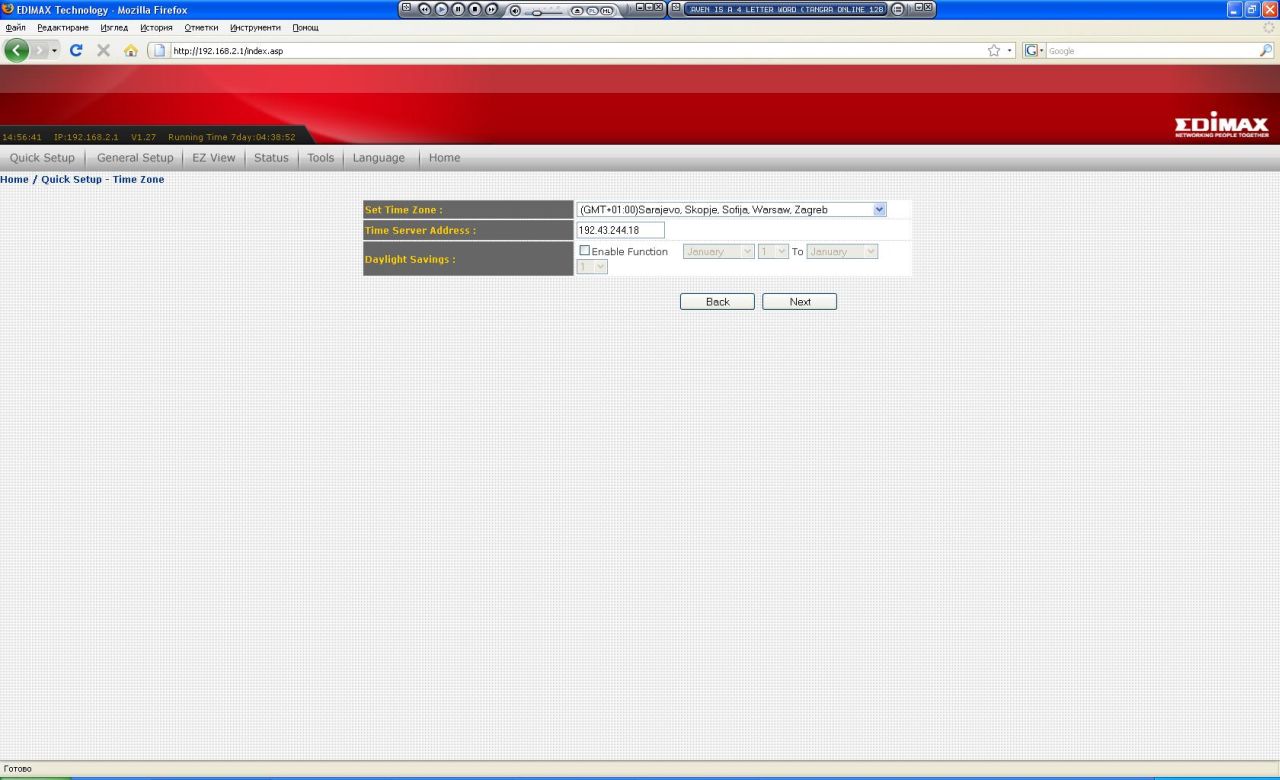
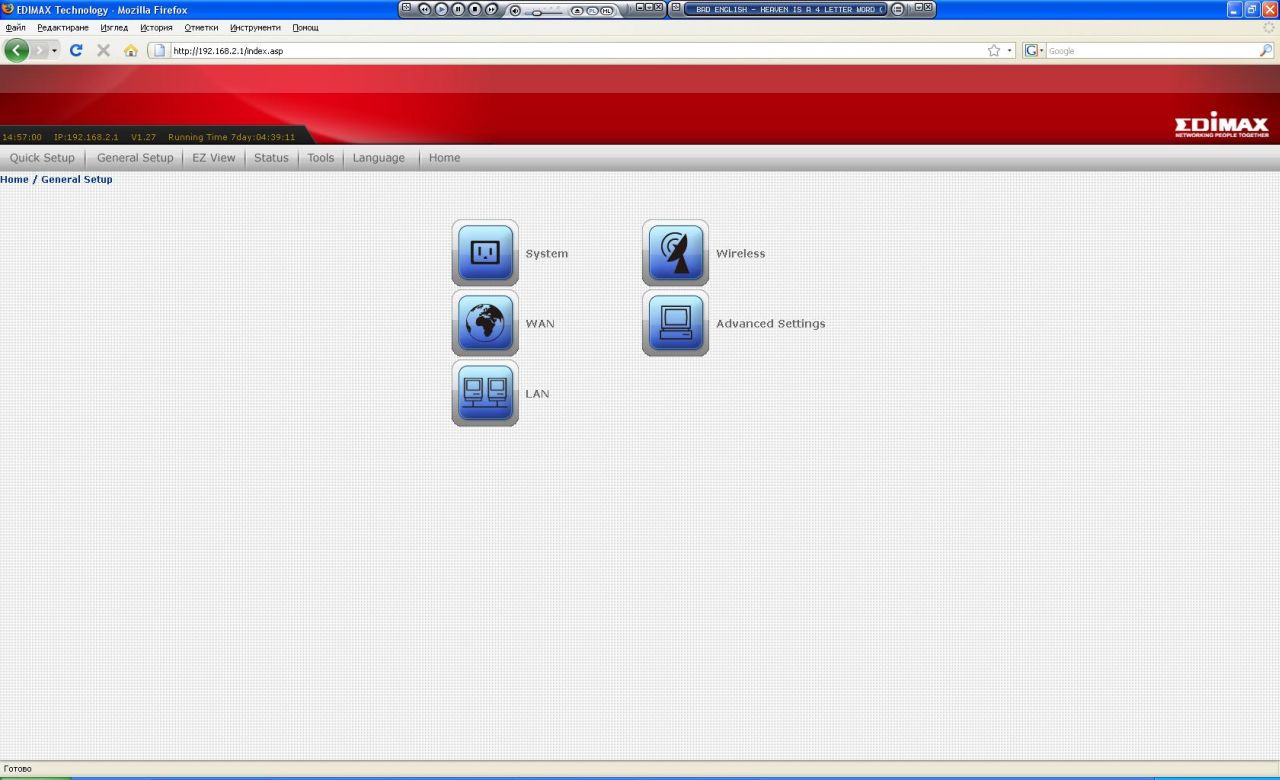
The basic settings include the usual – WAN, LAN, Wireless and so on.
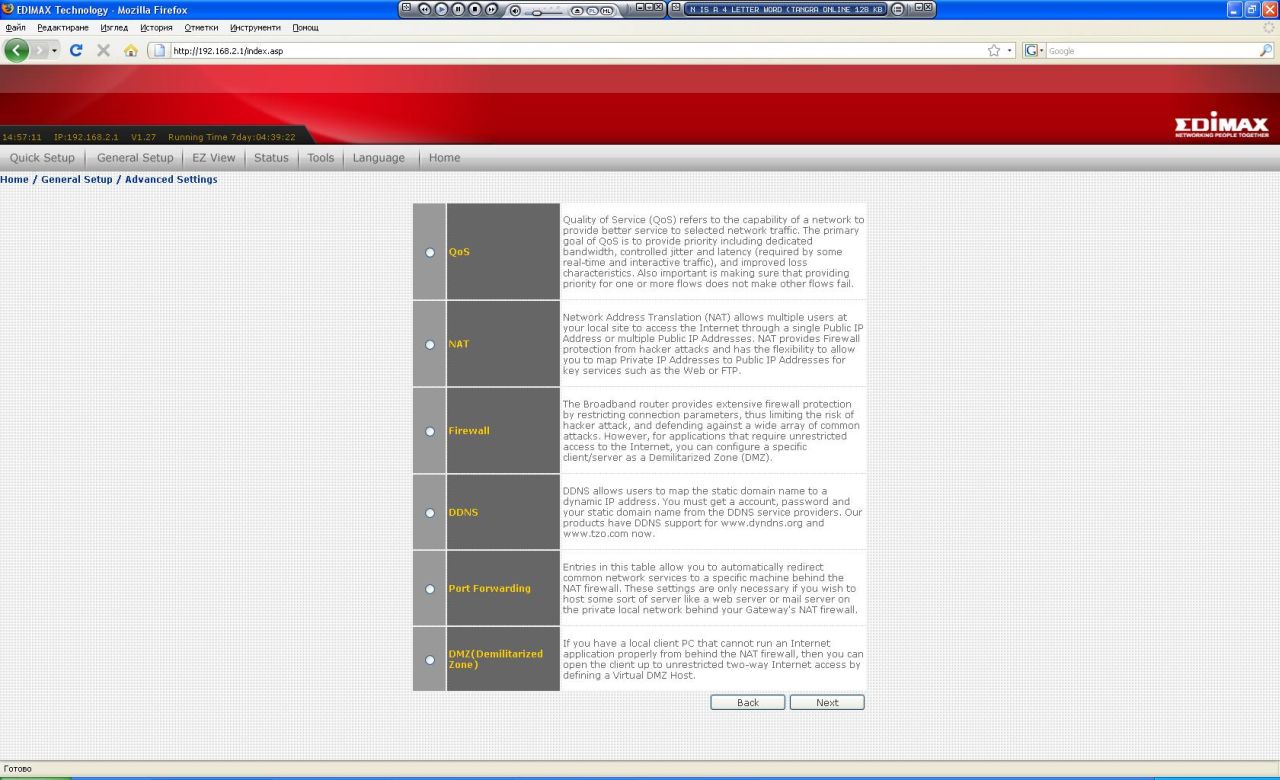
The Advanced settings grant access to features such as QoS, NAT, Firewall, etc. (if you use of them). So far - pretty standard stuff:
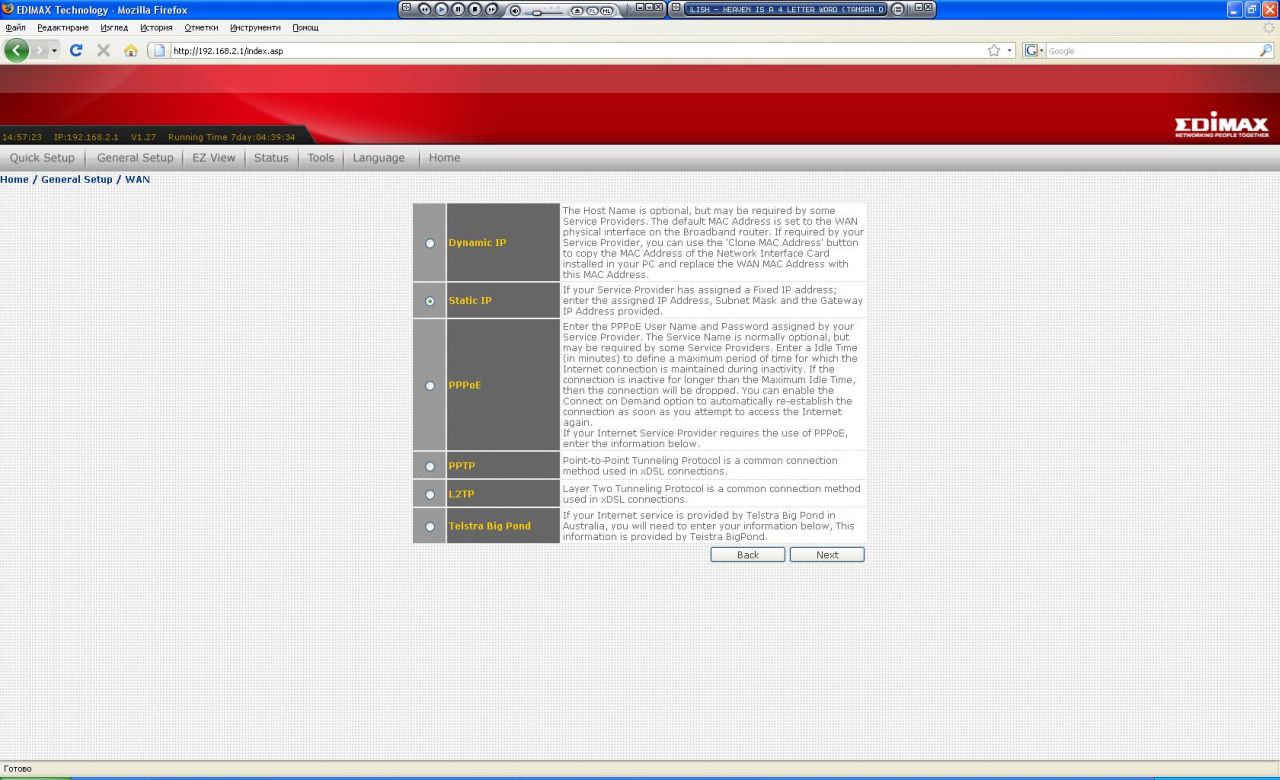
The WAN connectivity that Edimax BR-6324nL supports are as follows - dynamic&static IP, PPPoE, PPTP, L2TP and Telestra Big Pond (which we never bothered checking out since it most likely is only used in some exotic Asian country). As in some other devices if you need to change the МАС address of the WAN port you'll have to go through dynamic IP setting prior to setting it properly:
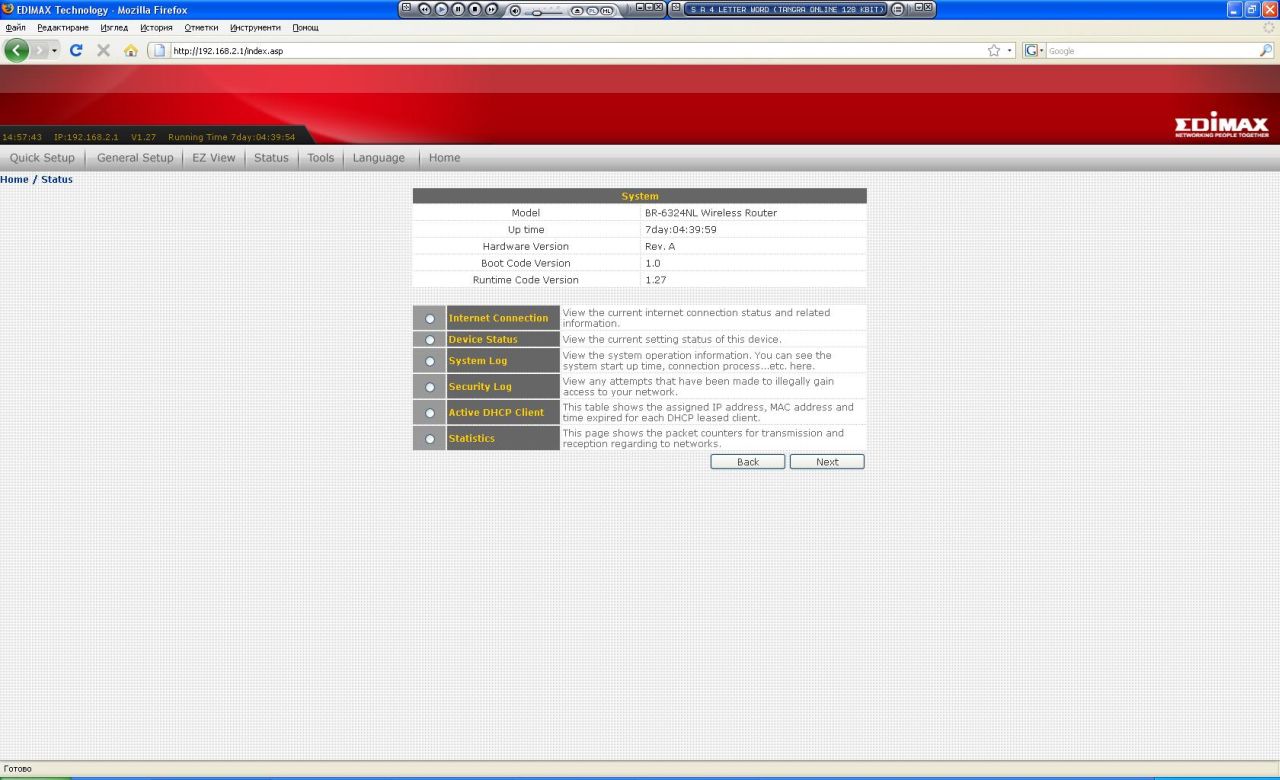
Of course you can check the status of the device through the integrated software tools (of which we'll not be talking about):
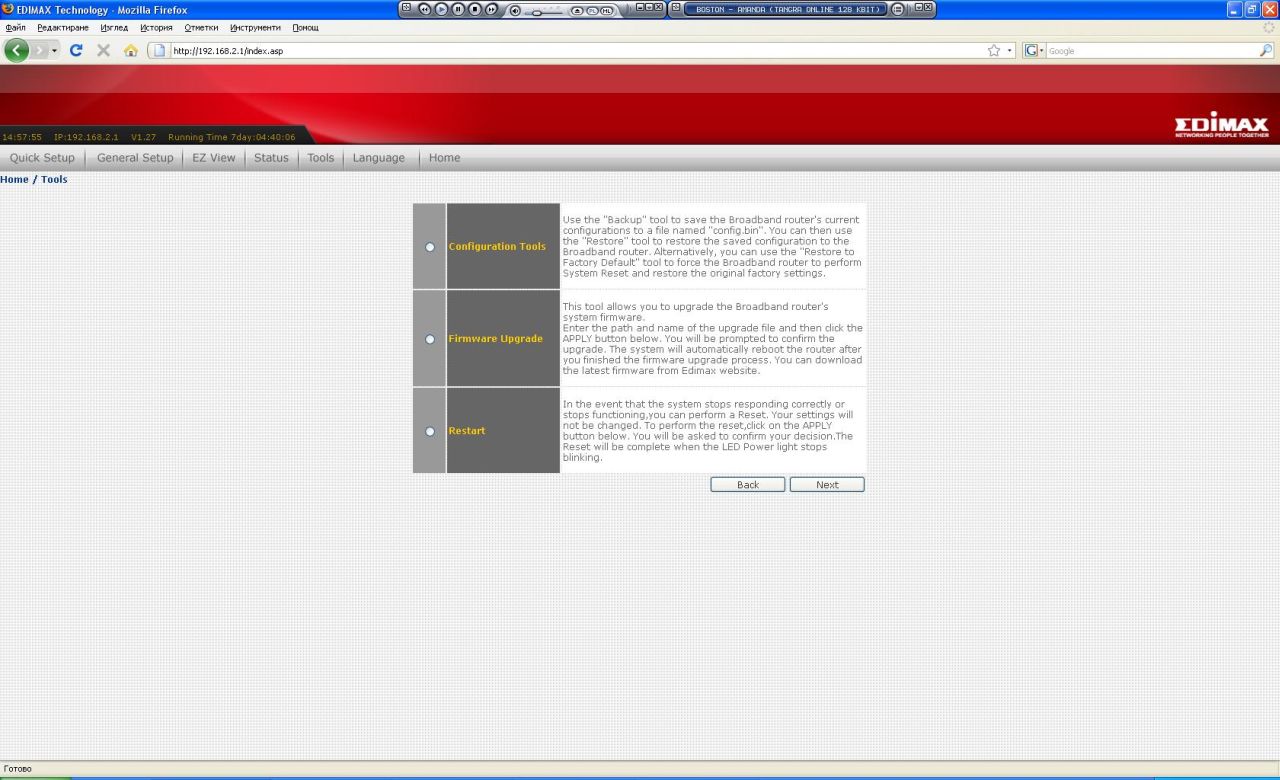
In the "Tools" tab provides nothing else but the means of firmware update, configuration management tools and system restart option:
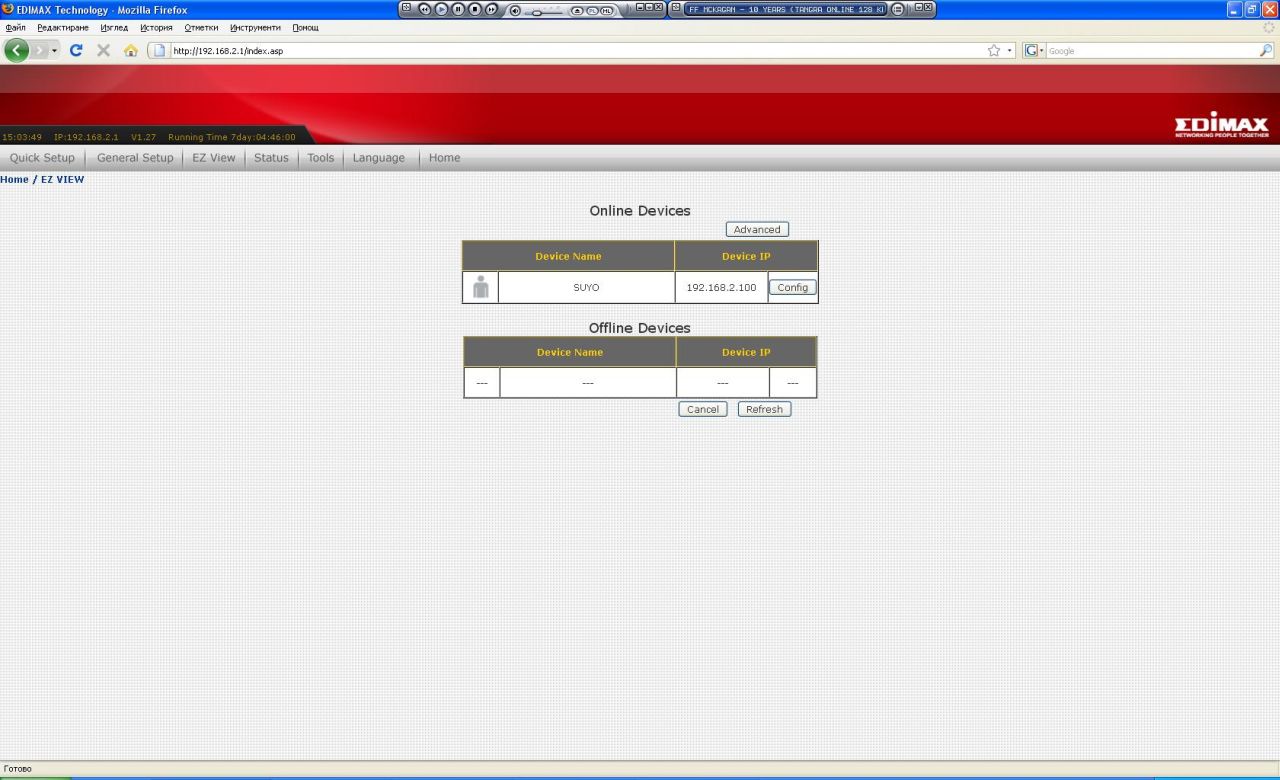
And a quick look at EZ View – this essentially is the integrated functionality allowing you to see the connected to the router UPnP, as well as managing different settings such as IP address, which ports are open, speed restrictions and DMZ:
You might wonder whether it is possible to change the stock Edimax BR-6324nL firmware with a third party custom one. Well... Wonder not, you can't, you only get to use the one you have and hope it's enough.