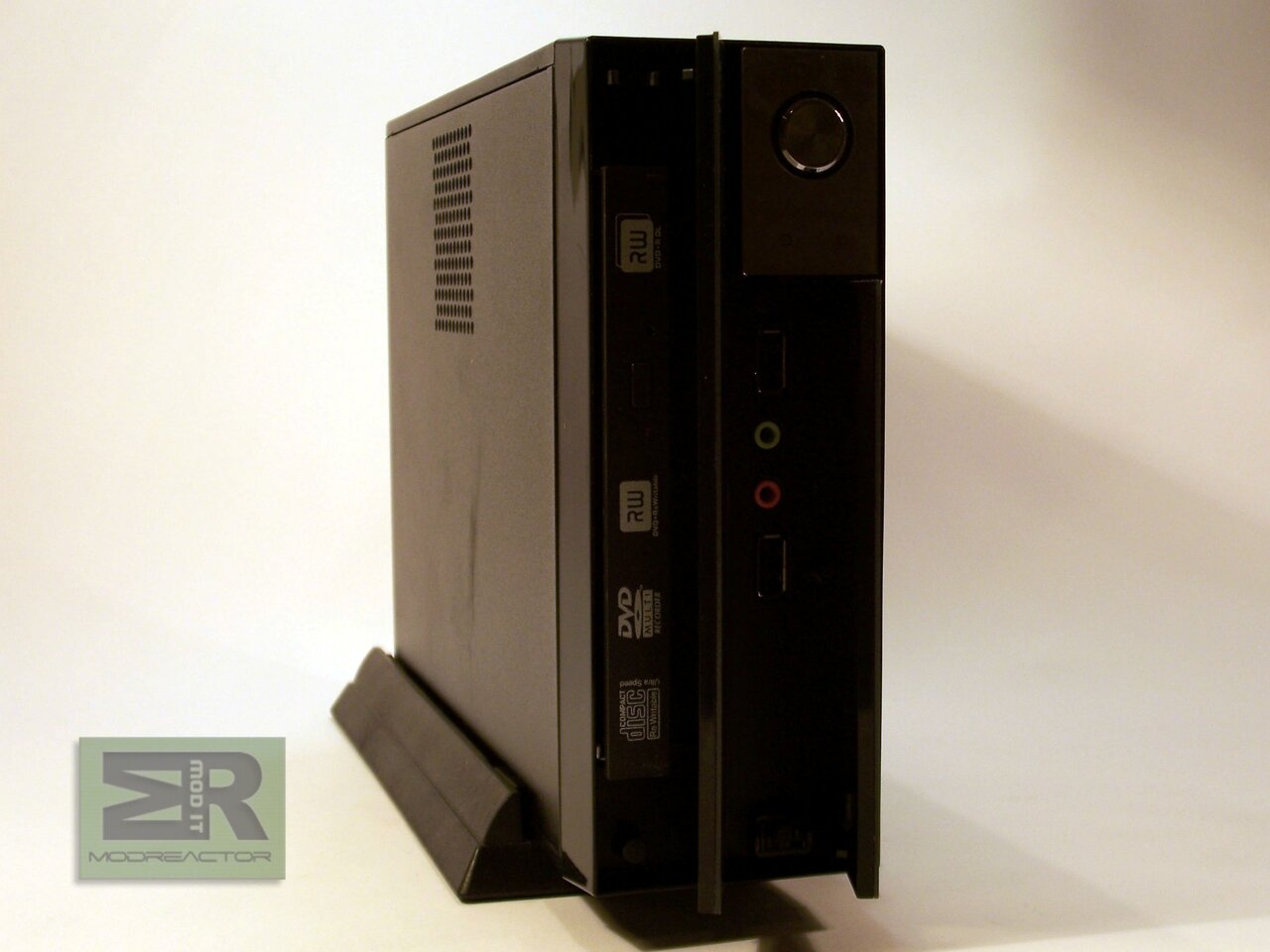
Review of the MSI Titan 700, one Via based barebone
- Review of the MSI Titan 700, one Via based barebone
- Page 2 - External view
- Page 3 - Internal view, benchmark configurations
- Page 4 - Benchmarks
- Page 5 - Benchmarks, part 2
- Page 6 - Final words
Page 2 - External view
Page 2 - External view
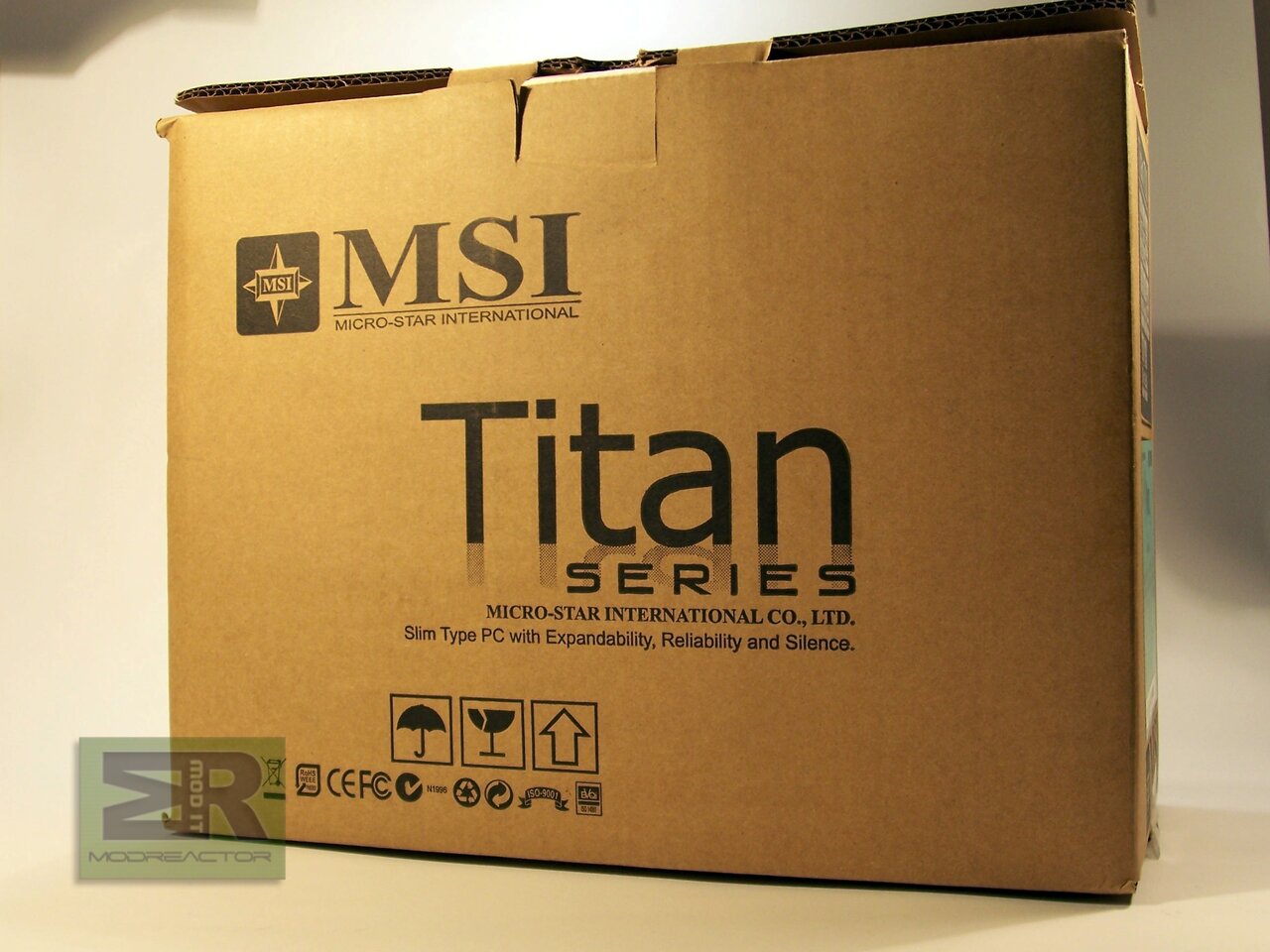
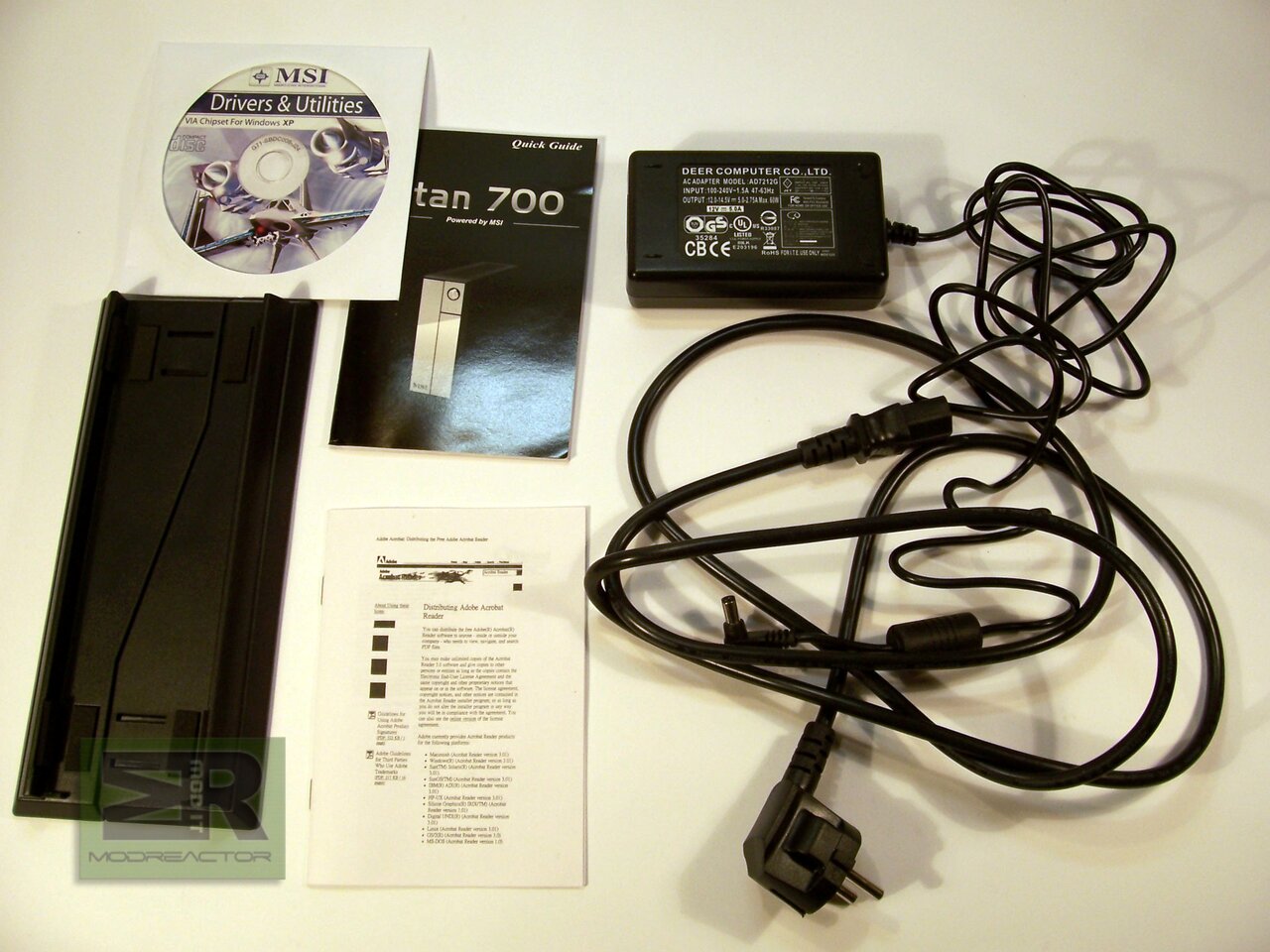
The box that we got puzzled us a lot. We knew the dimensions, but still seeing it and weighting it by hand we were surprised still. The box is quite compact and that at it being twice the size of the computer. Here is are the contents of the box – PSU, driver CD, stand for the computer and two manuals:
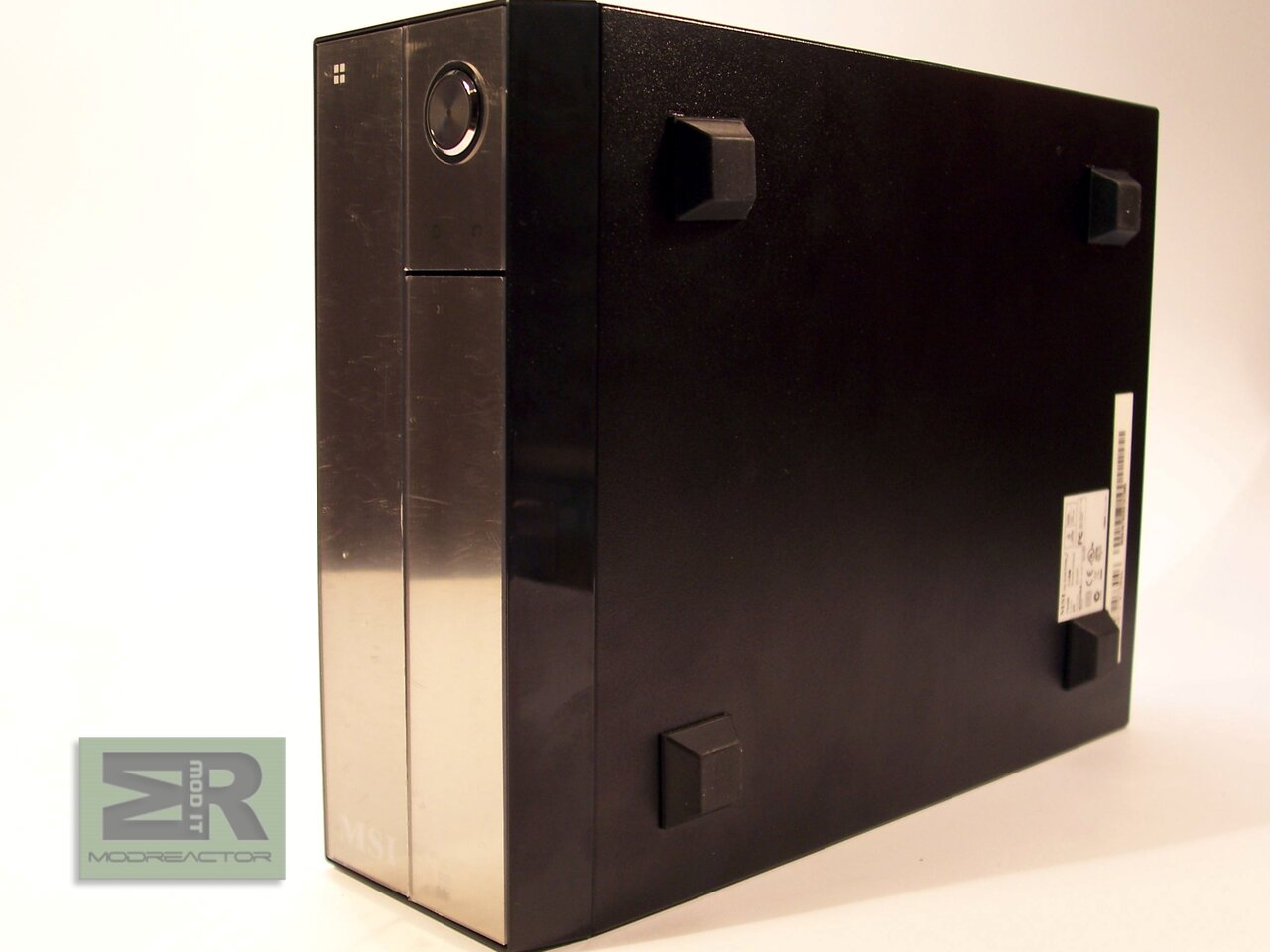
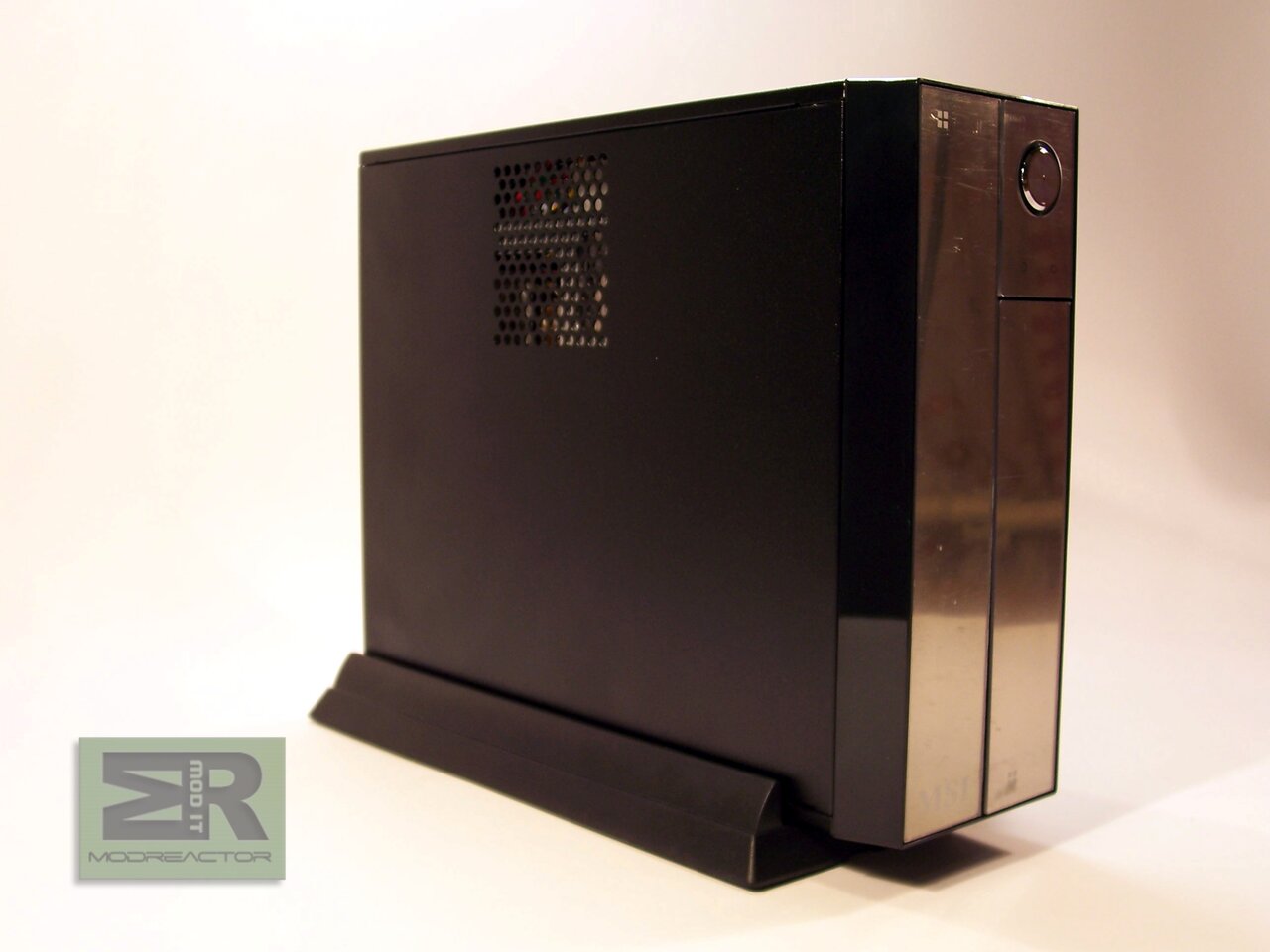
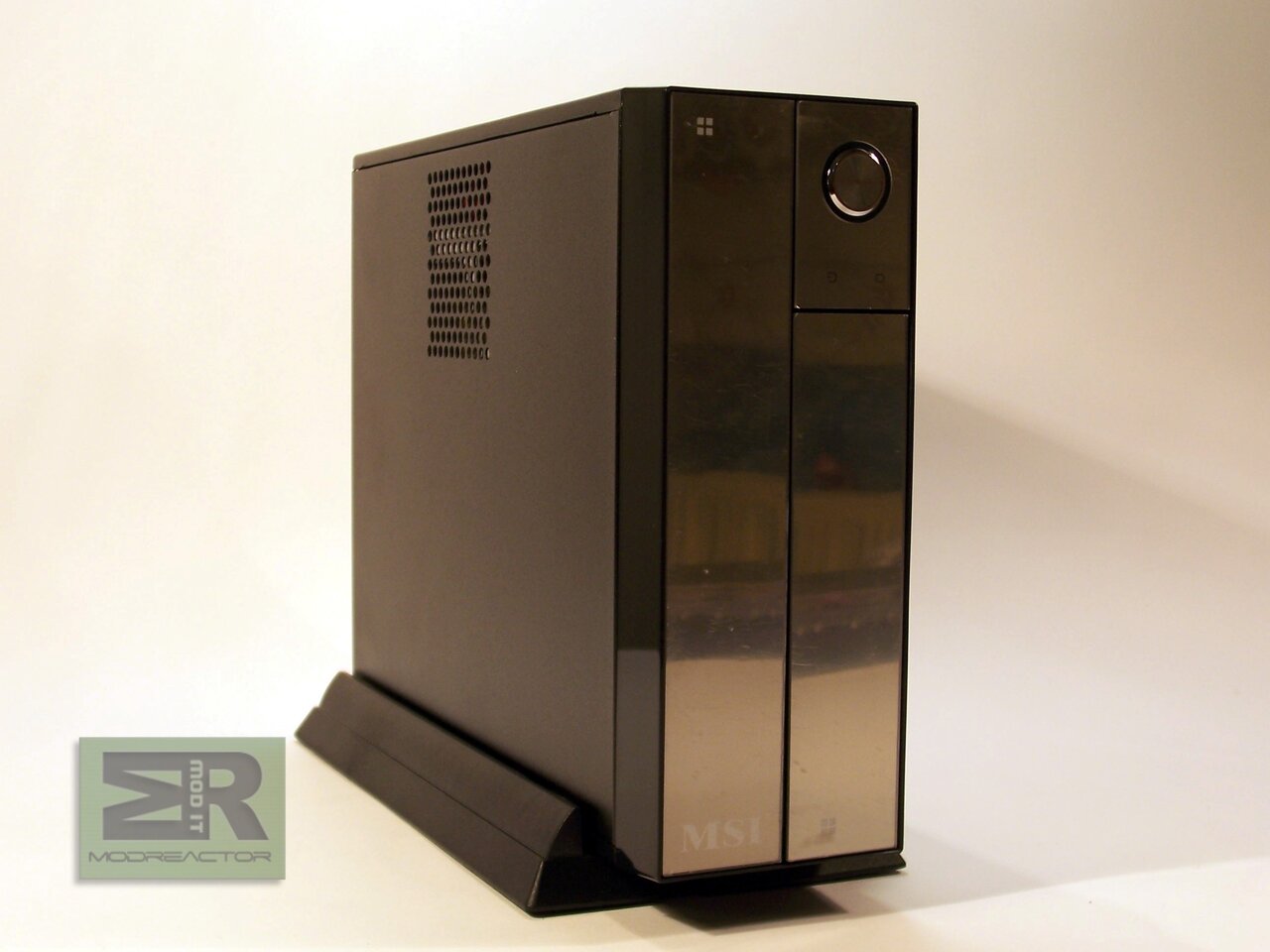
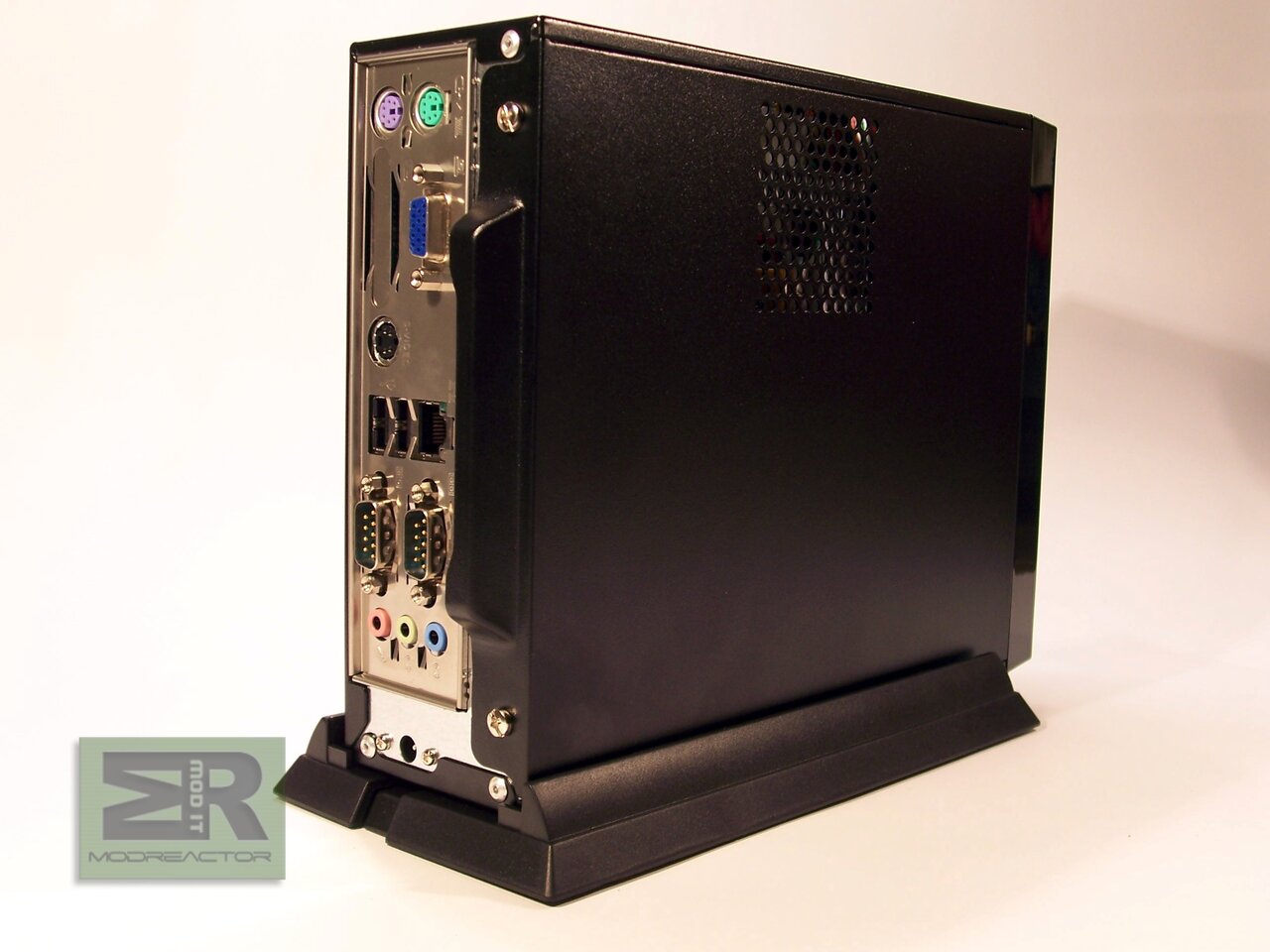
The Titan himself:
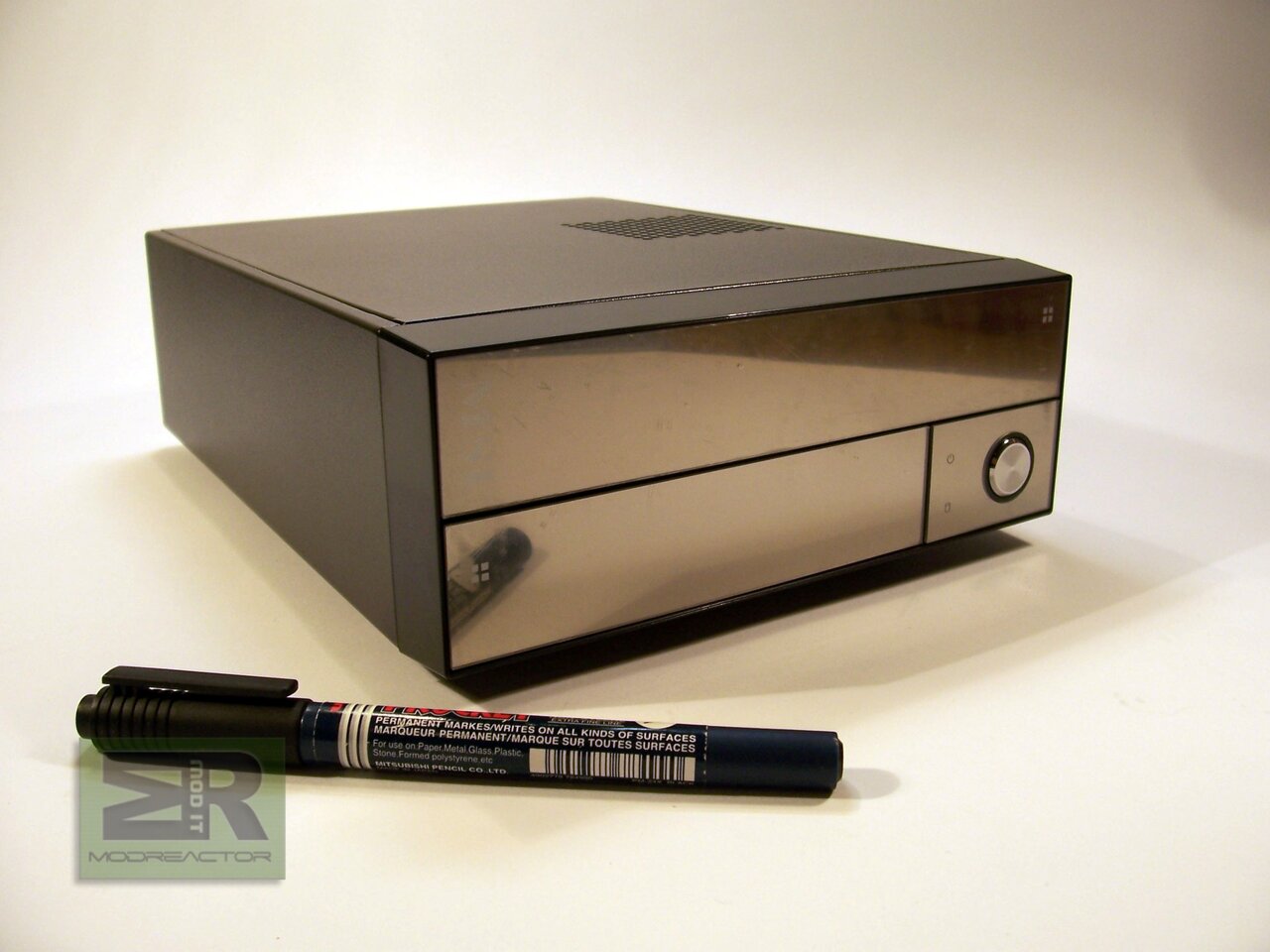
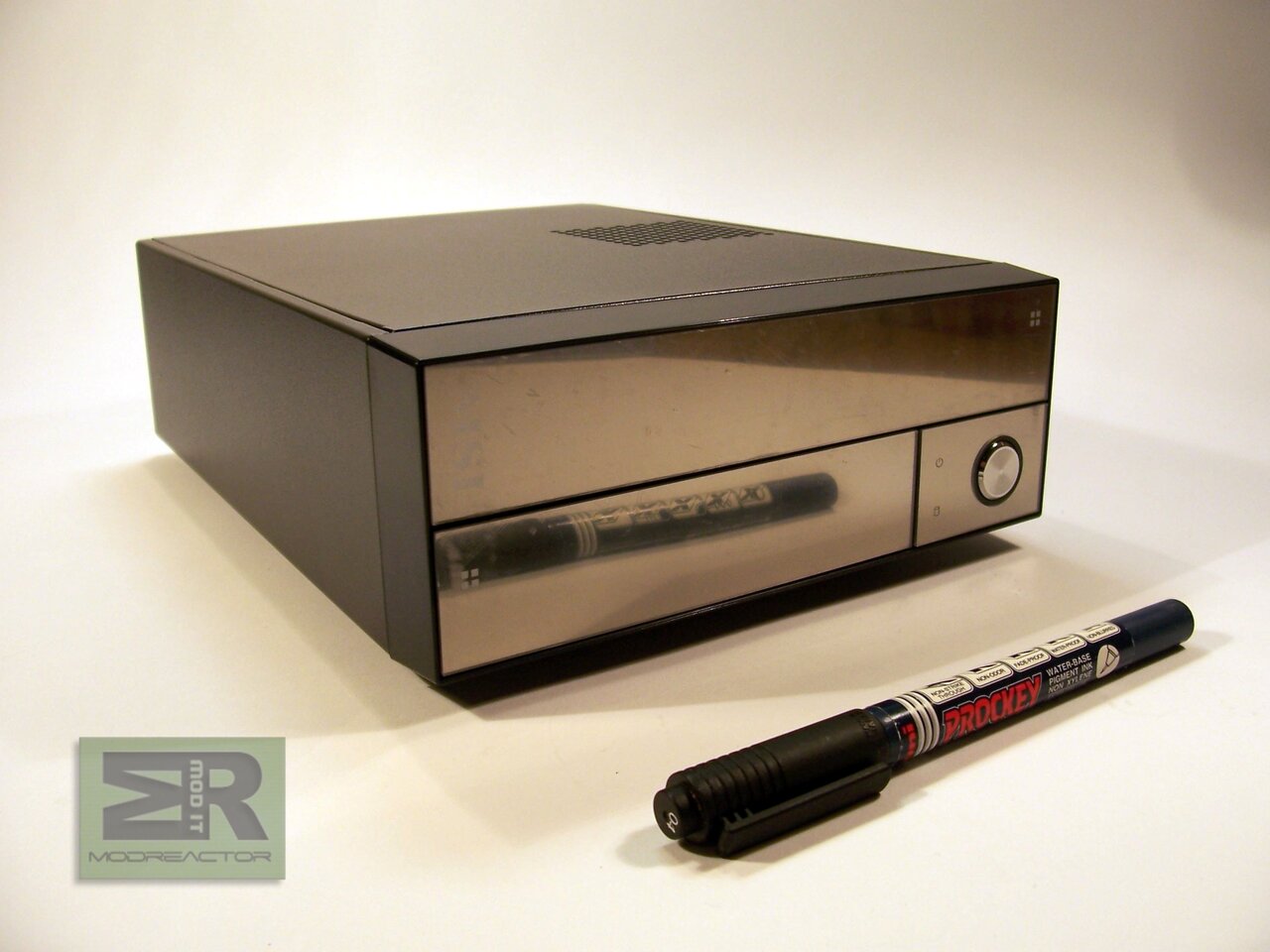
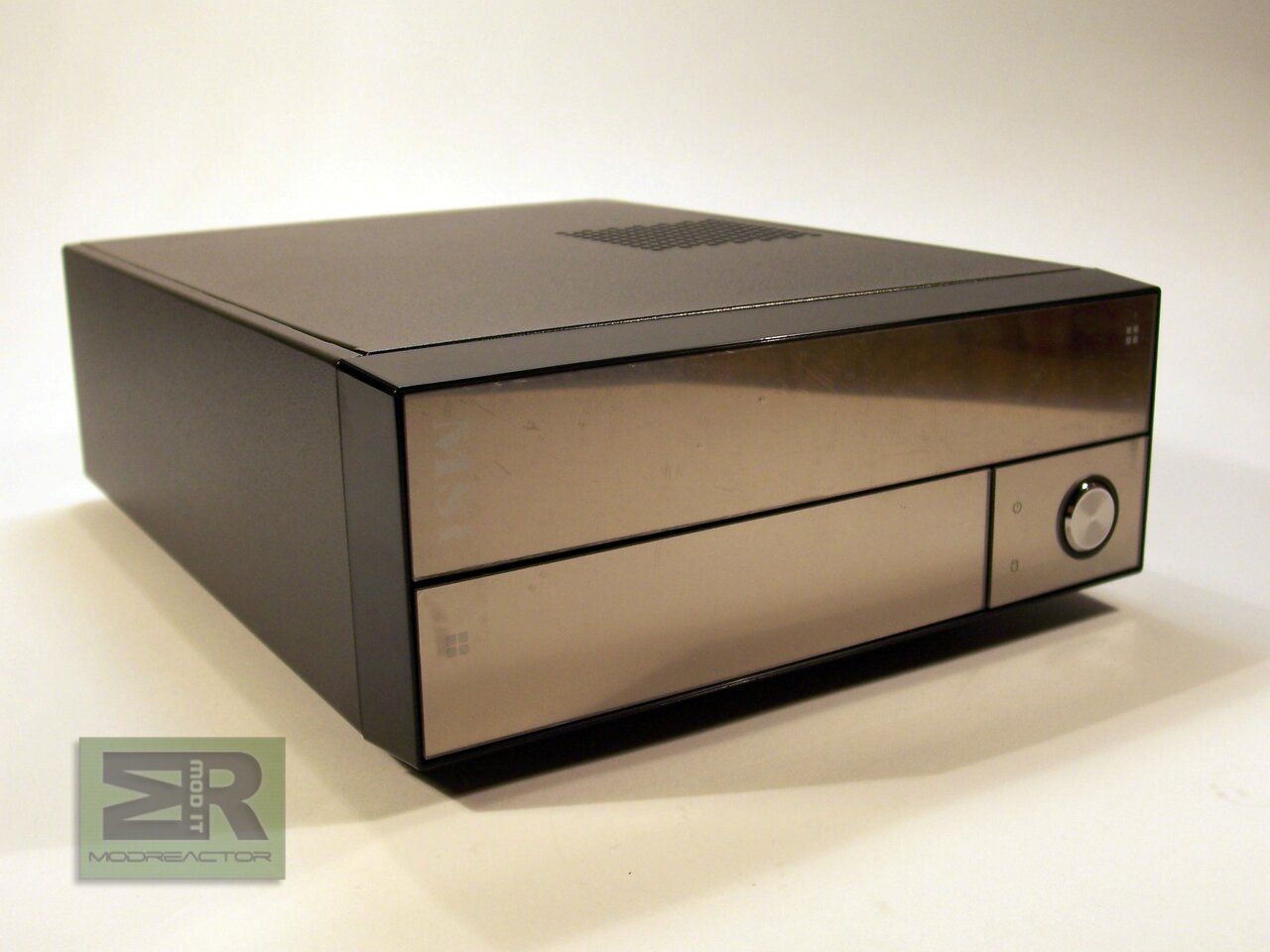
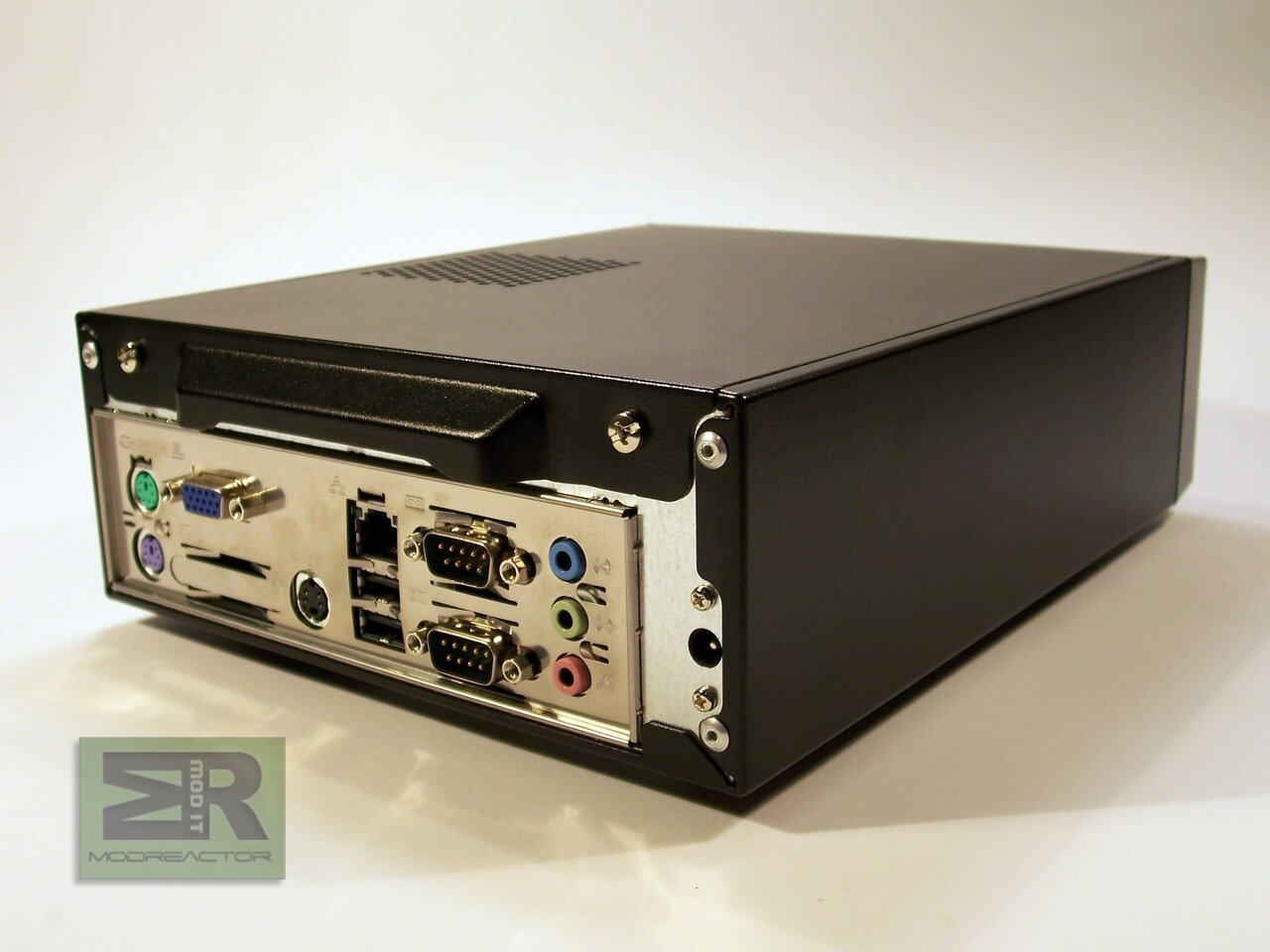
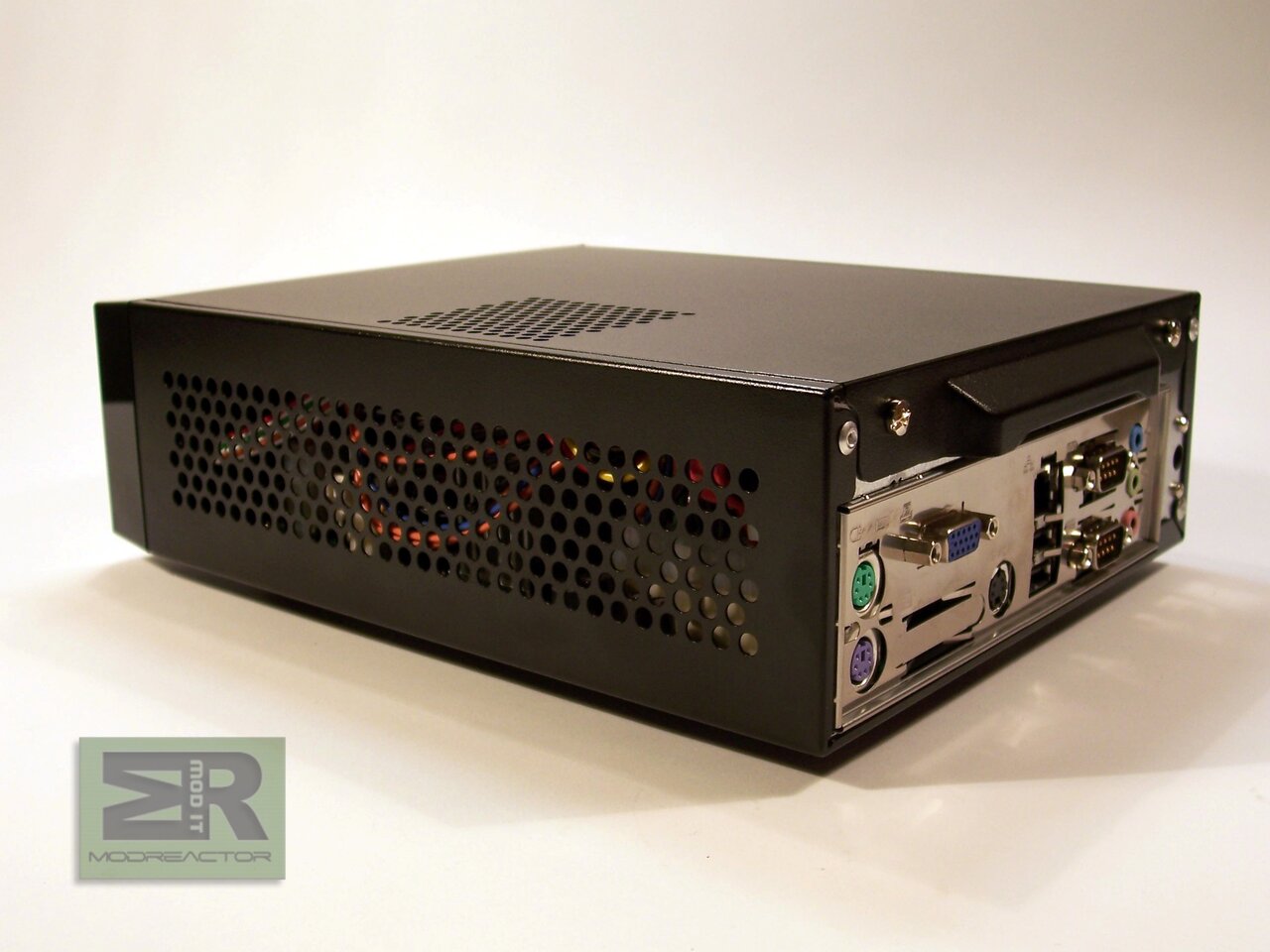
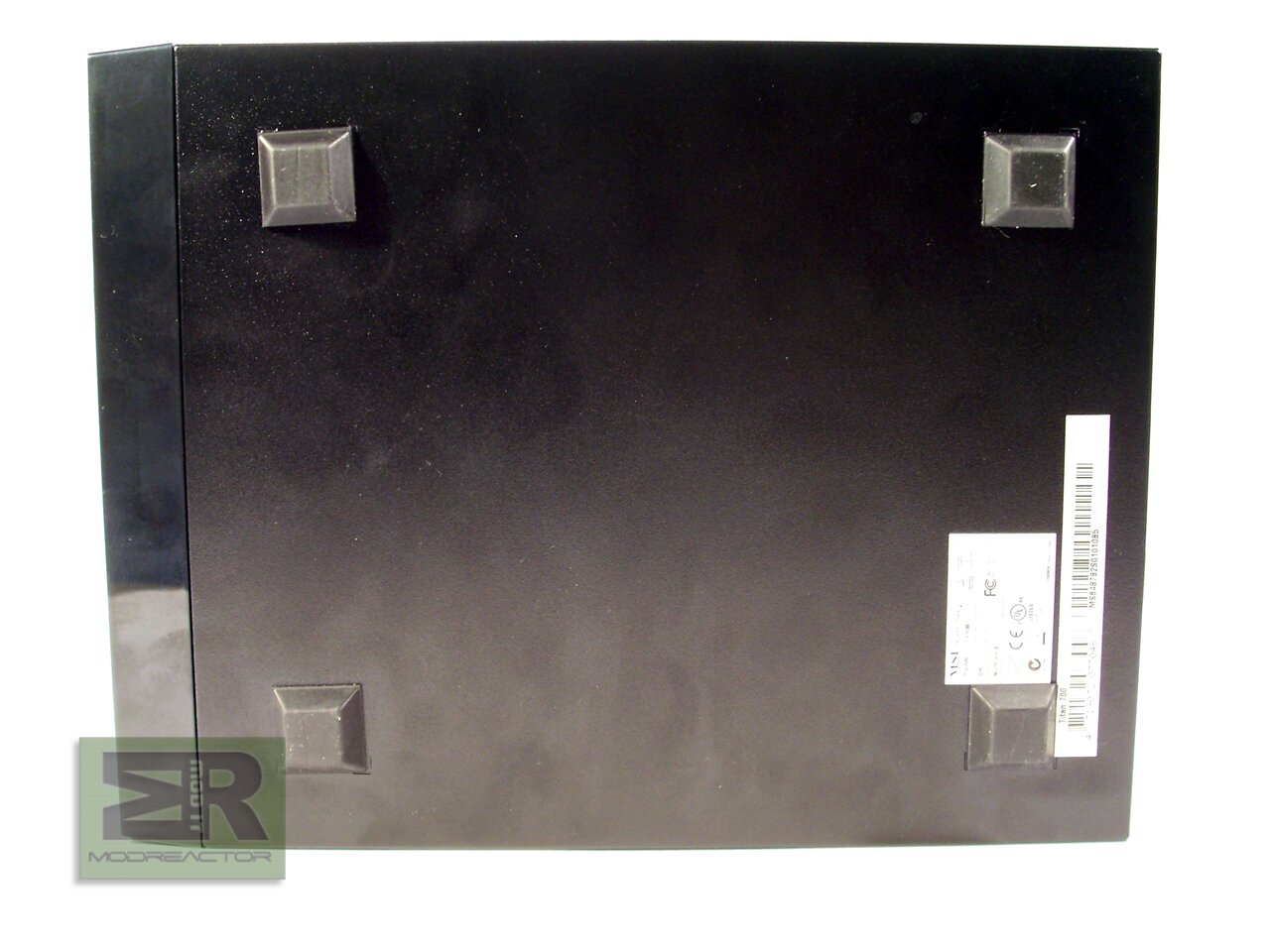
As you can tell from the pictures, this barebone is truly miniature, yet fully capable and functional computer:
| Dimentions | Mini-ITX form factor, 170mmХ170mm |
|---|---|
| CPU | VIA C7D (V4 Bus) NanoBGA2 , 2.0GHz |
| Chipset | North bridge: VIA CN700; South bridge: VIA VT 8237R+ |
| Memory | DDR-2 400/533 SDRAM (1GB Max); 1 DIMMs DDRII memory slot |
| LAN | Realtek RTL-8110SC LAN 1Gb |
| Audio | AC97 CODEC by VIA VT1618, 5.1-channel audio |
| IDE | Supports Ultra DMA 66/100/133 |
| SATA | Supports 2 SATAII 150MB/sec devices |
| DVI | VIA , VT 1632AG |
| TV-Out | S-Video output by VIA VT1622AG |
| Front panel | AC97 Mic-in x 1, Headphones jack x 1 , USB2.0 x 2 |
|---|---|
| Rear panel | PS2 x 2 (1 keyboard,1 mouse), Serial port x 2, D-Sub15 VGA x 1, Mic-in x 1/ Line-in x 1 /Line-out x 1(5.1 channel), RJ45 LAN x1, USB2.0 x 2, TV Out x1, DVI x 1 |
| PSU | 60Watt adapter, Active PFC |
| Device slots | Supports NB Slim ODD x1 и 2.5" HDD (hidden) |
| Dimentions | 70mm(H) x 185mm(W) x 240mm(D) (с панел) ; Volume: 3.1 litre |
| ODD | slim type, SATA Supermulti DVD Dual RW |
|---|---|
| HDD | 2.5", SATA HDD 120GB |
| DDR2 | 1GB DDR2, 533 MHz |
Here is a short MSI guide for the both front and rear panel of Titan 700 (The MSI material shows their other model, differing only in the front panel):

Front panel:
1. Laptop optical disk drive
2. Button for opening/closing the ODD
3. Mic (pink)
4. Headphones (green)
5. USB ports
6. ON/OFF button
7. HDD indicator LED
8. Power indicator LED

Rear panel:
1. PS/2 mouse port (green)
2. PS/2 keyboard port (purple)
3. VGA port (D-Sub)
4. DVI port
5. USB ports
6. Serial ports
7. Line-in (blue)
8. Line-out (green)
9. Микрофон (pink)
10. Power in
And finally this is hoe the barebone looks like in vertical position and what hides behind its shiny mirror panels (it is here where we must say we didn't very much like the design of neither the front panel nor the stand – the pictures of the Titan 700 at the MSI website, in our point of view show much better design of both components):