
DIY Printed Circuit Boards with the “Toner Transfer” Method
Page 2 - Etching
Page 2 - Etching
After you get good toner transfer on the copper you can start with the etching itself. The duration of this process depends solely on the solution you use. For us it took about 30 minutes with FeCl3.There are numerous different etching solutions as the above mentioned is one of the most popular.
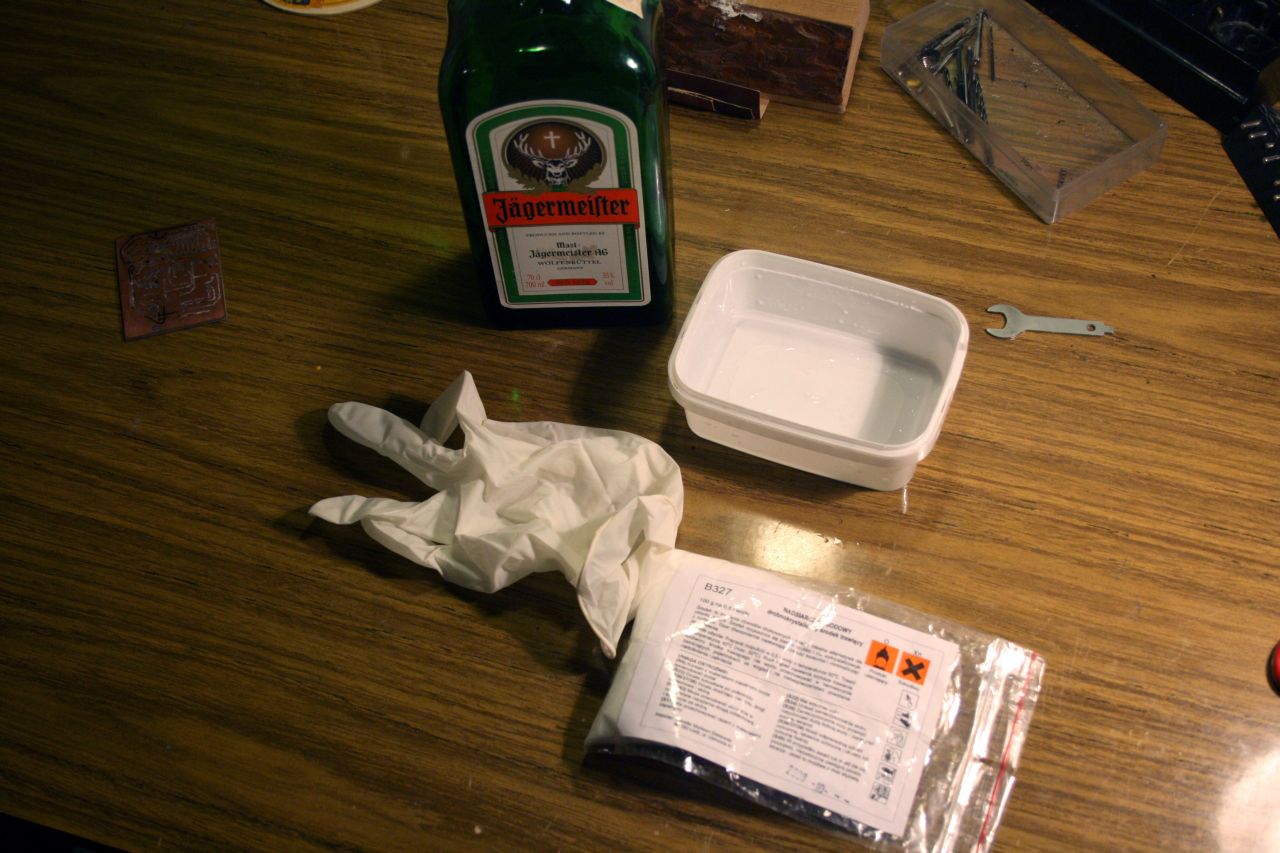
The first step here is to prepare the solution. Bear in mind that these solutions are toxic and also are very hard to clean – always use protection gloves! Prepare the solution according to the instructions of the manufacturer and keep it in cool and dark place in well labeled container to avoid mistakes!:
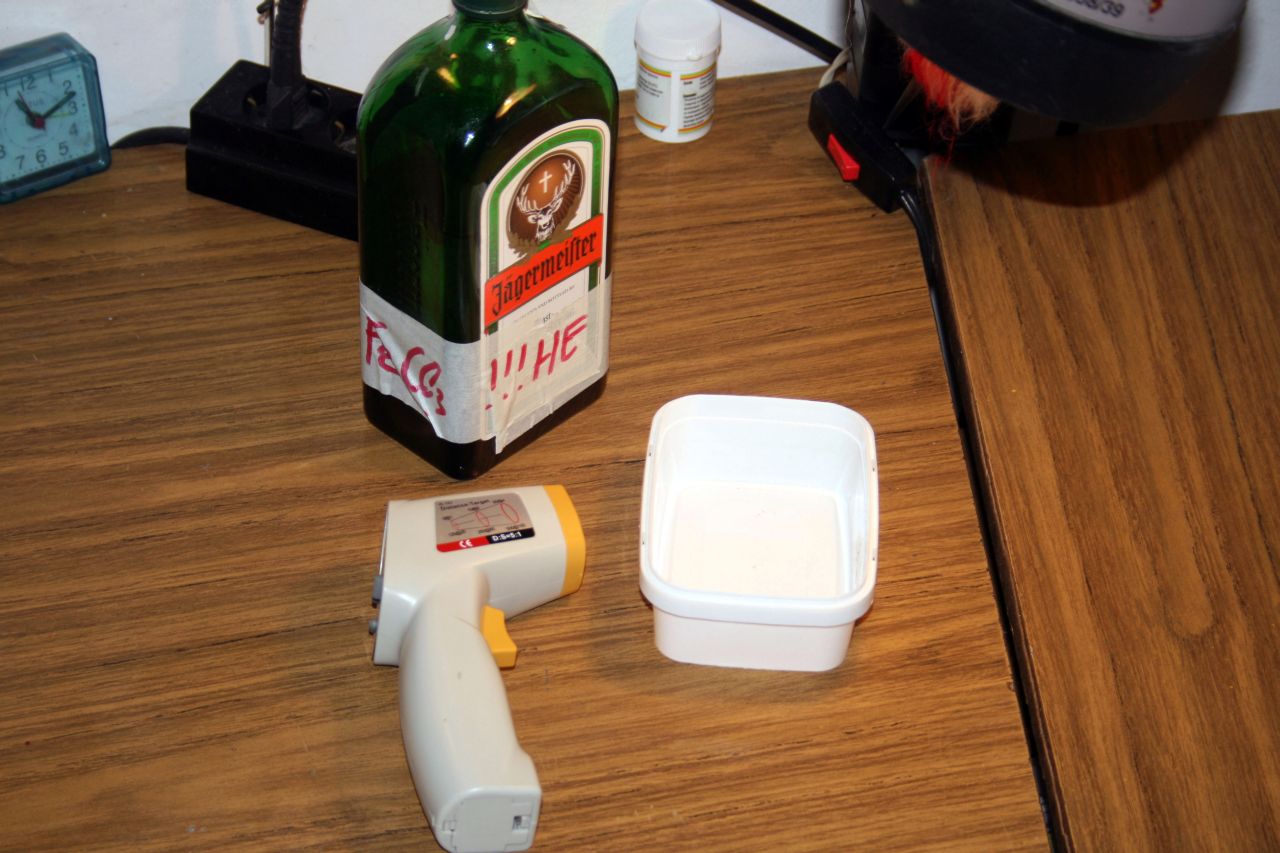
The etching process takes place best at temperatures about 40C and for this purpose I use the following setup – plastic etching container, placed under my desk lamp (100W). Just to be sure I check the temperature with an IR thermometer. It turns out that with this setup I can achieve constant temperature of 41.5C, which is perfect in this case:
During etching it is good to stir a little – this additionally speeds up the process and makes the removal of the copper layer rather more even. Don't forget to use protection gloves!
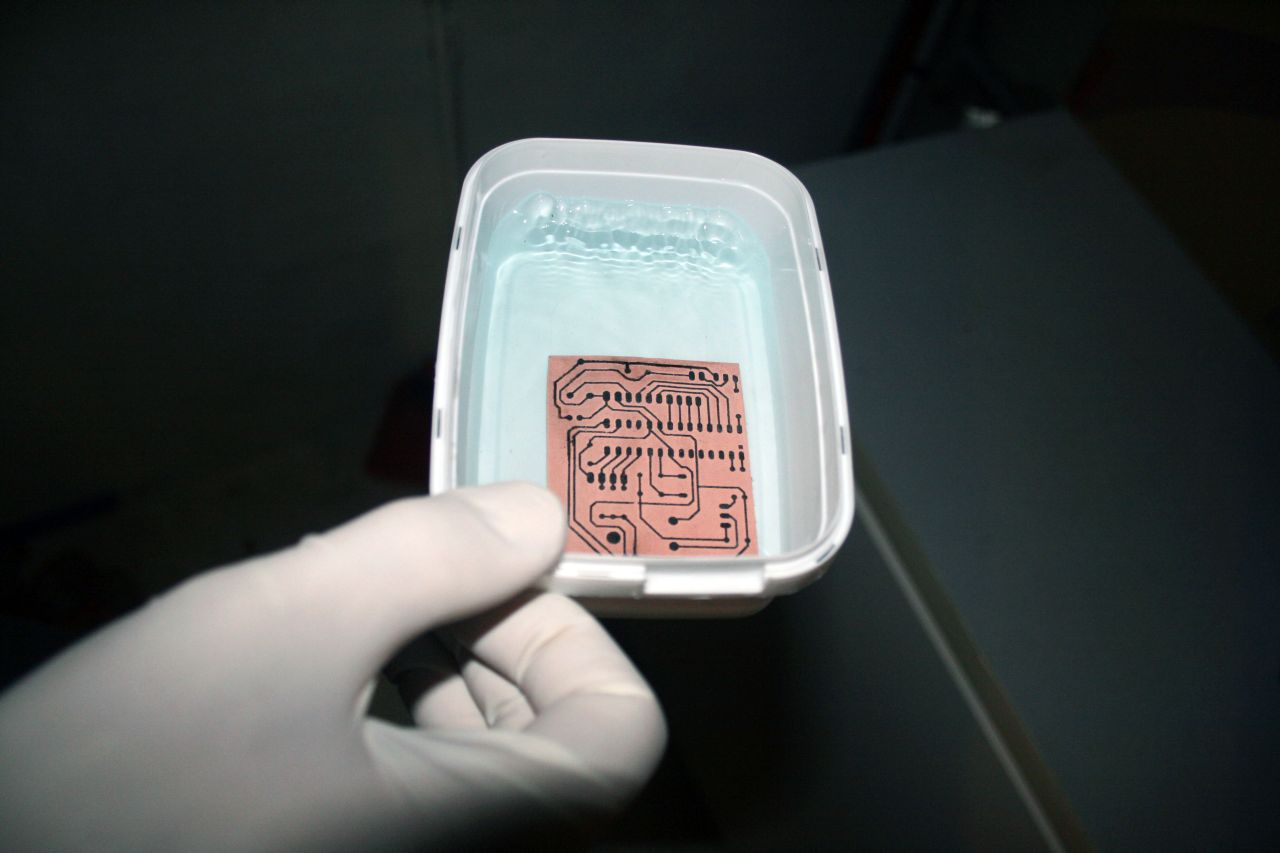
At the beginning there will be small bubbles on the surface. Keep in mind that the exhaust gas from the reaction is toxic – etch in well ventilated places and do not inhale directly over the container! Stir while the bubbles disappear, I do it every 5 minutes. Also you will notice the copper layer on the edge of the board to dissolve first:
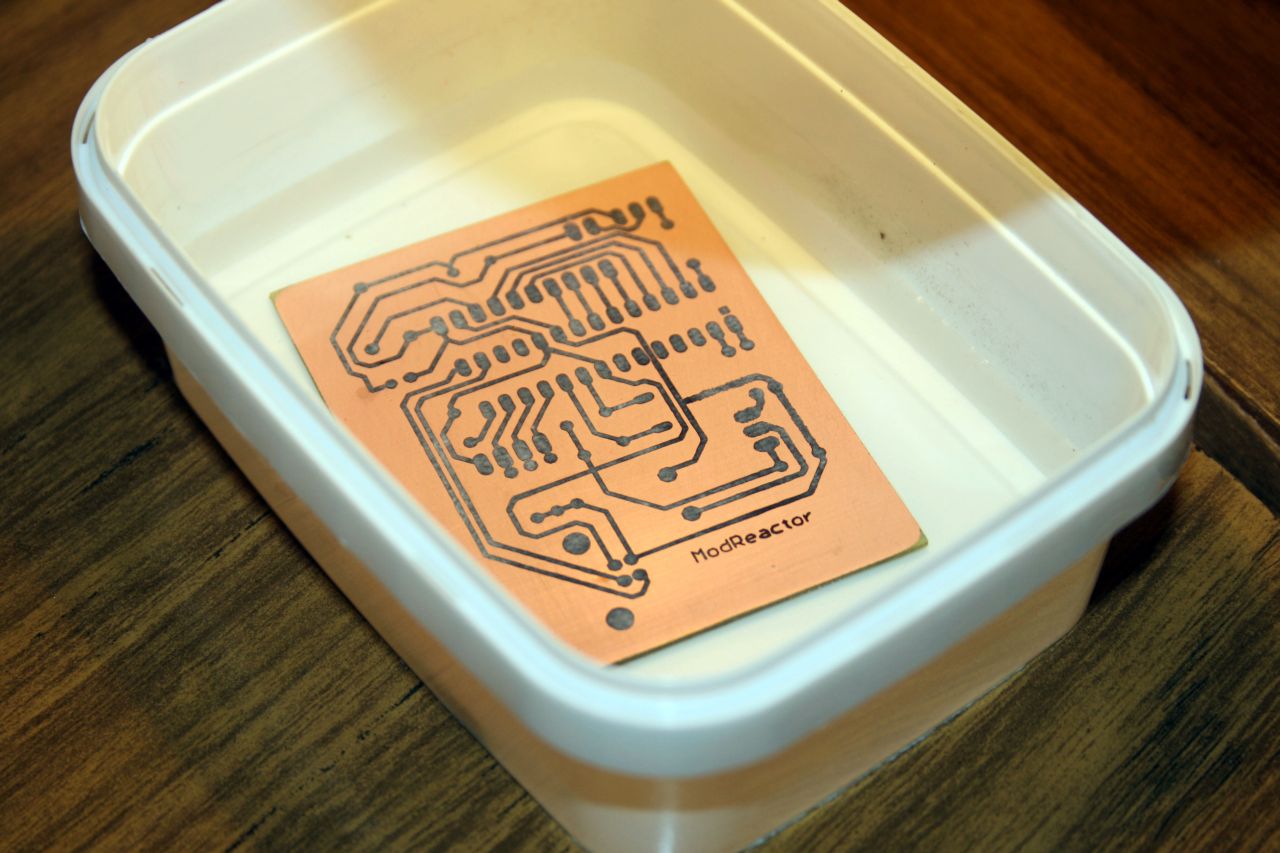
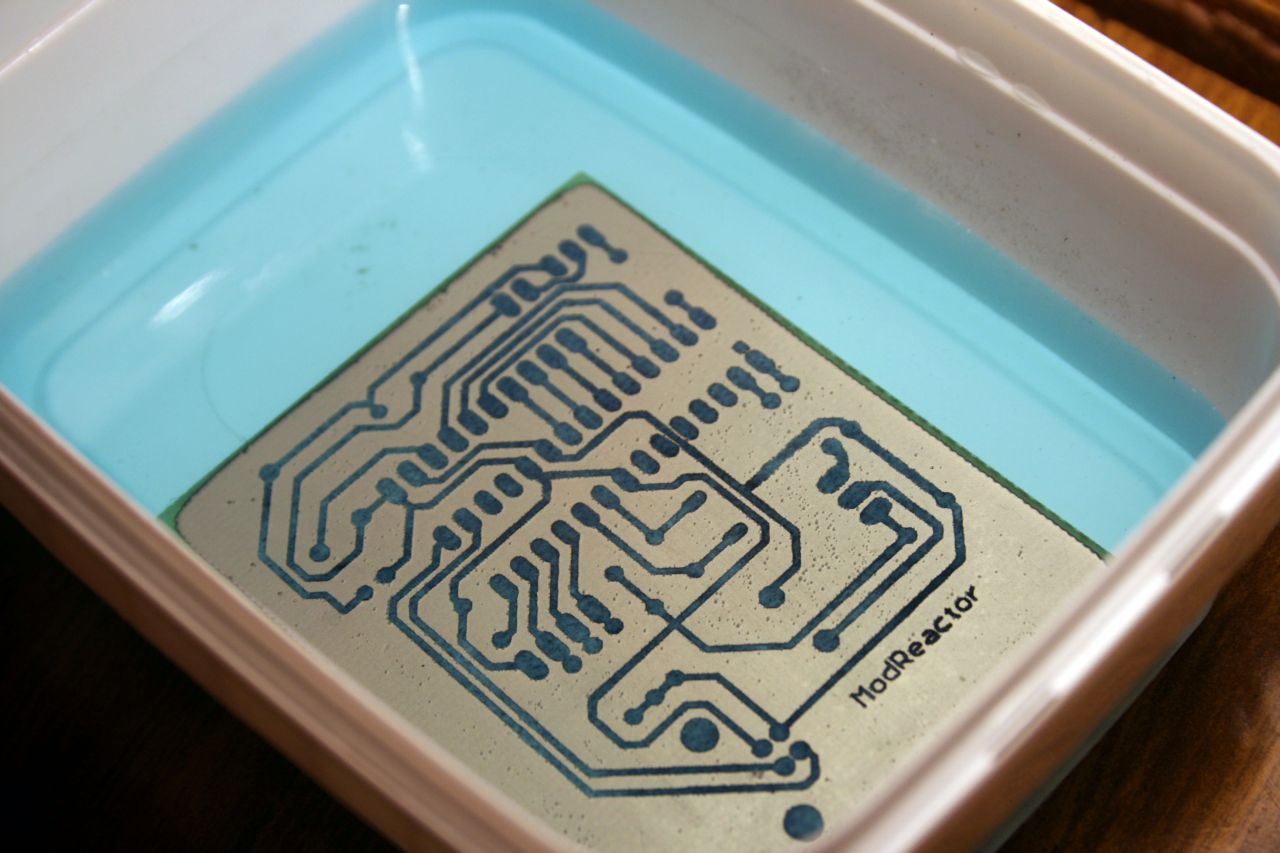
With the advancing of the process the liquid turns bluer, and the copper layer diminishes:
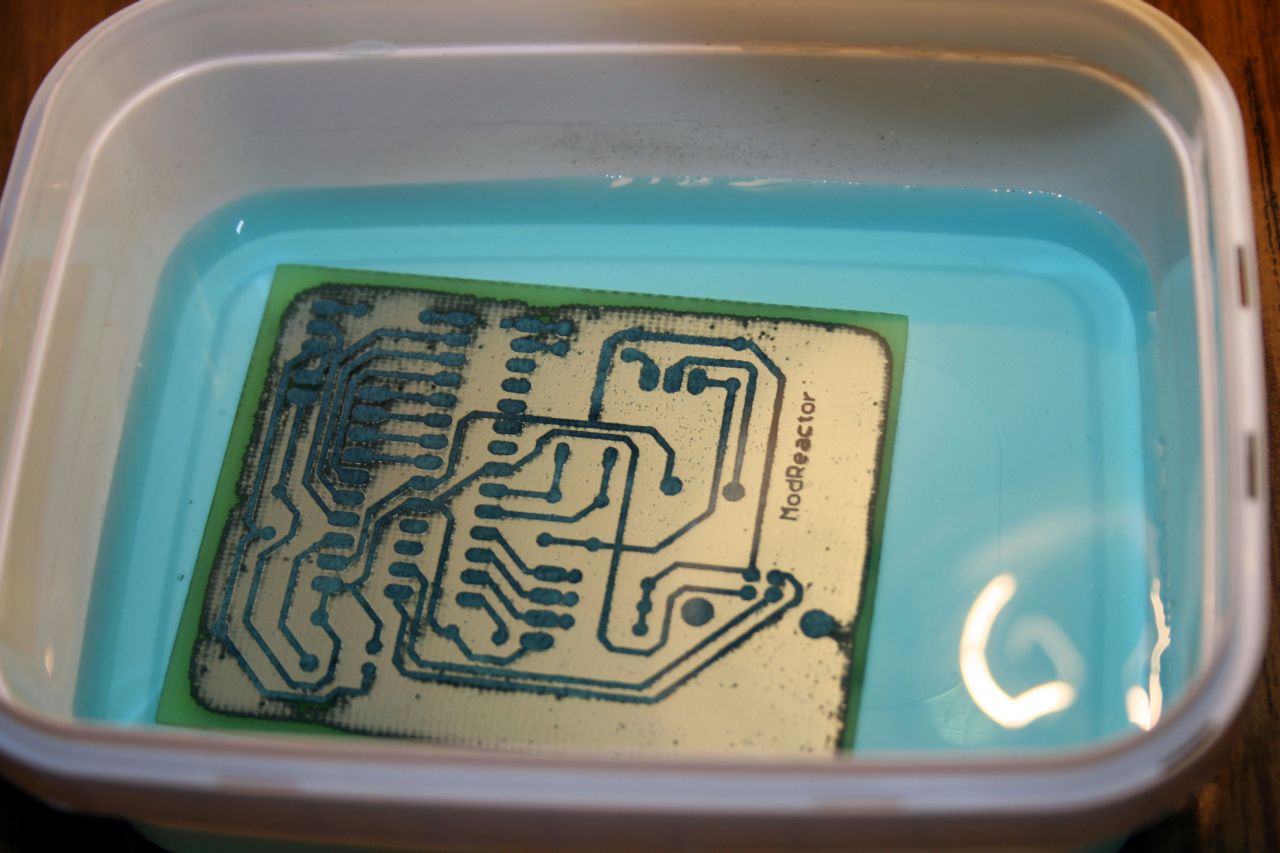
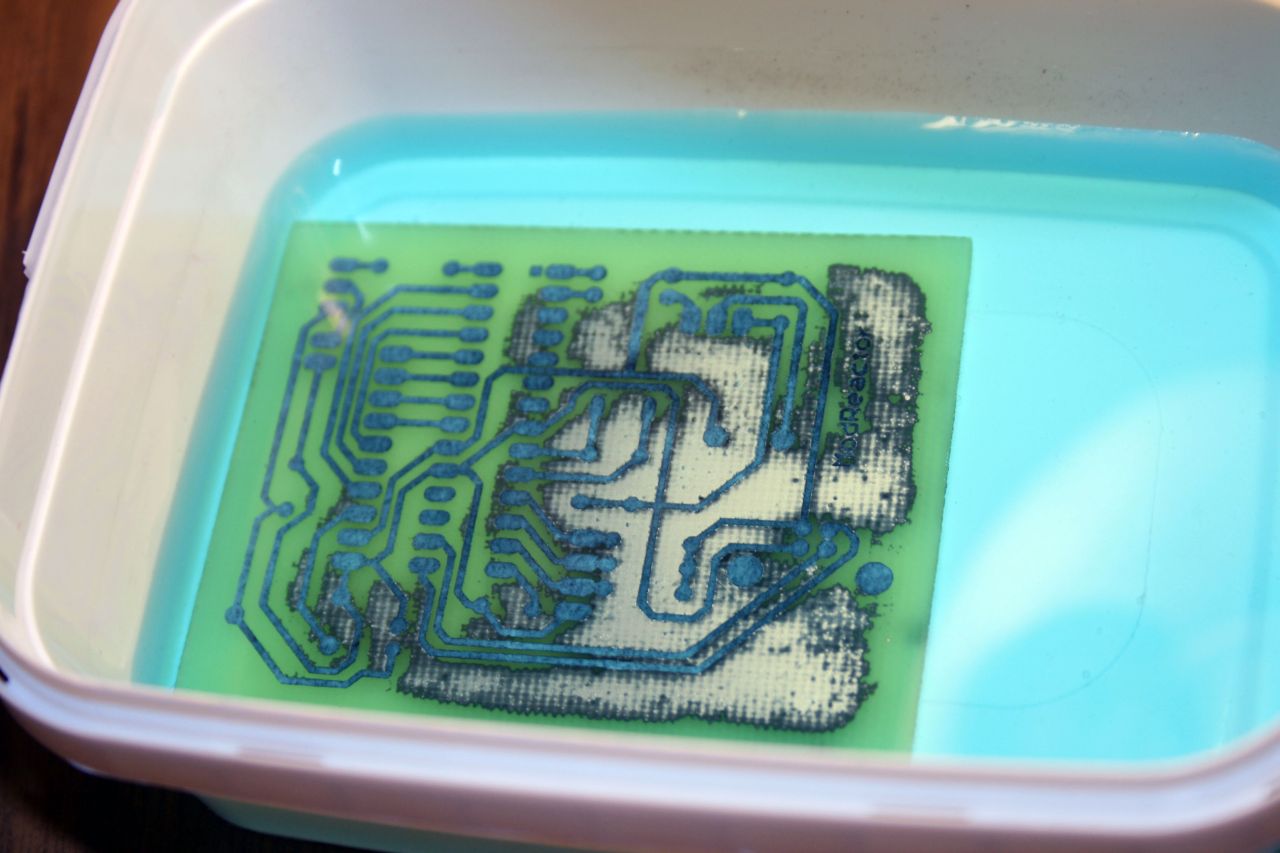
When at the end you will get a completely etched board:
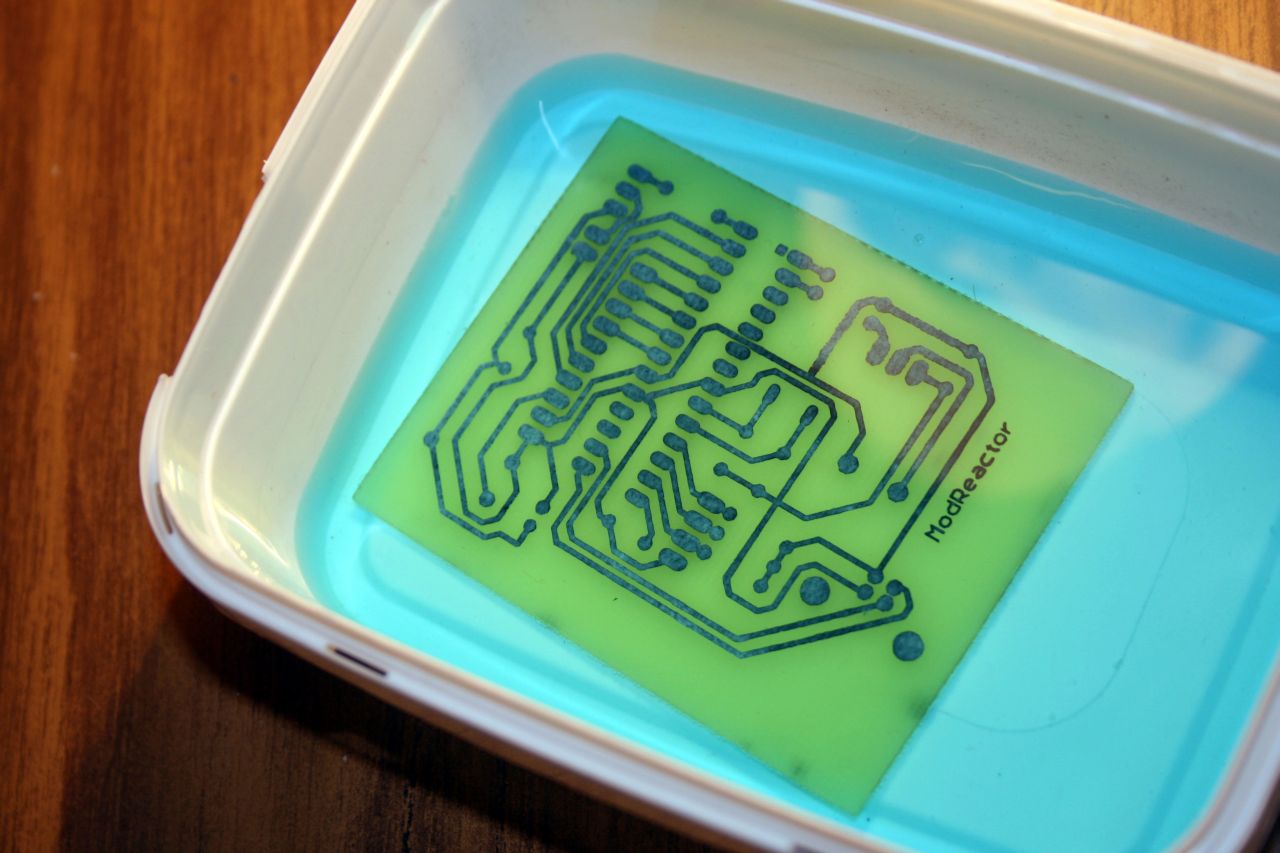
After the process is completed remove carefully the board from the solution and rinse it with running water. Be careful, because the solution not only is toxic, but is very hard to clean!
Now this is how the finished product should look like:
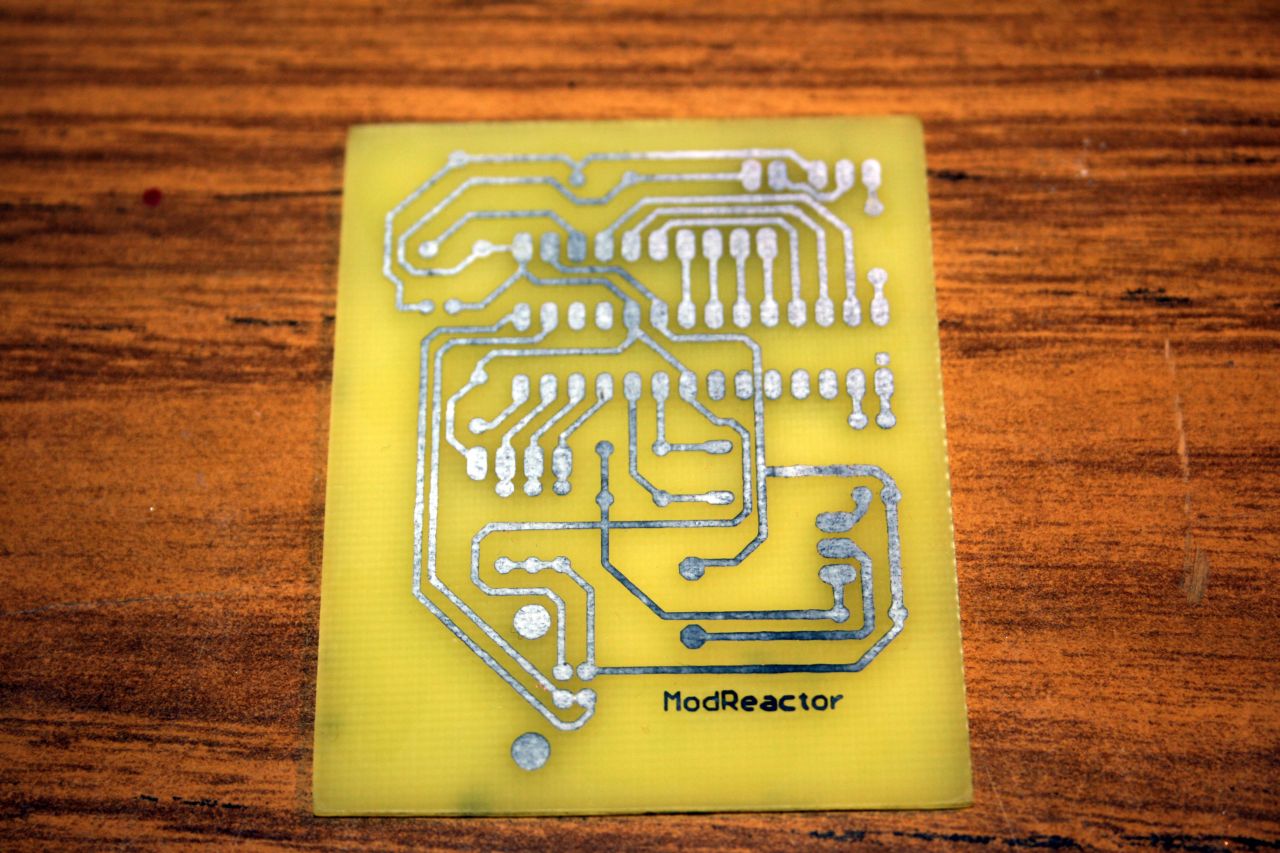
Here we bought some better lacquer thinner, because AMB did not do the trick:
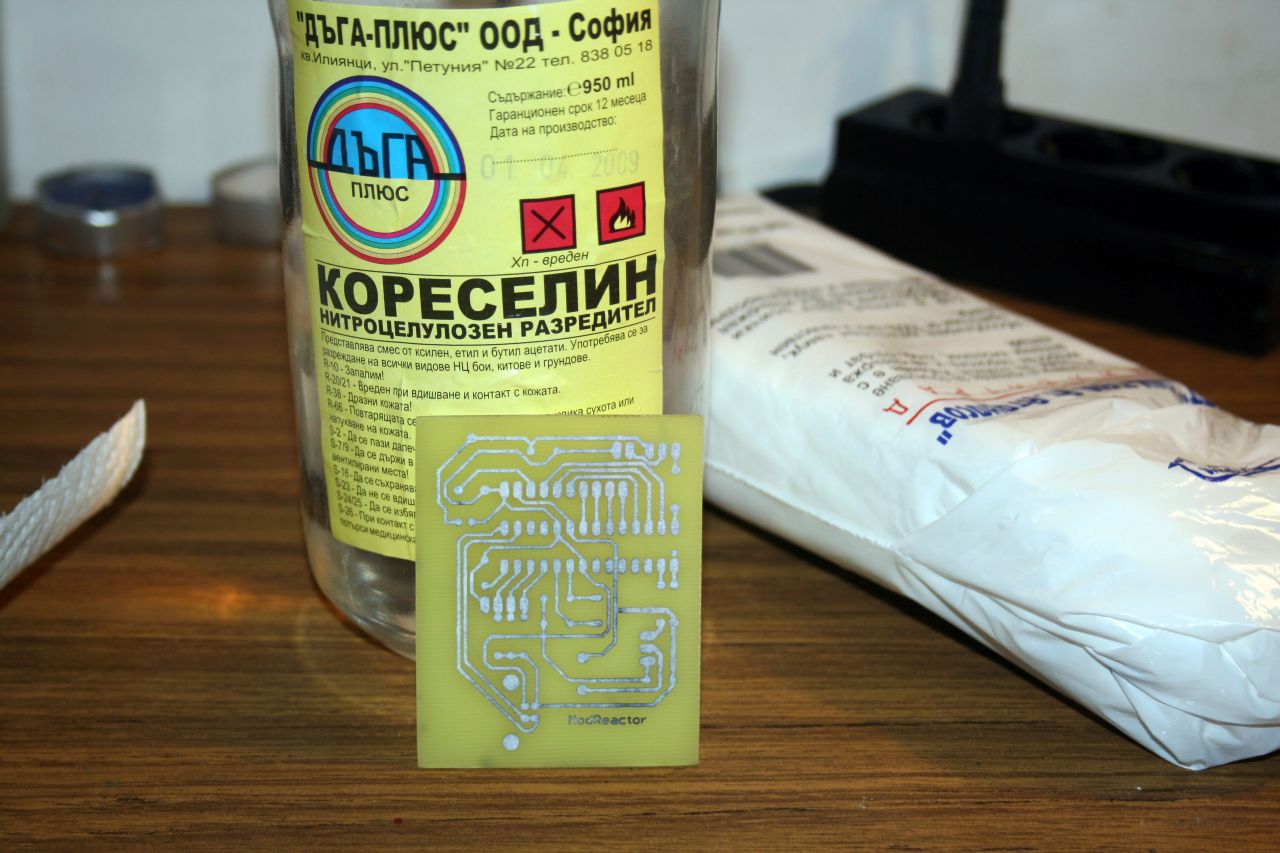
Cleaning with the thiner is very easy and you get the following product:
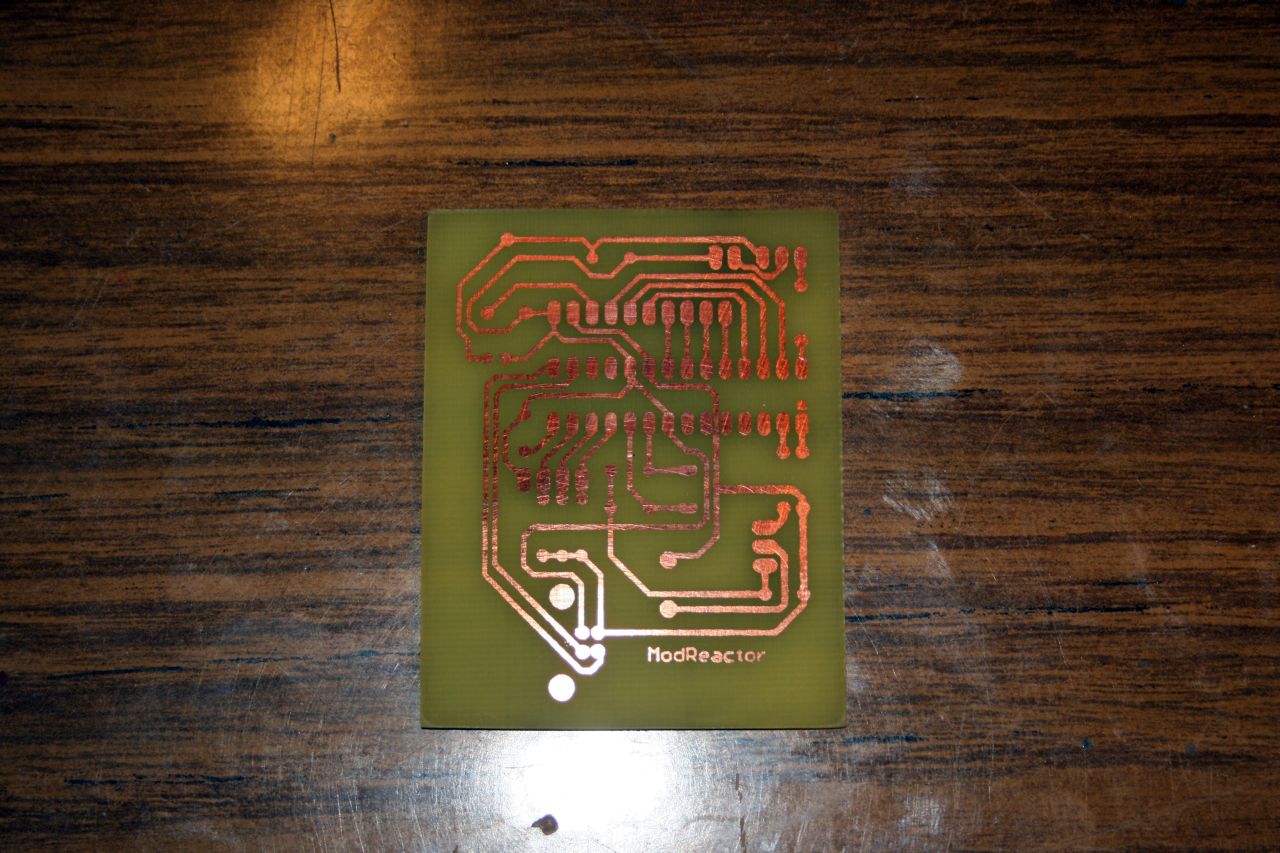
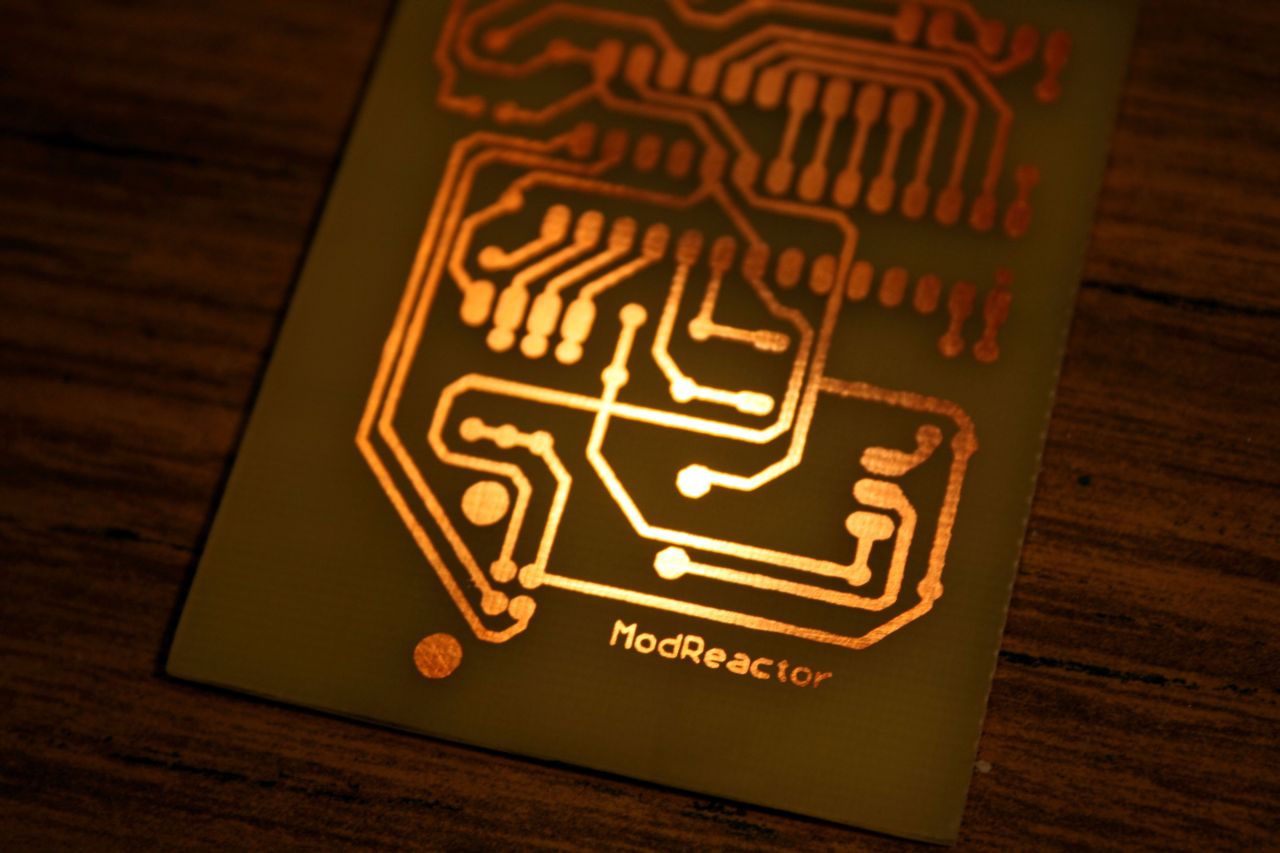
Nowwe have only to drill the mounting holes for the components. We used a compasses to make the center of the hole and after that we drilled with 0.8mm bit:
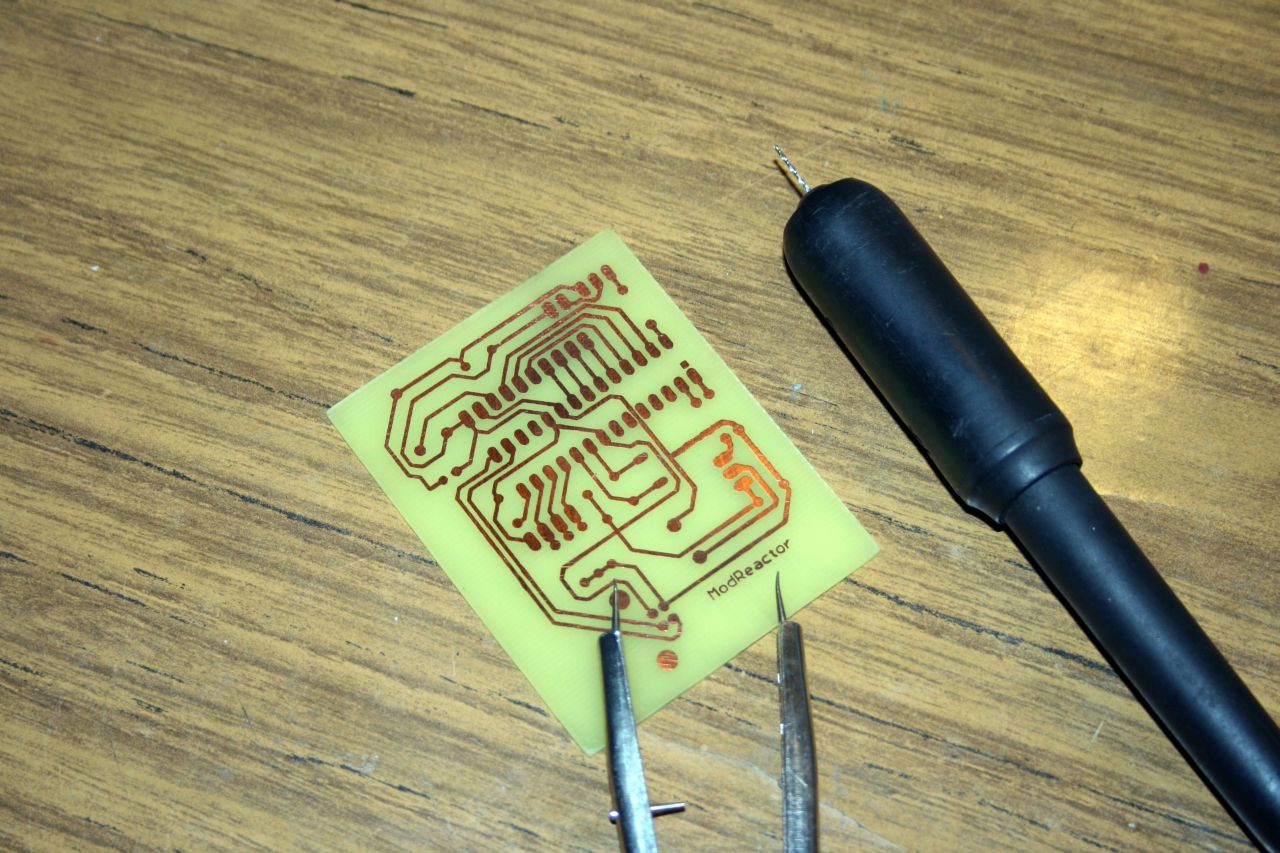
After all the holes are drilled we get something like this:
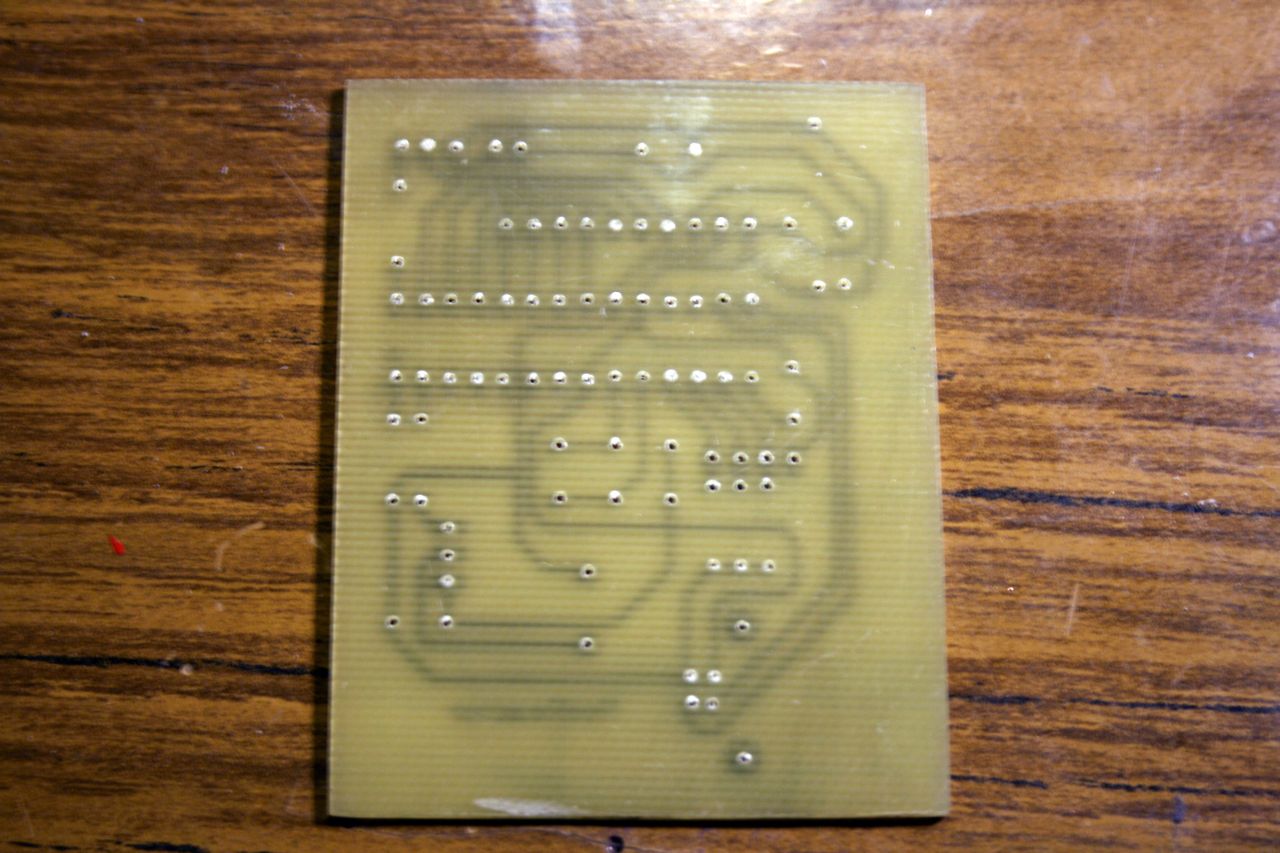
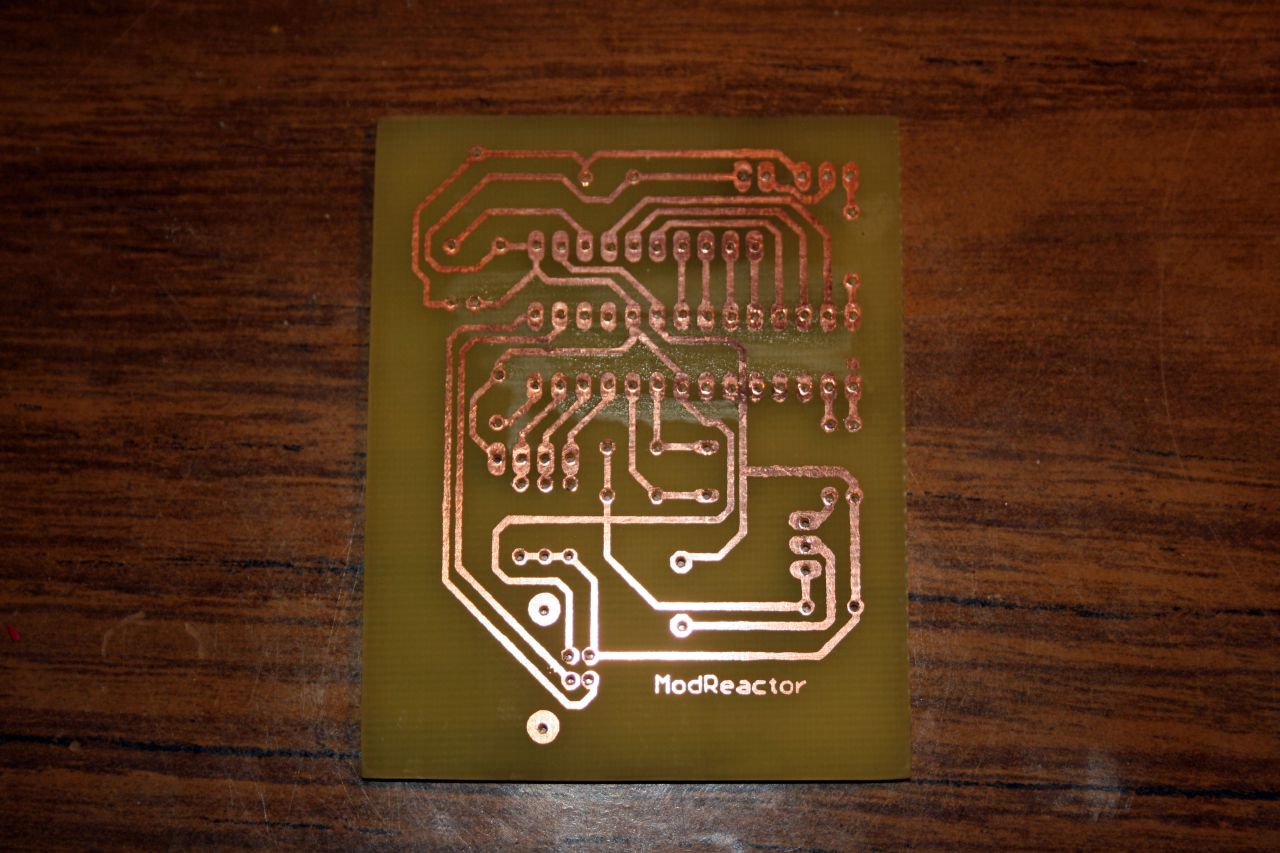
It si somewhat hard to notice that there is some leftover material around every hole. They are removed by using larger drill bit, 2mm, to complete the product:
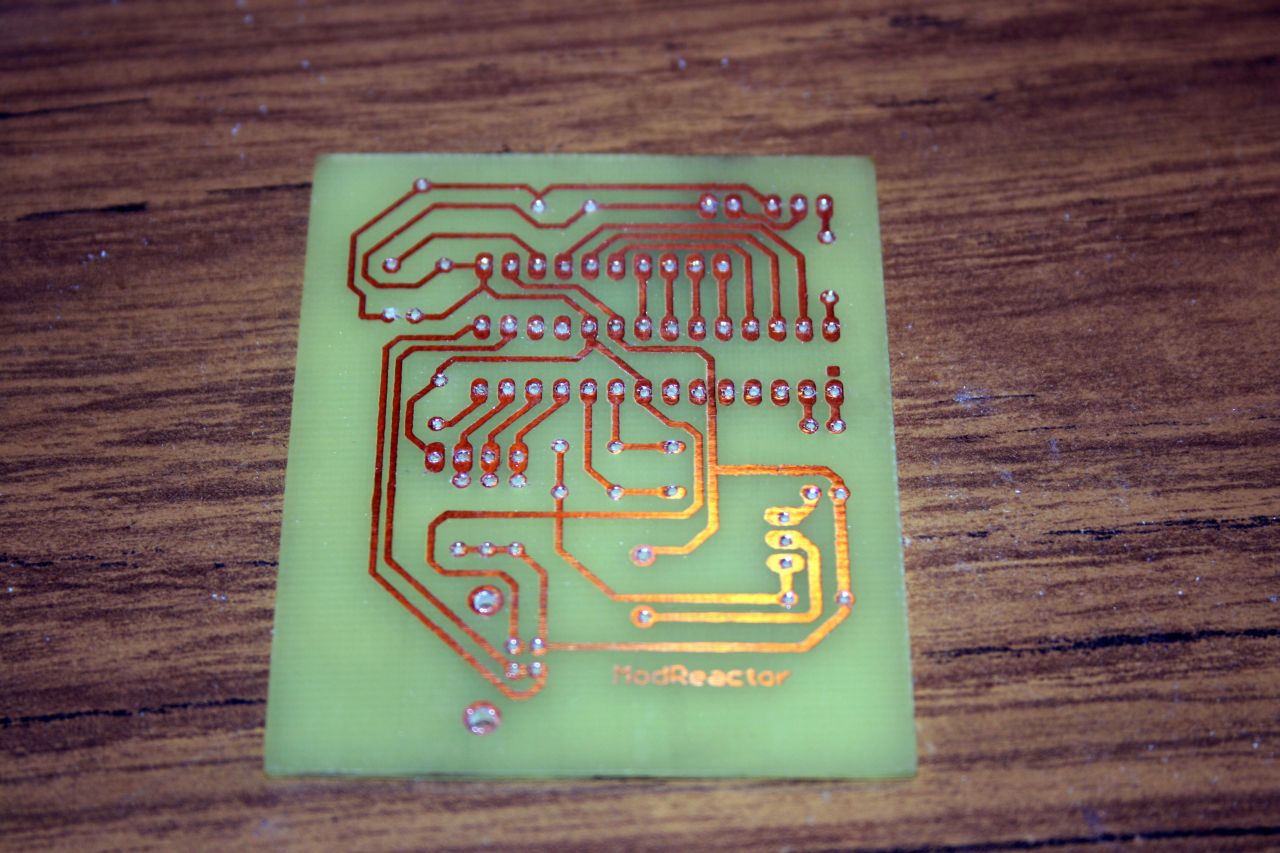
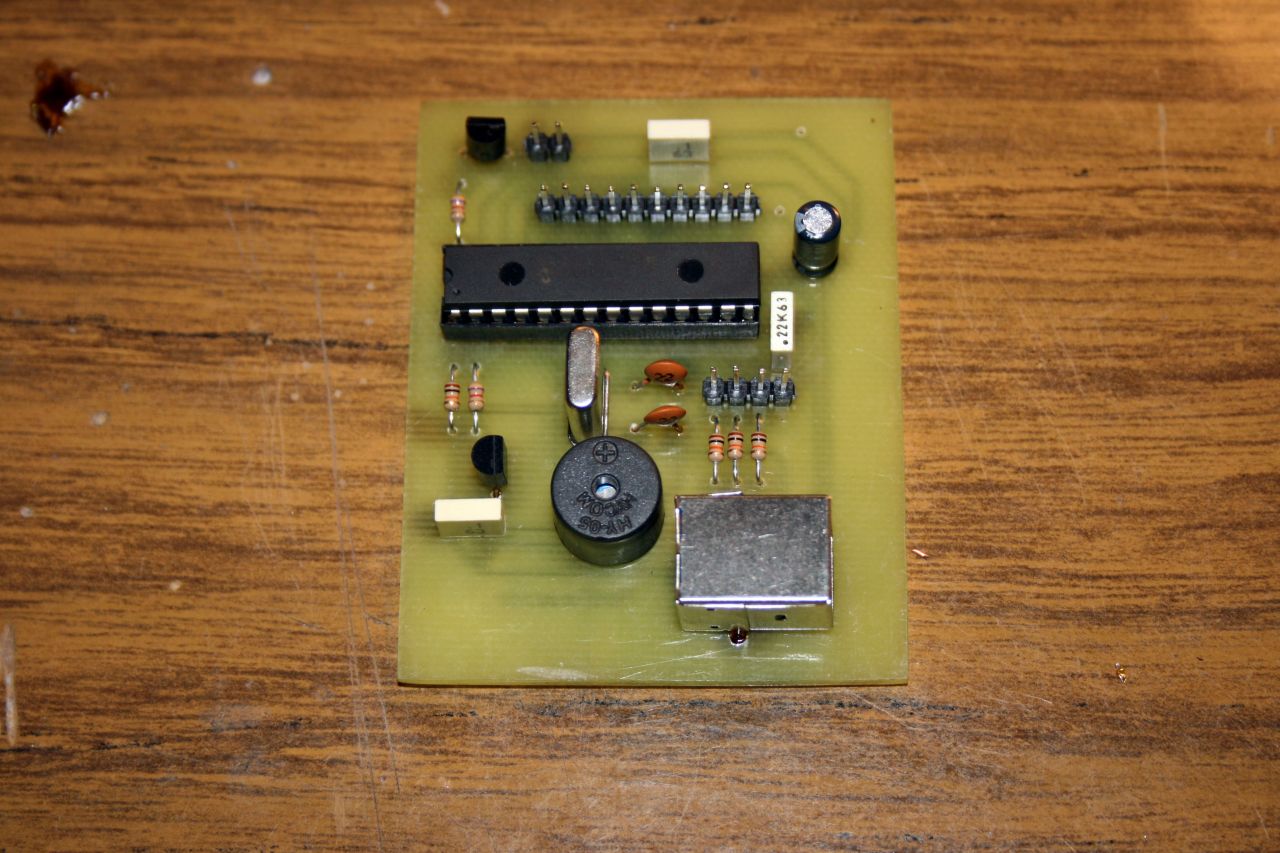
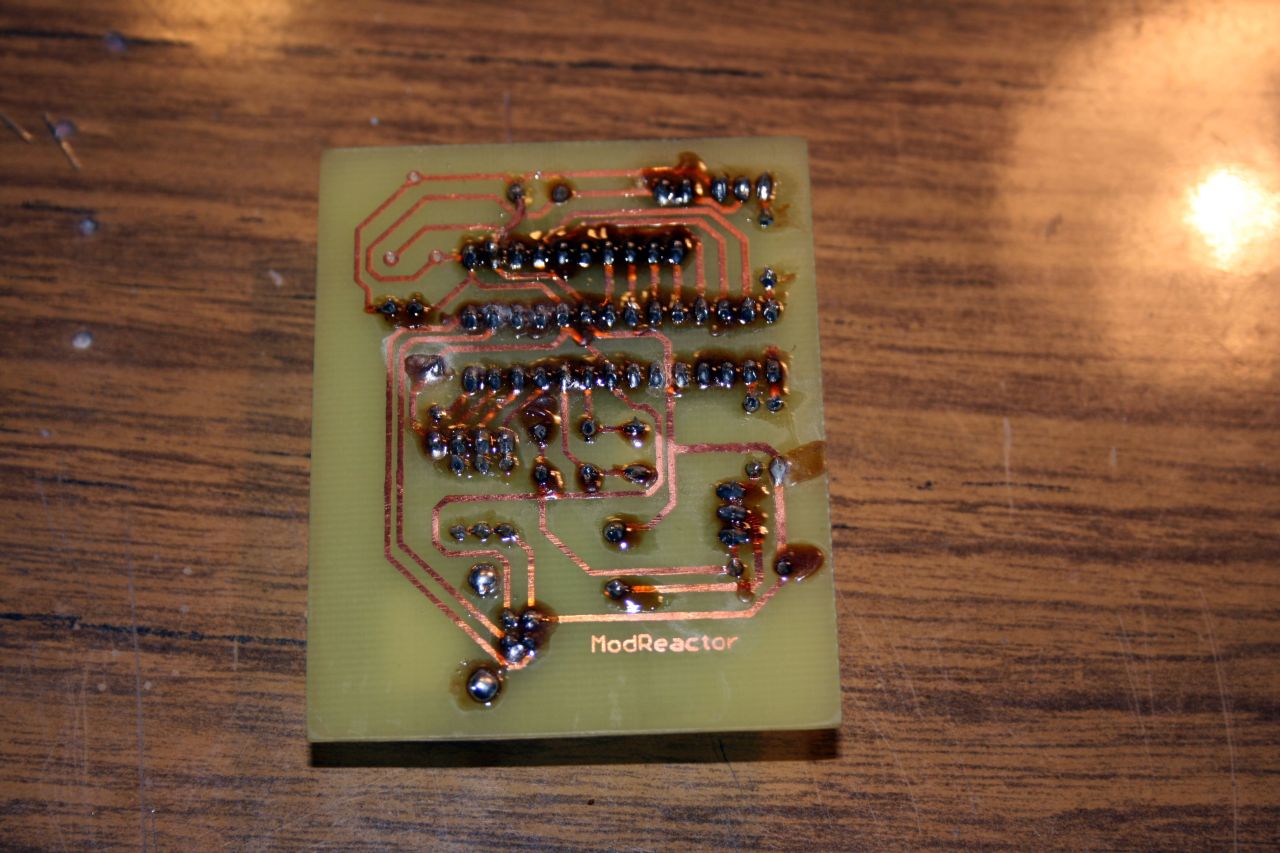
Now all we have to do is solder all the components in their place:
Author: Stoyan Pamukchiev, a.k.a Stuyo
Comments and discussion in our forum HERE .